


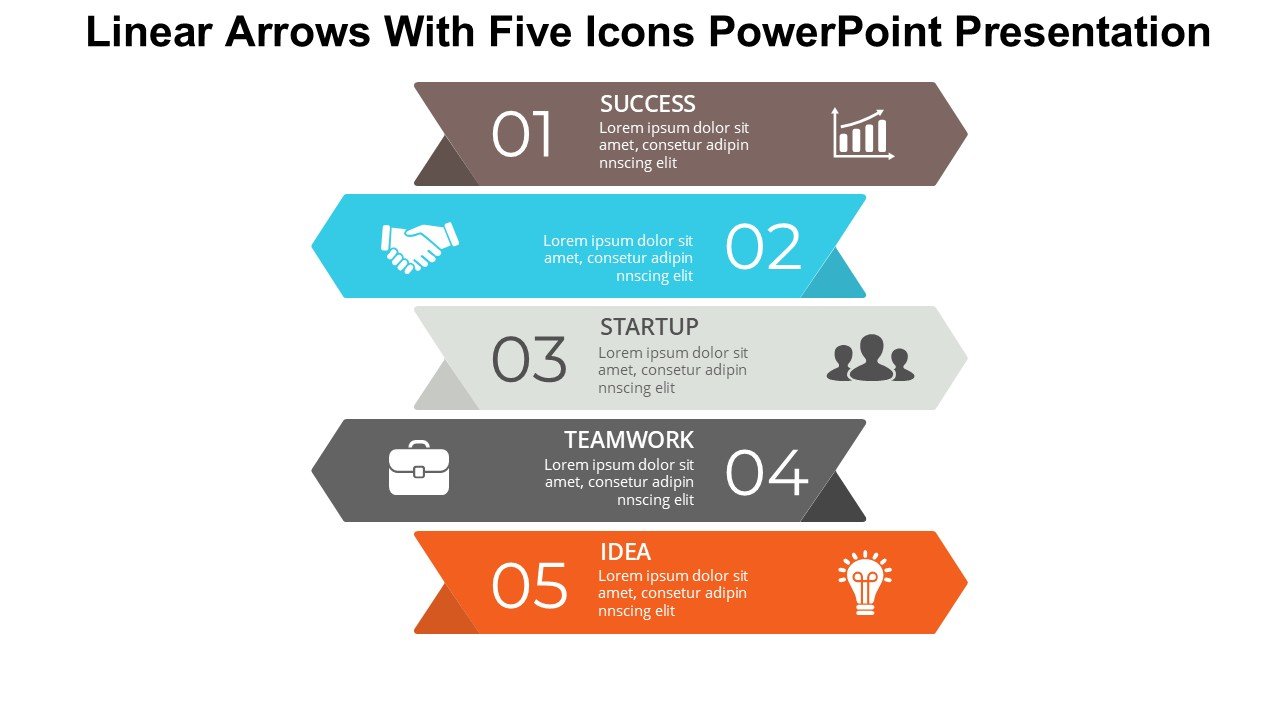
Description
The Linear Arrows With Five Icons PowerPoint Presentation slide template is a meticulously designed PPT template that serves as an invaluable asset for educators, business professionals, and advocates who need to convey processes, timelines, or sequential steps in an engaging and clear manner. This presentation template not only enhances the visual appeal of your presentation but also simplifies the communication of complex information through the use of linear arrows and icons.
Crafted with precision, the Linear Arrows With Five Icons PowerPoint Presentation PPT template features a straightforward design that guides the viewer through your content step-by-step. Each arrow points to the next in a seamless flow, making it perfect for illustrating progression, development stages, or chronological sequences. The addition of five distinct icons provides a visual anchor for each point, helping to highlight different aspects or phases of your presentation topic.
This PPT slide is designed to cater to a wide range of users, from teachers illustrating lesson plans to corporate executives outlining strategic initiatives. The clean, professional look of the slides ensures that they are suitable for formal presentations without sacrificing creativity. The icons included can be customized to fit various themes or subjects, making this PPT template incredibly versatile and adaptable to your specific needs.
Whether you are an educator trying to make your lessons more captivating, a business professional tasked with demonstrating project timelines, or an advocate presenting a step-by-step guide to a cause, the Linear Arrows With Five Icons PowerPoint Presentation is designed to help you deliver your message with clarity and impact.
Features:
– Fully editable templates: Customize every element of the slides with ease.
– High-quality visuals: Ensures clear display without pixelation on large screens.
– Versatile icon use: Icons can be swapped or altered to match different themes.
– Seamless compatibility: Works smoothly with PowerPoint and other popular presentation software.
– User-friendly design: Simple to use and easy to understand, even for beginners.
Use Cases:
– Ideal for educators outlining course structures or teaching methodologies.
– Perfect for business presentations focusing on growth, development, or timelines.
– Useful for non-profits or advocacy groups to illustrate campaign steps or initiatives.
– Applicable in workshops or seminars as a tool to guide discussions or workflows.
– Suitable for personal use, such as planning life goals or personal projects in a visually engaging manner.





There are no reviews yet.