


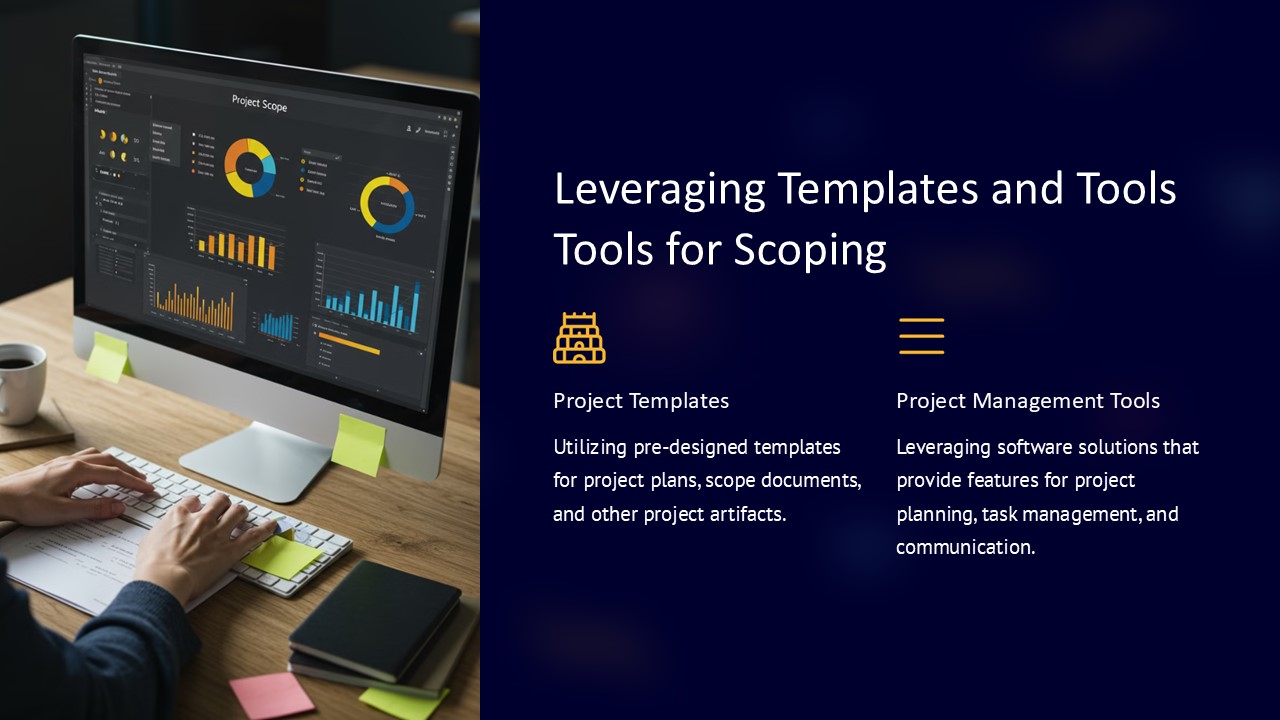
Description
Are you looking to create a professional and impressive PowerPoint presentation but don’t know where to start? Look no further than leveraging templates and tools specifically designed for scoping presentations.
By using templates and tools tailored for scoping PowerPoint presentations, you can save time and effort while ensuring your slides look polished and cohesive. These resources typically come with pre-designed slides that include placeholders for text, images, and data, making it easy for you to simply plug in your content.
One of the key benefits of using templates and tools for scoping presentations is their ability to streamline the design process. With ready-to-use slides and customizable layouts, you can quickly put together a visually appealing presentation without having to worry about starting from scratch.
Additionally, these templates often come with built-in design elements and color schemes that help maintain a consistent look throughout your presentation. This can help you create a professional and polished final product that will impress your audience.
When it comes to features related to fully editable templates, you can expect options such as:
1. Customizable layouts: Easily rearrange slide elements, resize images, and adjust text boxes to suit your content and design preferences.
2. Color schemes: Change the color palette of the presentation to align with your branding or personal style.
3. Font options: Choose from a variety of fonts to ensure your text is clear and visually appealing.
4. Image placeholders: Easily insert images into designated placeholders without having to worry about resizing or formatting.
5. Data visualization tools: Utilize charts, graphs, and other data visualization elements to present information in a clear and compelling way.
Overall, by leveraging templates and tools for scoping PowerPoint presentations, you can take your slides to the next level and create a visually stunning and impactful presentation with ease.


There are no reviews yet.