


Description
The “Level Of Effort PowerPoint Presentation PPT template” is an indispensable resource designed to assist professionals, educators, and advocacy groups in presenting complex projects and workflows with clarity and precision. This comprehensive PPT slide template is tailored to help you visually communicate the amount of effort and resources required for various tasks or projects, facilitating better planning and management.
Ideal for use in a variety of settings from corporate boardrooms to educational workshops, this presentation template allows users to effectively demonstrate concepts such as project management, resource allocation, and team workload. The slides are structured to accommodate detailed descriptions and can be adapted to suit project scopes of any size or complexity. Whether you are a project manager needing to outline the effort levels for stakeholder presentations, an educator explaining project management principles, or an advocate illustrating the effort required to initiate a community project, this PPT template is designed to meet your needs.
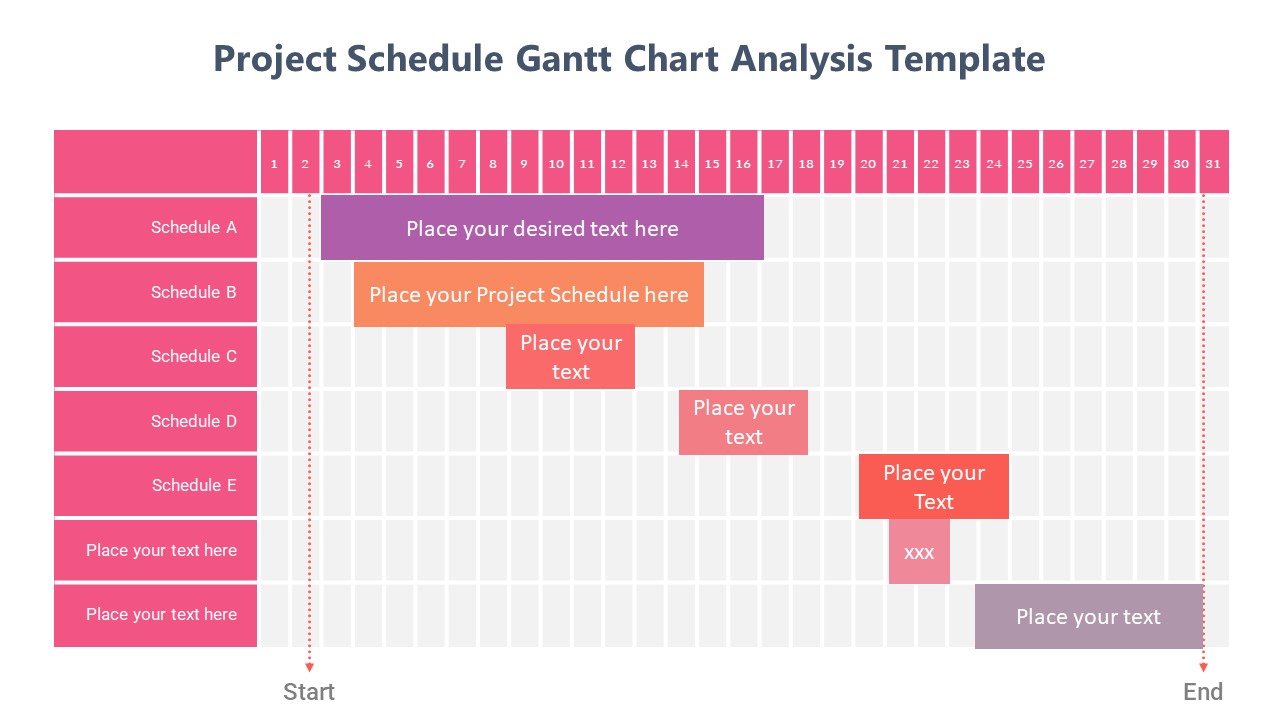
The “Level Of Effort PowerPoint Presentation slide template” consists of a range of slides that include graphical representations like charts and tables, which can be customized to reflect specific data and effort estimations. The template’s design is professional yet flexible, allowing for modifications to fit your presentation’s tone and style without sacrificing visual appeal or clarity.
This PPT template not only enhances your ability to communicate essential information but also ensures that your audience can easily grasp and retain complex data regarding effort levels. By utilizing this slide template, you convey your message more effectively, ensuring that your presentations are both informative and engaging.
Features:
– Fully editable templates: Customize every element of the slides with ease.
– High-quality graphics: Ensures visual appeal and professional aesthetics.
– Versatile slide designs: Suitable for various presentation needs.
– Easy to use: User-friendly interface for professionals at all levels.
– Compatible with PowerPoint and Google Slides: Works across popular presentation platforms.
Use Cases:
– Ideal for project management training sessions.
– Essential for business executives presenting resource needs.
– Suitable for academic purposes, particularly in management and business courses.
– Beneficial for non-profit organizations planning outreach or community projects.
– Useful for consultants advising on project and time management.


There are no reviews yet.