


Description
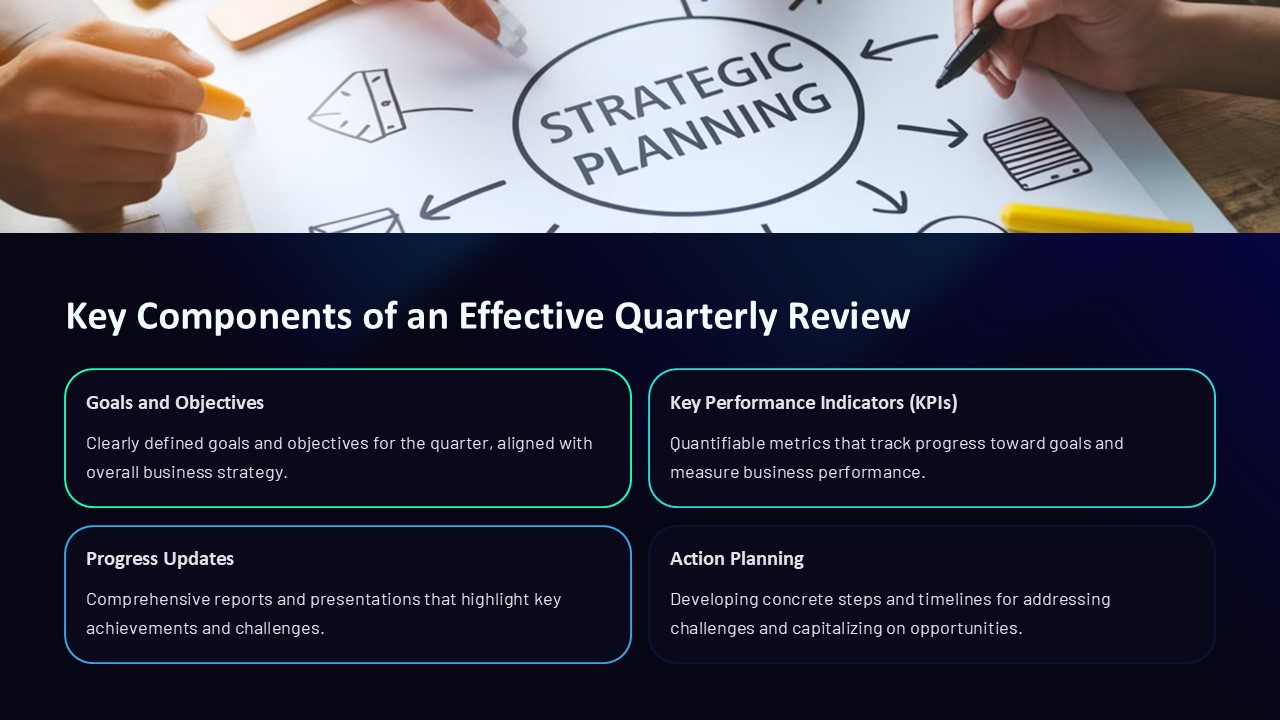
The key components of an effective quarterly review PowerPoint presentation play a crucial role in conveying essential information in a clear and concise manner. These components help presenters to showcase progress, updates, and achievements to stakeholders, team members, or clients.
1. **Agenda Slide**: Start with a well-organized agenda slide that outlines the topics that will be covered during the presentation. This helps set the expectations and structure the flow of the review.
2. **Performance Metrics**: Include key performance indicators (KPIs) and metrics that reflect the progress made towards goals and objectives. Visual representations such as charts and graphs can help in illustrating the data effectively.
3. **Highlights and Accomplishments**: Share the major accomplishments, milestones, and successes achieved during the quarter. This boosts morale and demonstrates the team’s capabilities.
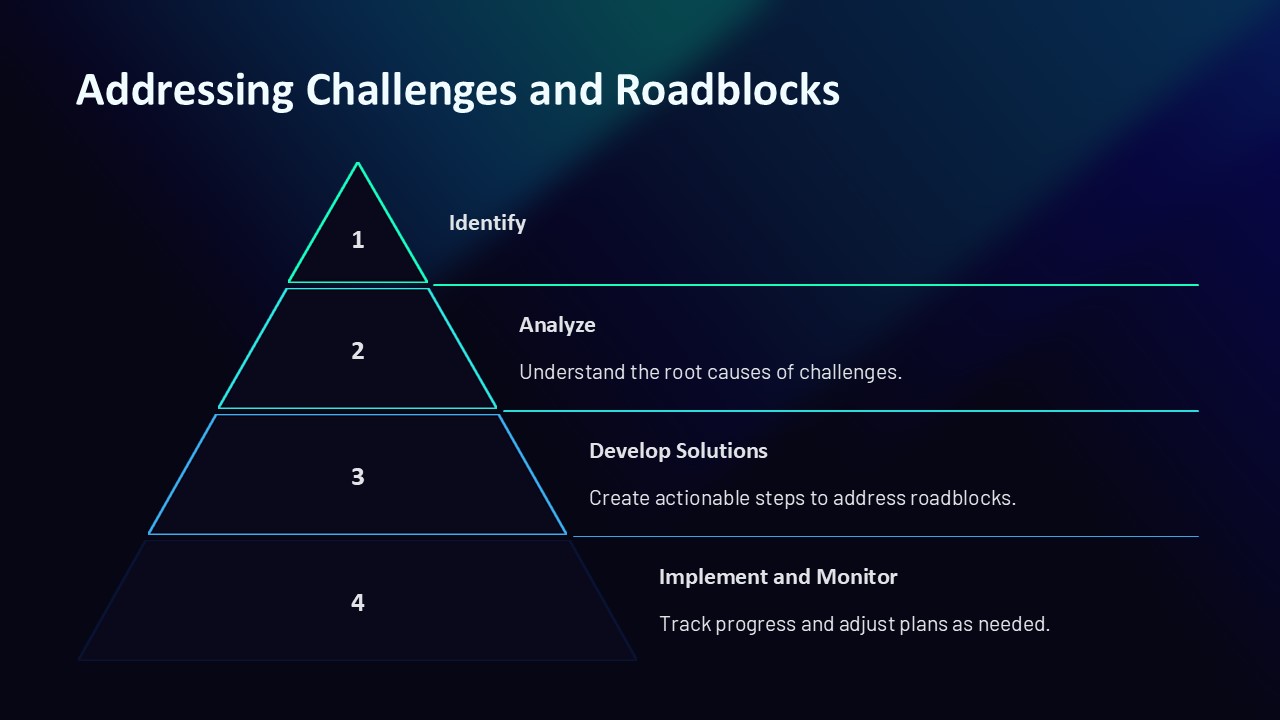
4. **Challenges and Roadblocks**: It is essential to address any challenges or roadblocks encountered during the quarter. Discussing these obstacles transparently shows a willingness to adapt and improve in the future.
5. **Action Plans**: Outline the action plans and strategies for addressing challenges and capitalizing on opportunities in the upcoming quarter. This demonstrates a proactive approach towards continuous improvement.
6. **Financial Overview**: Present a summary of the financial performance, including revenue, expenses, and profitability. This helps stakeholders understand the financial health of the organization.
7. **Next Steps and Goals**: Clearly define the goals and objectives for the next quarter. Specify the action steps needed to achieve these goals, along with timelines and responsibilities.
**Features of Fully Editable Templates**:
1. **Customizable Design**: The templates offer a customizable design that allows users to change colors, fonts, and layouts to suit their brand and presentation style.
2. **Drag-and-Drop Elements**: Users can easily add, remove, or rearrange elements such as text boxes, images, and charts with a simple drag-and-drop function.
3. **Editable Charts and Graphs**: The templates come with editable charts and graphs that can be updated with real-time data to reflect the most current performance metrics.
4. **Master Slides**: Users can make changes to the master slides, such as adding logos or adjusting the background, to create a consistent look throughout the presentation.
5. **Comprehensive Content**: The templates provide placeholders and prompts for each key component of a quarterly review presentation, ensuring that users cover all essential information.
6. **Professional Layouts**: The templates offer professional and polished layouts that enhance the overall look and feel of the presentation, making it more engaging and impactful.
In conclusion, using fully editable templates with these key components can help presenters create an effective quarterly review PowerPoint presentation that informs, engages, and inspires their audience.




There are no reviews yet.