


Description
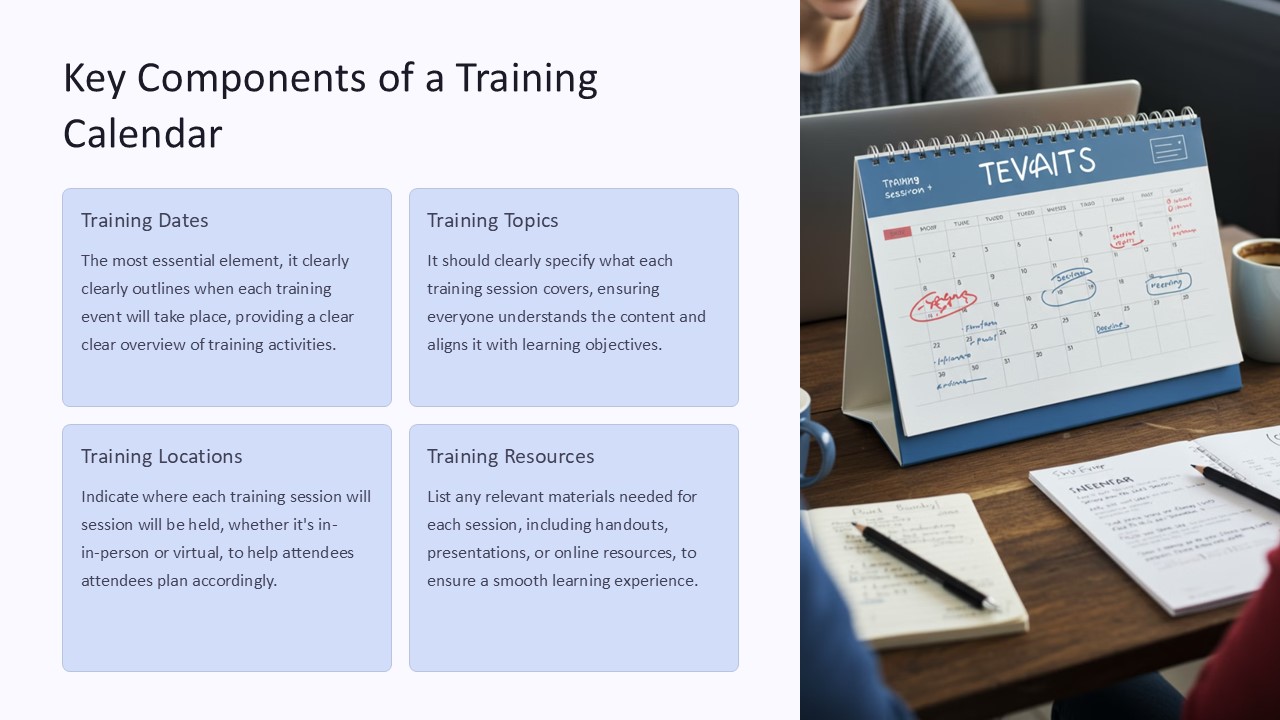
Key Components of a Training Calendar PowerPoint Presentation:
A well-designed training calendar can be a valuable tool for organizations looking to effectively plan and manage their training programs. A Training Calendar PowerPoint Presentation is an essential resource for HR departments, training managers, and team leaders to keep track of training schedules, topics, trainers, and locations. This presentation template includes key components that are crucial for a successful training calendar.
1. Training Program Overview: The training calendar should provide a comprehensive overview of all training programs scheduled throughout the year. This includes details such as training topics, dates, and durations.
2. Trainer Information: It is important to include information about the trainers conducting the training sessions. This may include their names, qualifications, expertise, and contact details.
3. Training Schedule: A detailed schedule is essential to ensure that training sessions are well-organized and run smoothly. The calendar should clearly outline the dates, times, and locations of each training session.
4. Learning Objectives: Each training session should have clearly defined learning objectives to help participants understand what they will gain from the training.
5. Interactive Elements: To engage participants and make the training calendar more interactive, include elements such as clickable links, navigation buttons, and interactive graphics.
Features of the fully editable templates:
1. Customizable Design: The templates are fully editable, allowing users to customize the colors, fonts, and layout to suit their organizational branding.
2. Easy-to-Use: The templates are user-friendly, making it easy for anyone to update and modify the content without advanced design skills.
3. Flexible Layout: The templates offer a flexible layout that can be easily adjusted to accommodate different amounts of content and information.
4. Visual Appeal: With high-quality graphics and modern design elements, the templates are visually appealing and will capture the attention of viewers.
5. Time-Saving: Using pre-designed templates can save time and effort in creating a professional-looking training calendar presentation.
In conclusion, a Training Calendar PowerPoint Presentation with key components and fully editable templates is an essential resource for organizations looking to streamline their training programs and ensure a successful learning experience for their employees.




There are no reviews yet.