


Description
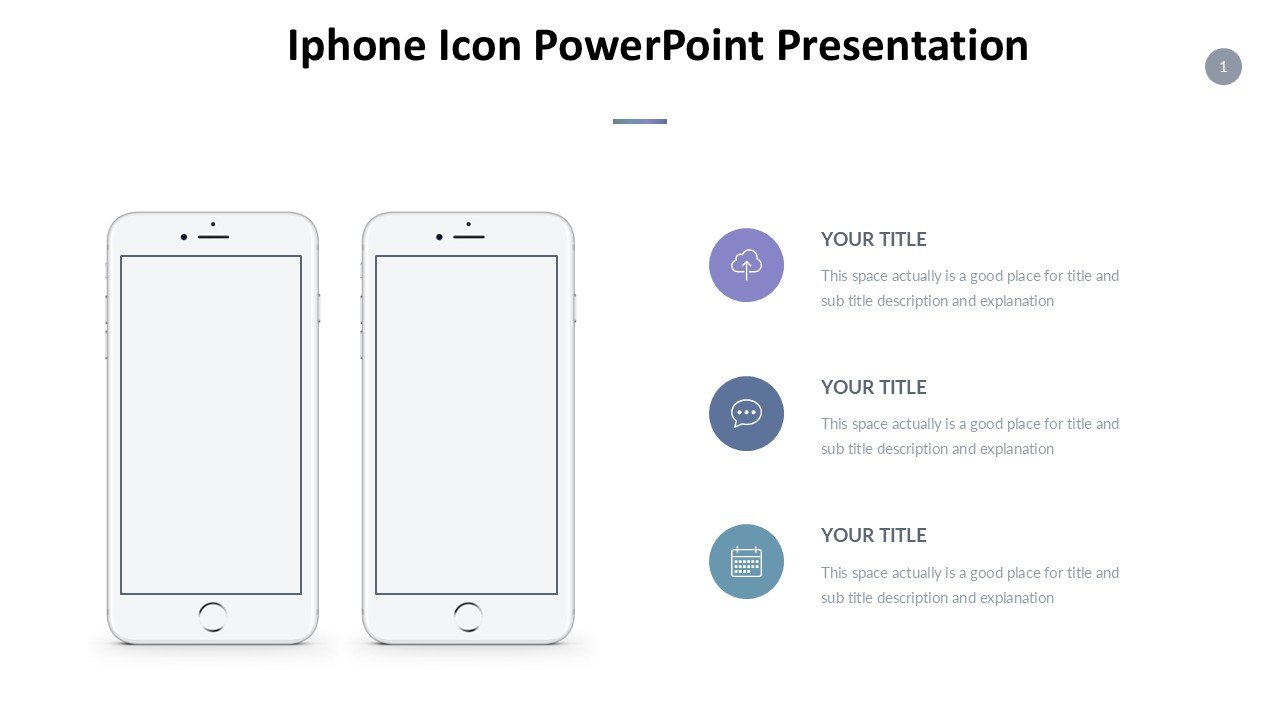
The Iphone Icon PowerPoint Presentation PPT template is an essential PPT slide resource for educators, professionals, and digital product advocates who seek to incorporate sleek, recognizable imagery associated with one of the world’s leading technology brands into their presentations. This meticulously designed slide template merges the iconic aesthetics of iPhone interfaces with the functional versatility required for impactful presentations.
Ideal for a wide range of applications, from academic lectures that delve into the evolution and impact of smartphone technology to marketing pitches showcasing app designs or mobile technology products, this PPT template serves as a bridge between familiar visual elements and new information. The presentation template is crafted not just to captivate but also to facilitate clearer understanding and retention of presented data through the use of familiar graphical icons and interfaces.
Each slide in the Iphone Icon PowerPoint Presentation slide template is tailored to enhance viewer engagement by utilizing iPhone-style icons and layouts that are instantly recognizable to anyone familiar with modern digital devices. This association not only makes the presentations more relatable but also enhances the communicative effectiveness of the material presented. The template is designed to be user-friendly, allowing presenters to easily insert their data and adjust layouts without needing extensive design skills.
This PPT slide template is perfect for tech industry professionals aiming to present information in a format that speaks directly to tech-savvy audiences, as well as educators discussing topics in digital communication, app development, or media studies. It’s also an excellent choice for advocates detailing tech-centric initiatives or campaigns, where clear, visually engaging communication is crucial.
Features:
– Fully editable templates: Customize every element of the slides with ease.
– High-quality iPhone icons and imagery: Ensures the presentation is visually appealing and relevant.
– Versatile slide layouts: Suitable for a variety of presentation types and content.
– Easy to use and integrate: Quickly add your content without extensive PowerPoint skills.
– Compatible with PowerPoint and Google Slides: Works across popular presentation platforms.
Use Cases:
– Ideal for educational presentations on technology and digital communication.
– Suitable for professional pitches and proposals in the tech industry.
– Effective for advocacy and informational campaigns related to digital literacy or consumer rights in technology.
– Helpful for trainers and educators in workshops focusing on app development or user interface design.







There are no reviews yet.