


Description
Looking for a seamless way to integrate your PowerPoint presentations with Outlook and Google Calendar? Look no further than our Integrating with Outlook and Google Calendar PowerPoint Presentation template. This versatile and user-friendly template allows you to easily sync your presentations with your calendar, making it a breeze to keep track of important events and meetings.
With this template, you can display your PowerPoint slides directly in Outlook and Google Calendar, minimizing the need to switch between applications. This integration makes it easy to access your presentations on the go, whether you’re in the office or on the road. You can also set reminders for upcoming presentations and schedule automatic updates to ensure that your slides are always up to date.
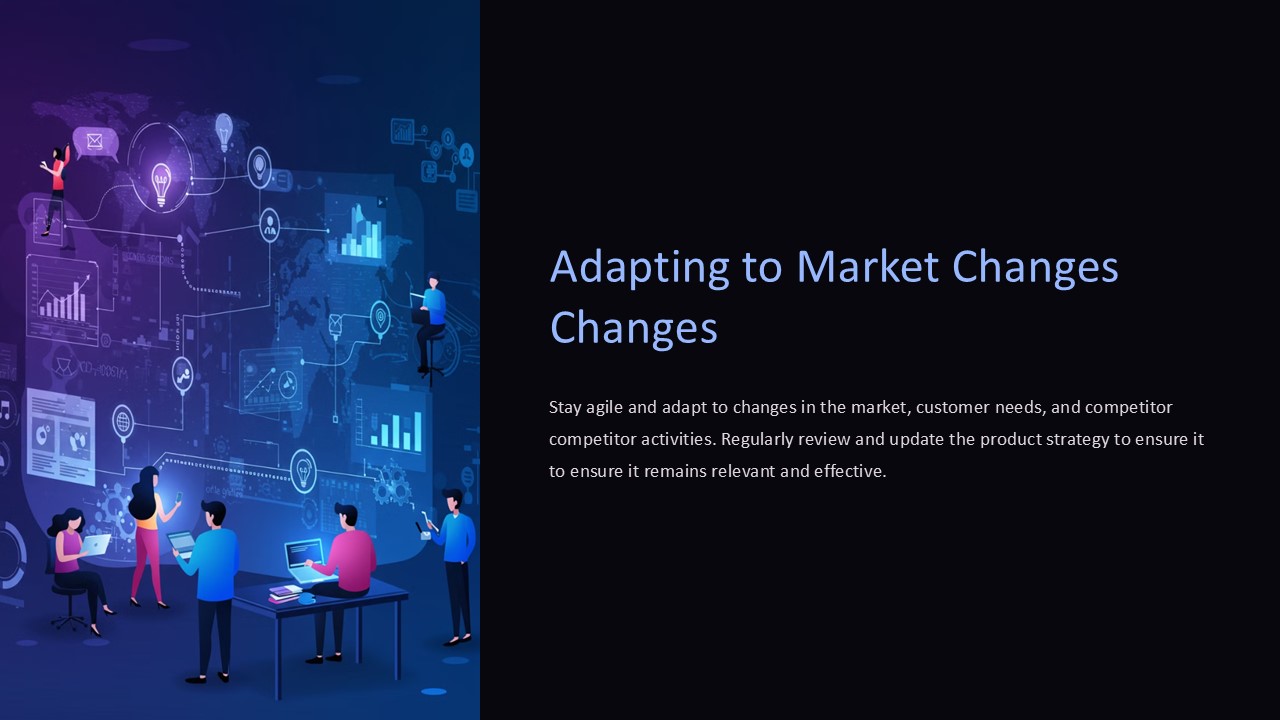
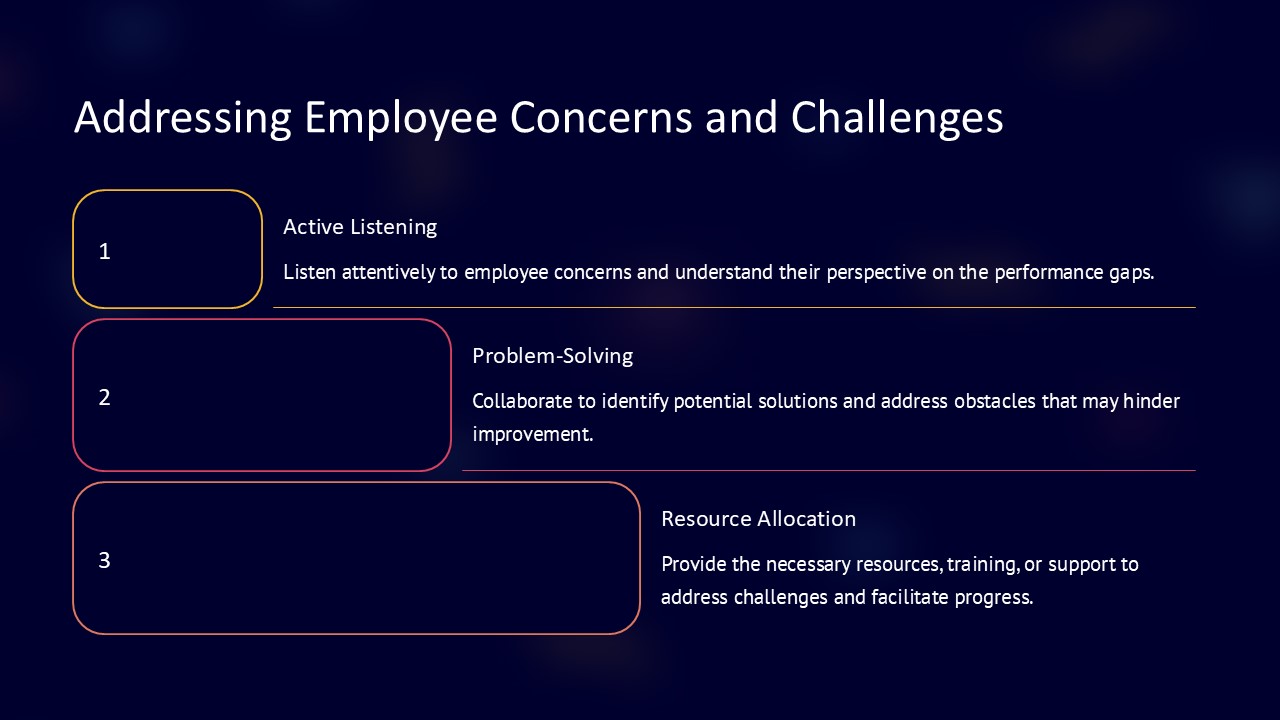
Our Integrating with Outlook and Google Calendar PowerPoint Presentation template comes with a range of fully editable slides that you can customize to suit your specific needs. Whether you’re creating a sales pitch, a training module, or a project update, you can easily tailor the content to fit your audience and messaging. With editable graphs, charts, and diagrams, you can visually showcase your data and key points with ease.
Features of the Integrating with Outlook and Google Calendar PowerPoint Presentation template include:
1. Seamless integration with Outlook and Google Calendar for easy access to your presentations
2. Fully editable templates that can be customized to suit your specific needs
3. Ability to set reminders and schedule automatic updates for your slides
4. Visually appealing graphs, charts, and diagrams for clear data representation
5. User-friendly interface for hassle-free navigation and customization
Overall, our Integrating with Outlook and Google Calendar PowerPoint Presentation template offers a convenient and efficient way to manage your presentations and calendar events in one place. Streamline your workflow and enhance your productivity with this innovative template.



There are no reviews yet.