


Description
The Implementation Options PowerPoint Presentation PPT template is a professionally designed resource tailored to meet the needs of educators, business professionals, and policy advocates who are looking to present complex implementation strategies in a clear and coherent manner. This PPT template is designed to assist in illustrating various implementation options in a visually engaging format, helping audiences understand potential strategies and their implications effectively.
Created with attention to detail, the Implementation Options PowerPoint Presentation slide template serves as an indispensable tool for anyone involved in the planning, execution, or teaching of strategic implementations across various fields. Whether it’s rolling out a new corporate initiative, introducing a technological upgrade, or discussing policy changes, this presentation template ensures that you convey your message with precision and clarity.
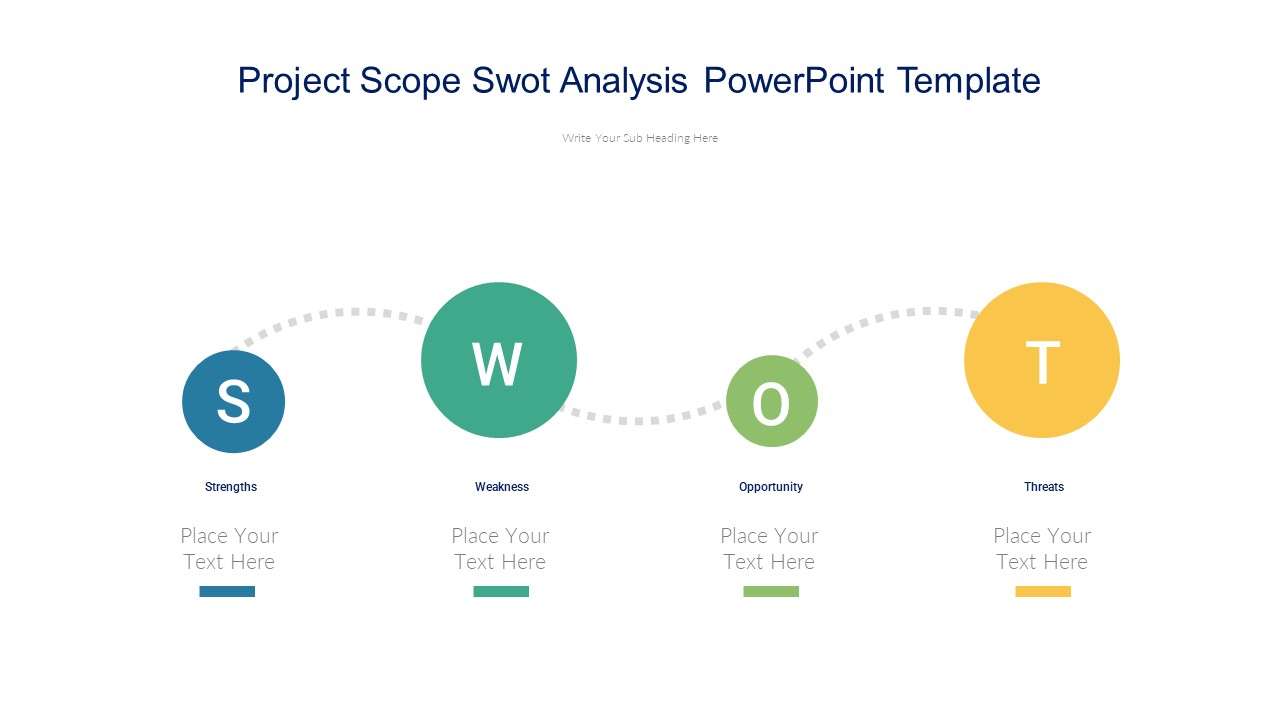
The design of the Implementation Options PowerPoint Presentation PPT slide includes a variety of slide layouts, each structured to aid in breaking down complex information into digestible segments. Graphs, charts, and bullet points are seamlessly incorporated to facilitate comparative analyses and highlight critical data points. The use of professional color palettes and high-quality graphics ensures that each slide is not only informative but also appealing.
Ideal for use in academic settings, corporate meetings, and advocacy groups, this PPT slide template provides a foundation upon which a robust discussion can be built. It encourages engagement from the audience, making it easier for the presenter to guide them through the nuances of various implementation scenarios. This template is not just a presentation aid but a catalyst for clearer understanding and better decision-making.
Features:
– Fully editable templates: Customize every element of the slides with ease.
– High-quality graphics: Ensures professional visual appeal.
– Versatile slide layouts: Includes charts, graphs, and bullet lists.
– Professional color scheme: Enhances readability and viewer engagement.
– Compatibility with PowerPoint and Google Slides: Use across different platforms without compatibility issues.
Use Cases:
– Ideal for educators teaching project management or strategic planning.
– Useful for business professionals outlining new corporate strategies.
– Essential for policy advocates explaining the implications of proposed changes.
– Beneficial for consultants presenting implementation options to clients.
– Appropriate for training sessions within organizations to explain operational changes.



There are no reviews yet.