


Description
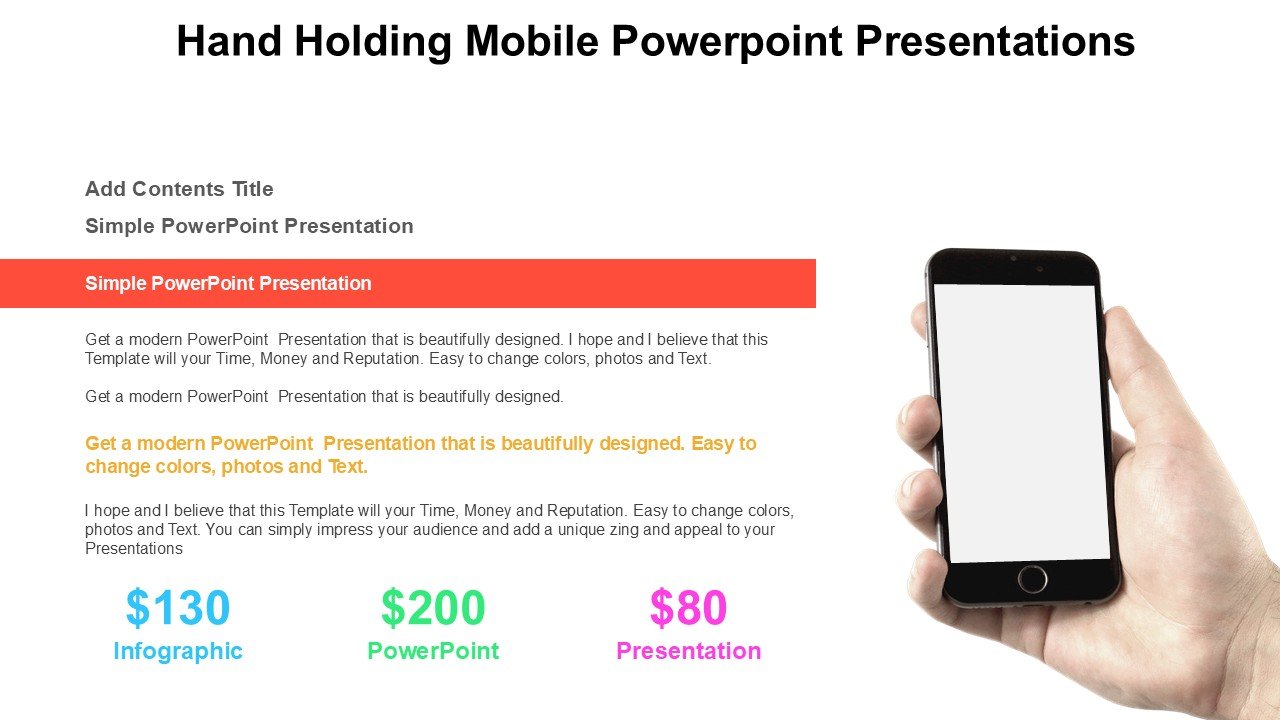
In today’s digital age, presentations have become a cornerstone of communication in educational, professional, and advocacy settings. The ‘Hand Holding Mobile PowerPoint Presentations PPT template’ is specifically designed for users who require a modern and engaging approach to display mobile technology and its interactions within their slides. This slide template is perfect for educators, tech industry professionals, marketers, and advocates who aim to showcase applications, mobile technology trends, or marketing strategies effectively.
The ‘Hand Holding Mobile PowerPoint Presentations slide template’ provides a visually appealing way to illustrate the dynamic interaction between mobile technology and users. It uses graphical elements like hand-held devices and touch gestures graphics that are increasingly relevant in presentations related to mobile apps development, digital communication, and user interface design. The PPT template is structured to help presenters create a compelling narrative about mobile technology’s impact and its functionalities.
This presentation template includes multiple slide layouts that are tailored to focus on the versatility and innovation of mobile technology. Each slide is crafted to hold attention with crisp, clear imagery of hands holding mobile devices, making it easier for the audience to connect with the content. Whether you are an educator teaching students about the latest in mobile computing, a business professional demonstrating a new app to stakeholders, or an advocate discussing the importance of digital accessibility, the Hand Holding Mobile PowerPoint Presentations PPT slide makes your message clear and impactful.
SEO-optimized phrases like ‘Hand Holding Mobile PowerPoint Presentations PPT template’ are integrated throughout the presentation template, ensuring that it not only meets educational and professional standards but also performs well in digital searches. This feature is essential for professionals looking to increase the visibility of their presentations online.
The design is intuitive, allowing users of all technical levels to customize it according to their needs without requiring extensive design skills. This ease of use ensures that your focus remains on the content, not on battling with complex design tools.
Features:
– Fully editable templates: Customize every element of the slides with ease.
– High-quality visuals: Includes high-resolution graphics to ensure clear visibility.
– Versatile slide layouts: Offers a variety of layouts to suit different presentation needs.
– Easy to integrate: Seamlessly add your own text, images, and data.
– Compatibility: Works with Microsoft PowerPoint, ensuring wide accessibility.
Use Cases:
– Ideal for educators teaching courses on mobile computing or digital communication.
– Suitable for tech industry professionals presenting new mobile applications or features.
– Effective for digital marketing presentations focusing on mobile-based campaigns.
– Useful for advocates highlighting the importance of digital accessibility and mobile technology.
– Perfect for corporate training sessions on mobile technology usage and policies.







There are no reviews yet.