


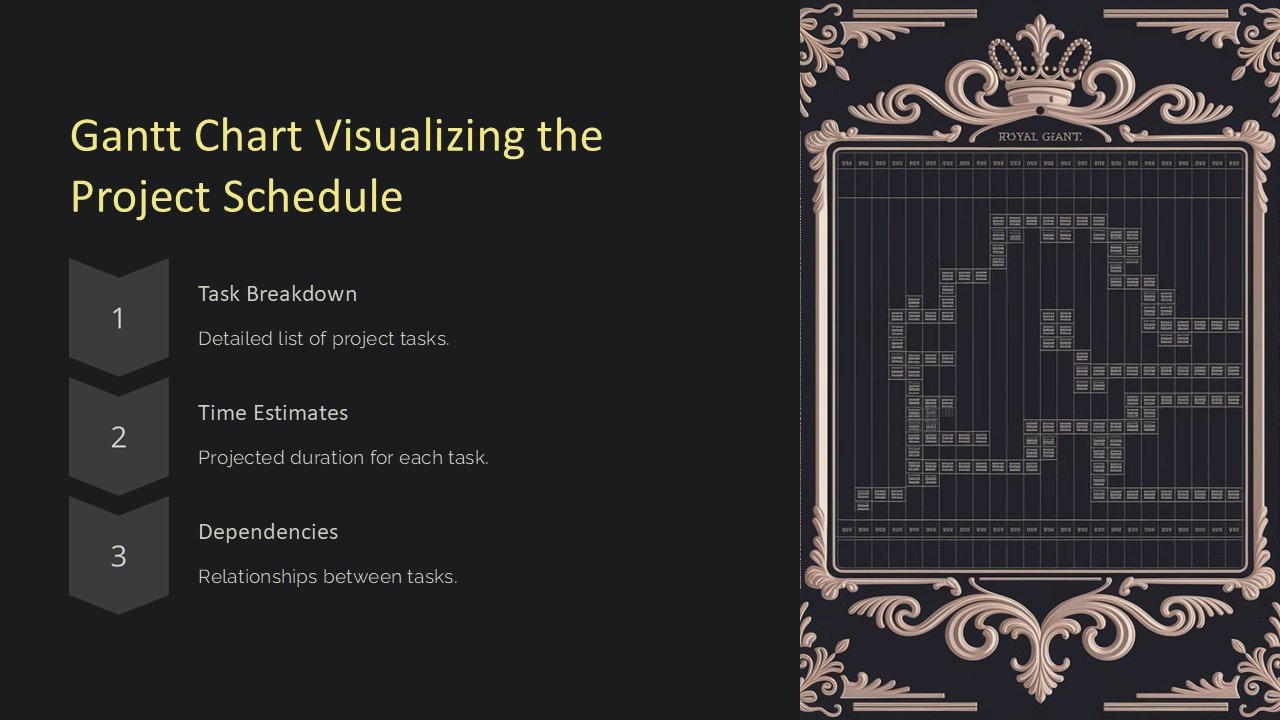
Description
**Introducing the Gantt Chart Visualizing the Project Schedule PowerPoint Presentation**
Perfect for project managers and team leads, the Gantt Chart Visualizing the Project Schedule PowerPoint Presentation is a professional toolkit designed to help you clearly outline and track the progress of your projects. This comprehensive presentation template allows for detailed scheduling and provides an extensive overview of project timelines and deliverables.
This PowerPoint presentation is crafted to assist project stakeholders in understanding the sequence of activities, dependencies, and the overall scope of the project. It is an indispensable tool for ensuring that all team members are aligned and informed about the project’s timelines and milestones.
**Visual Appeal and Clarity**
The design of the Gantt Chart PowerPoint template is clean and professional, making it suitable for corporate settings. The use of contrasting colors highlights different phases and tasks, ensuring that the presentation is not only informative but also visually appealing. Each slide is thoughtfully designed to convey information clearly and concisely, reducing complexity and enhancing understanding.
**Customization and Flexibility**
One of the key features of this PowerPoint presentation is its high degree of customization. Each element on the Gantt chart can be modified to fit the specific needs of your project. Whether it’s adjusting timelines, changing task names, or updating the status of a project phase, this template offers the flexibility needed to represent your project accurately.
**Features of the Gantt Chart Visualizing the Project Schedule PowerPoint Presentation:**
– **Fully Editable Templates**: Every aspect of the Gantt chart can be edited. This means you can customize the layout, color scheme, text, and more to match your company branding or project requirements.
– **Compatibility**: The template is compatible with both Microsoft PowerPoint and Google Slides, making it versatile and easy to use across different platforms.
– **Drag and Drop Simplicity**: Adding, removing, or adjusting tasks is as simple as dragging and dropping elements within the slide. This feature makes it incredibly user-friendly and efficient for project planning.
– **Variety of Layouts**: The presentation includes a range of slide layouts, which allows you to choose the most effective way to display your project data. Whether you need a detailed view for a week, month, or year, this template has you covered.
– **Dynamic Time Scaling**: Adjust the time scale of your Gantt chart to match the duration of your project. This dynamic feature ensures that short-term projects are just as easy to manage and visualize as longer ones.
– **Progress Tracking**: The template includes visual indicators that help track the progress of each task or phase. This feature is essential for keeping stakeholders informed about the current status of the project.
This Gantt Chart Visualizing the Project Schedule PowerPoint Presentation is a powerful tool for anyone involved in project management. It not only aids in planning and scheduling but also serves as a dynamic document for tracking project progress and communicating with team members and stakeholders. Equip your project management arsenal with this detailed, customizable, and easy-to-use Gantt chart template and bring clarity and precision to your project schedules.


There are no reviews yet.