


Description
The Explaining A Process PowerPoint Presentation PPT template is a meticulously designed presentation template specifically crafted to assist educators, professionals, and advocates in delivering clear and effective explanations of various processes. Whether you are a teacher aiming to elucidate a scientific process to students, a business leader demonstrating a new procedure to staff, or an advocate outlining a policy’s implementation steps, this PPT template is engineered to support your objectives with clarity and precision.
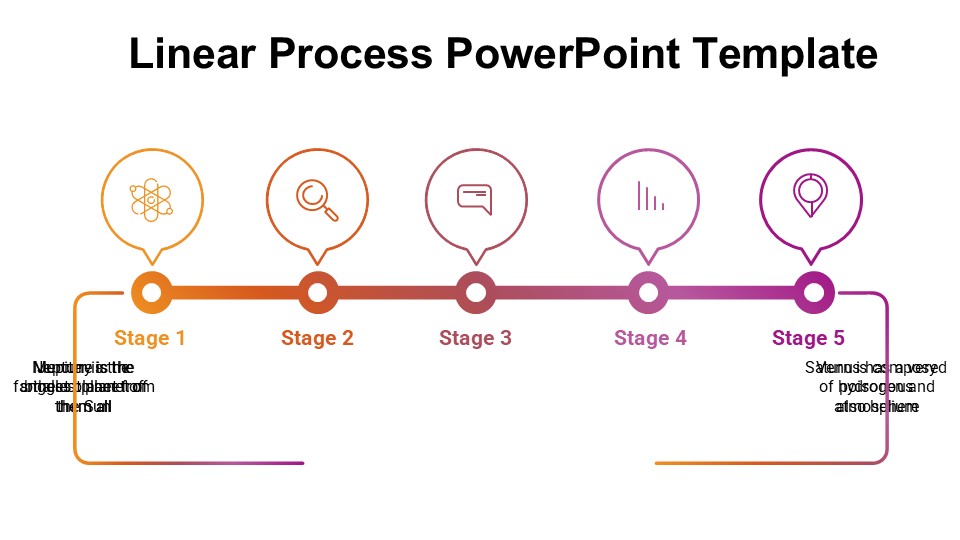
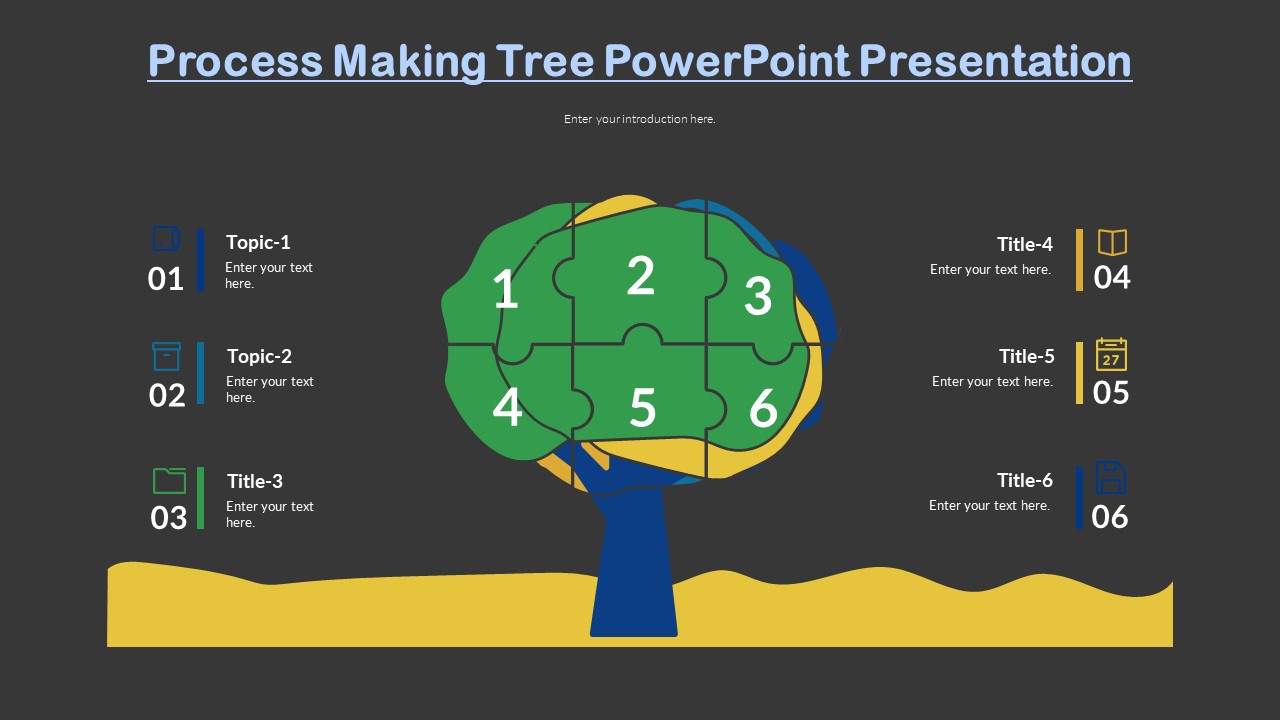
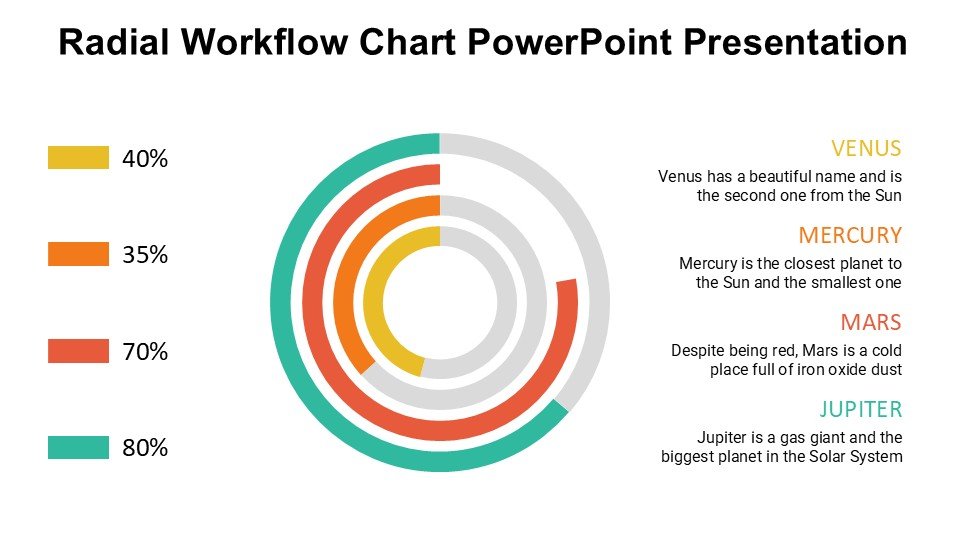
This PPT slide template comes equipped with a range of slide designs that cater to different explanatory needs, making it versatile across various fields and disciplines. Each slide is structured to help the presenter break down complex processes into manageable, understandable parts. The templates use graphical elements like flowcharts, diagrams, and bullet lists to visually represent the steps of a process, thereby enhancing comprehension and retention among audiences.
The Explaining A Process PowerPoint Presentation slide template is not only functional but also aesthetically pleasing, featuring a professional and clean design that can be adapted to fit the branding requirements of any organization. It is designed to keep the audience engaged while providing all the necessary tools for a presenter to convey their message effectively.
This presentation template is an invaluable resource for anyone who needs to communicate detailed processes clearly and persuasively. It is designed to be user-friendly, allowing even those with minimal graphic design experience to modify layouts, add content, and customize design elements with ease, ensuring that your presentation not only informs but also impresses.
Features:
– Fully editable templates: Customize every element of the slides with ease.
– High-quality graphics: Ensures that visuals are clear and impactful.
– Wide variety of slide types: Includes diagrams, flowcharts, step-by-step guides, and more.
– Professional design: Sleek, clean aesthetic that keeps the audience focused.
– Compatible with PowerPoint and Google Slides: Works across popular presentation platforms.
– Multiple color schemes: Choose from several professionally selected palettes or create your own.
Use Cases:
– Ideal for educational settings: Helps teachers explain scientific, mathematical, or technical processes.
– Essential for business meetings: Useful for presenting new workflows, operational processes, or procedural updates.
– Supports training sessions: Assists trainers in outlining step-by-step training processes for new employees or volunteers.
– Enhances advocacy presentations: Enables advocates to clearly outline the steps involved in policy implementation or community action plans.
– Useful in workshops and seminars: Facilitates the explanation of complex topics in an accessible manner.




There are no reviews yet.