


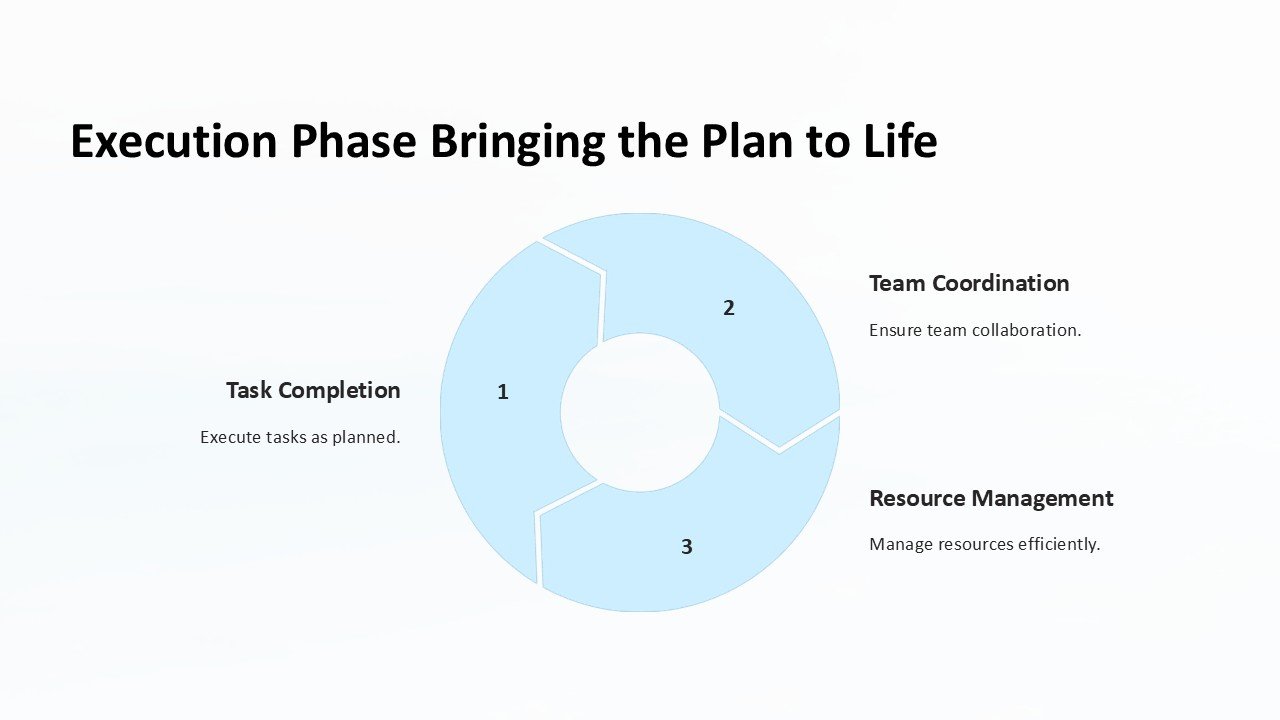
Description
Introducing the “Execution Phase: Bringing the Plan to Life” PowerPoint Presentation, an essential resource designed to help project managers and teams transition seamlessly from planning to execution. This comprehensive PowerPoint presentation is crafted specifically to guide you through the critical phase of project management, ensuring that your strategic plans are implemented effectively, and your project goals are achieved successfully.
This presentation is equipped with a series of meticulously designed slides that cover all key aspects of the execution phase. Each slide focuses on a different element of project execution, from mobilizing team resources to deploying key strategies and monitoring progress. The content is structured to provide a logical flow, making it easier for the presenter to communicate complex information and for the audience to grasp the essentials of effective project execution.
The “Execution Phase: Bringing the Plan to Life” PowerPoint Presentation is not just about delivering information; it’s about engaging your audience. With professional graphics, customizable diagrams, and interactive elements, this presentation is designed to keep your audience interested and involved. The use of vibrant colors and clear, concise text enhances readability and viewer engagement, making complex data easier to understand.
One of the standout features of this presentation is its high level of customization. Each slide is fully editable, allowing you to tweak the design according to your specific needs or preferences. Whether you need to change colors, adjust text, or add images, you have complete control over your presentation. This flexibility ensures that you can always align the presentation with your company’s branding or the specific style of your project.
Additionally, the “Execution Phase: Bringing the Plan to Life” PowerPoint Presentation supports both PowerPoint and Google Slides. This compatibility makes it incredibly versatile and convenient, as you can access and present your material using the platform that best suits your needs, whether you’re in the office, working from home, or presenting remotely.
Features of the Execution Phase Bringing the Plan to Life PowerPoint Presentation:
1. **Fully Editable Templates**: Customize every aspect of the slide from text, icons, graphics to colors, ensuring a perfect fit with your project’s branding and presentation style.
2. **Comprehensive Coverage**: Detailed slides covering all facets of the execution phase, from resource allocation to strategy implementation and progress monitoring.
3. **Professional Design**: Each slide is crafted with attention to detail, featuring engaging graphics and a clean, professional layout that enhances visual impact and audience engagement.
4. **Cross-Platform Compatibility**: Seamlessly use the presentation on both PowerPoint and Google Slides, offering flexibility and ease of use across different devices and platforms.
5. **Engaging Visuals**: Incorporates a mix of diagrams, charts, and timelines that not only break down complex information but also make the presentation more interactive and engaging.
6. **User-Friendly**: Designed with the end-user in mind, the presentation is easy to navigate and edit, even for those with minimal PowerPoint experience.
The “Execution Phase: Bringing the Plan to Life” PowerPoint Presentation is an invaluable tool for anyone involved in project management. It not only aids in effectively communicating the execution strategy but also ensures that your team and stakeholders are aligned with the project’s objectives, ultimately leading to successful project outcomes.


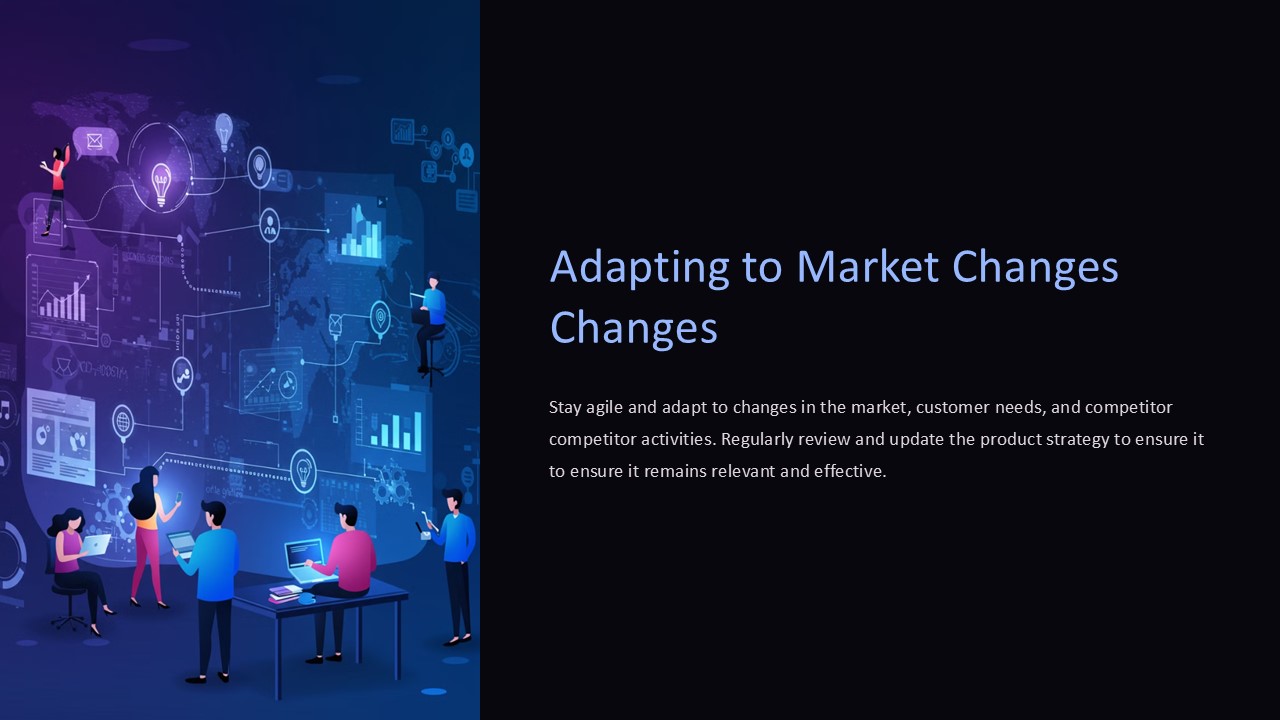


There are no reviews yet.