


Description
Title: Emergency Procedures: What to Do in Case of Emergency PowerPoint Presentation
In today’s unpredictable environment, being prepared for emergencies is not just a necessity but a responsibility. Whether you’re heading a corporate team, managing a school, or running a community center, ensuring everyone knows what to do when disaster strikes is paramount. The “Emergency Procedures: What to Do in Case of Emergency” PowerPoint presentation is your comprehensive tool to educate and prepare your team for the unexpected.
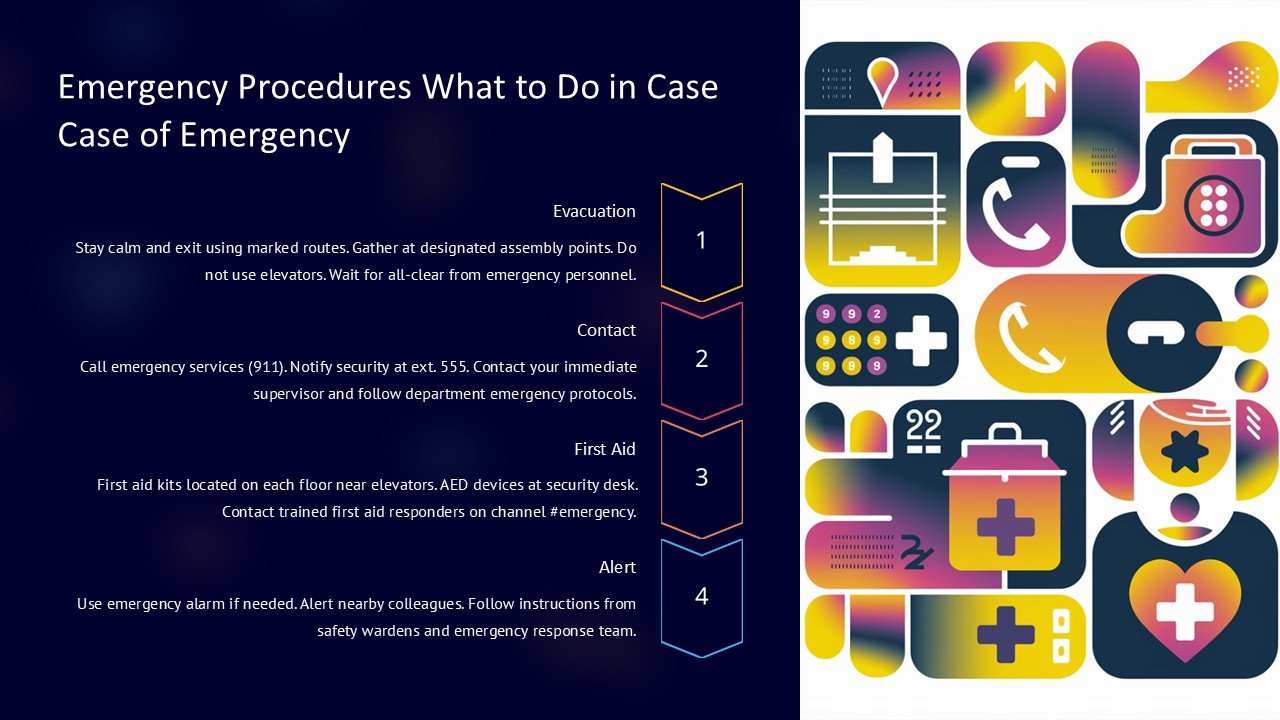
Crafted with precision, this PowerPoint presentation covers a broad range of scenarios, including fires, earthquakes, medical emergencies, and security threats. Each slide is designed to engage viewers with clear, concise, and actionable steps that can be taken during different types of emergencies. The visual aids and bullet points enhance the retention of critical information, making it easier for your audience to remember and act swiftly when needed.
This premium presentation is not just informative but also highly adaptable. It comes ready-to-use with professional and accessible content that can be customized to fit your specific needs and local guidelines. You can modify the text, adjust the layouts, and even change visual elements to align with your organization’s branding or to address particular risks unique to your locality or industry.
Key Features:
1. **Fully Editable Templates**: This presentation supports PowerPoint and Google Slides, ensuring compatibility across different platforms. You have the freedom to tweak the design, style, and content without any need for additional software.
2. **Comprehensive Coverage**: From natural disasters to human-caused emergencies, the slides encompass a wide array of situations. Each section is meticulously structured to provide not only instructions but also preventative measures and post-emergency protocols.
3. **Engaging Visuals**: Each slide employs a combination of high-quality images, icons, and graphs to convey messages clearly and effectively. These visuals are not only appealing but are also designed to aid in the learning process, ensuring that viewers understand and remember the key points long after the presentation.
4. **User-Friendly Layout**: The slides are crafted for ease of use. With a clean, professional layout, the presentation is accessible to viewers of all ages and backgrounds. The logical flow of information guides the viewer through each emergency procedure smoothly and logically.
5. **Resourceful Appendices**: Included are additional resources such as emergency contact sheets, evacuation maps, and checklist templates that can be printed directly from the presentation or shared digitally. These tools are invaluable for practical, real-world application of the content discussed.
6. **Interactive Elements**: Engage your audience with interactive slides that include clickable tabs and embedded videos. This interactivity not only makes the learning experience more engaging but also allows for a more detailed exploration of complex procedures.
Whether you are a business leader, an educator, or a community organizer, the “Emergency Procedures: What to Do in Case of Emergency” PowerPoint presentation is an essential tool in your emergency preparedness toolkit. Equip your team with the knowledge they need to stay safe and respond effectively, no matter what challenges may come your way. Empower your audience today with the skills that could save lives tomorrow.


There are no reviews yet.