


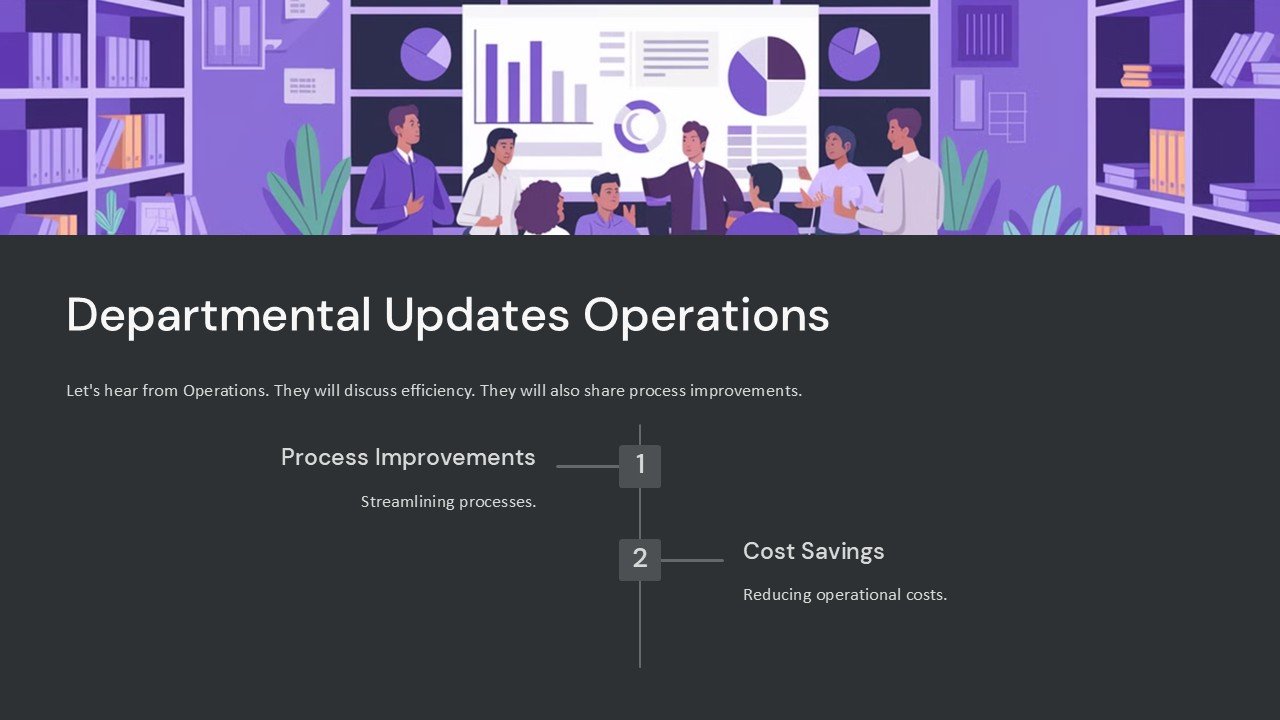
Description
Introducing the Departmental Updates Operations PowerPoint Presentation, a vital tool crafted for managers and team leaders who need to communicate essential departmental changes and updates clearly and effectively. This comprehensive presentation template is designed to streamline the process of conveying operational updates within departments, ensuring all team members are aligned and informed.
This fully customizable PowerPoint presentation is not just a template, but a powerful communication aid that allows you to present departmental updates in a structured, engaging manner. Whether you’re sharing success stories, addressing challenges, or outlining future plans, this template helps you do it with clarity and precision. Its design is professional yet adaptable to the unique needs and branding of your organization.
Key Features of the Departmental Updates Operations PowerPoint Presentation:
1. **Fully Editable Slides**:
Every slide in this presentation template is fully editable, allowing you to tailor the content, style, and layout to meet your specific needs. You can add, delete, or rearrange slides to create a narrative that best fits your message.
2. **Compatibility with PowerPoint and Google Slides**:
This template supports both Microsoft PowerPoint and Google Slides, giving you the flexibility to choose your preferred platform. Whether you are working from your desktop office application or collaborating online, this template ensures your presentation runs smoothly across both platforms.
3. **Professional Design**:
Designed with professionalism in mind, the template features a clean, corporate look that can be easily adjusted to fit your company’s branding. The color schemes, fonts, and graphics are all customizable, providing a seamless fit with your existing corporate identity.
4. **Variety of Slide Layouts**:
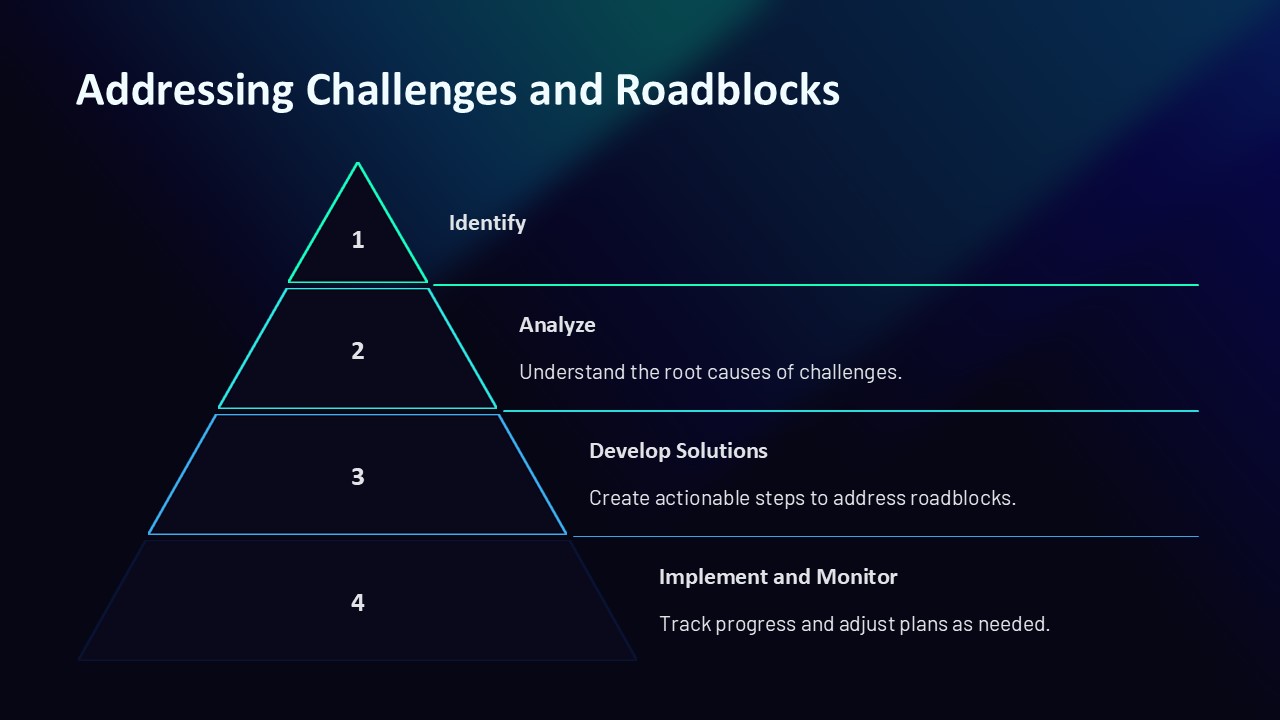
With a range of slide layouts, this template covers various aspects of departmental updates. From timeline slides to comparison charts, and bullet lists to graphical data representations, each slide is purpose-built to help you convey information effectively.
5. **Easy to Use and Update**:
Even if you’re not a PowerPoint expert, this template is straightforward to use. It comes with clear instructions and support, making it easy for anyone in your team to update the slides with current data and information.
6. **Visual Aids**:
Enhance your message with compelling visual aids, including charts, graphs, and diagrams that can be easily modified to display your data. These visual elements are key to making your updates more engaging and easier to understand.
7. **Versatile Applications**:
This template is not limited to just operational updates; it can be used for a variety of internal communications. From financial reports and HR announcements to strategy updates and project statuses, it is versatile enough to handle all types of departmental communications.
Whether you’re preparing for a routine departmental meeting or need to make a significant announcement, the Departmental Updates Operations PowerPoint Presentation is designed to help you communicate effectively. By enabling you to present critical information in a clear and structured way, this template helps ensure that every member of your team is on the same page, fully informed, and ready to engage with the department’s goals and challenges.


There are no reviews yet.