


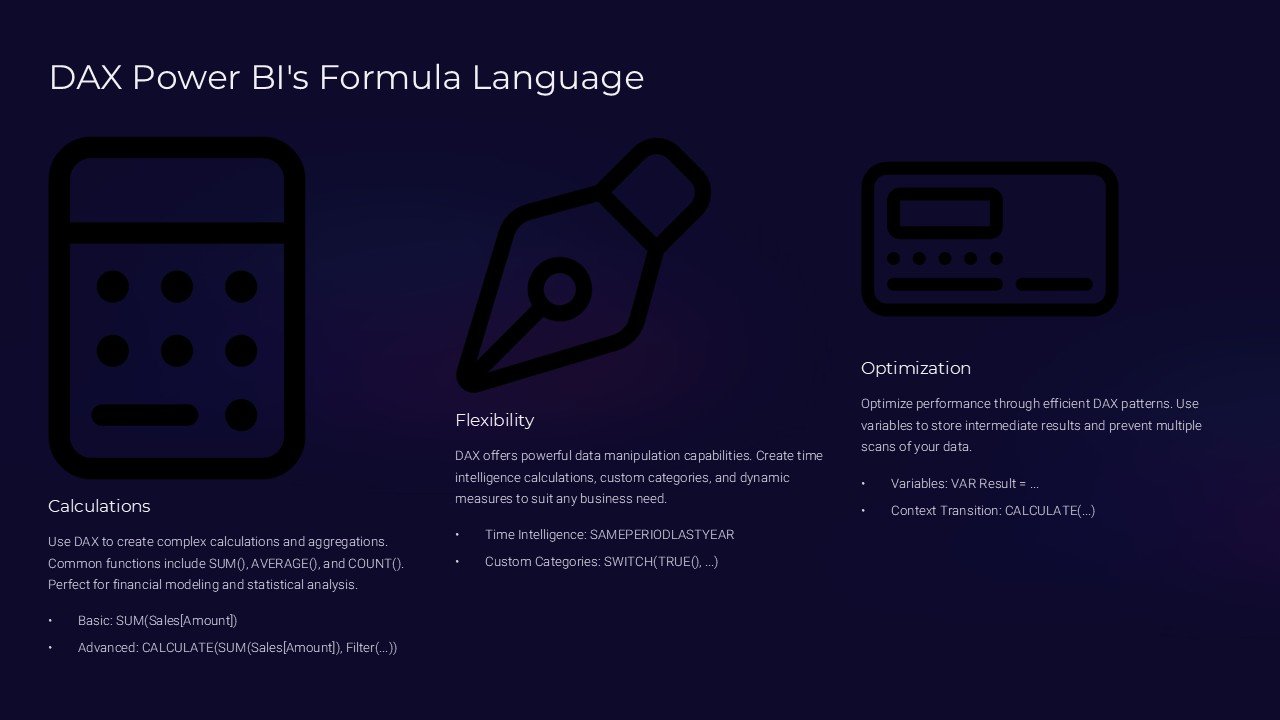
Description
Unlock the full potential of your data analysis and presentation skills with the “DAX Power BI’s Formula Language PowerPoint Presentation.” This comprehensive PowerPoint presentation is a meticulously designed resource tailored for professionals seeking to master Data Analysis Expressions (DAX) in Power BI. Whether you are a business analyst, data scientist, or a financial expert, this presentation will elevate your ability to analyze data and extract meaningful insights efficiently.
The “DAX Power BI’s Formula Language PowerPoint Presentation” offers an in-depth exploration of the DAX formula language, which is fundamental for creating advanced calculations and data models in Microsoft Power BI. The presentation begins with an introduction to DAX, covering its importance and where it fits into the Power BI ecosystem. Following this, the presentation delves into key concepts such as basic syntax, operators, and functions. Each section is designed to provide you with a solid understanding of how to use DAX effectively to manipulate data and perform complex calculations.
As you progress through the slides, you will encounter detailed explanations of advanced DAX functions and their applications. These include time intelligence functions, which are critical for performing time-based calculations, and context manipulation, which allows for dynamic data analysis. The presentation provides practical examples to demonstrate how these functions can be applied to real-world data scenarios, enhancing your learning experience.
One of the standout features of this presentation is its focus on practical application. It includes case studies and scenarios where DAX formulas have been pivotal in deriving actionable insights from data. This real-world application aids in understanding the potential impact of DAX in business intelligence and decision-making processes.
Features of the “DAX Power BI’s Formula Language PowerPoint Presentation”:
1. **Fully Editable Templates:** Customize each slide to suit your specific needs or to match your company branding. All elements, from text to color schemes and graphics, are fully editable, providing a flexible tool for your presentations.
2. **Compatibility with PowerPoint and Google Slides:** Whether you prefer using Microsoft PowerPoint or Google Slides, this presentation is designed to work seamlessly with both platforms. This ensures that you can create, edit, and present your data models from your preferred software environment.
3. **Step-by-Step Tutorials:** Each section includes step-by-step tutorials that guide you through the complexities of DAX formulas, ensuring that even those new to DAX can follow along and build their expertise.
4. **Comprehensive Coverage:** From basic to advanced levels, the presentation covers a wide range of topics and functions within DAX. This makes it an invaluable resource for both beginners and experienced professionals.
5. **Interactive Examples and Exercises:** Engage with interactive examples and exercises that reinforce learning and encourage practical application of the concepts discussed.
The “DAX Power BI’s Formula Language PowerPoint Presentation” is more than just a tutorial; it is a powerful tool that will empower you to leverage the full capabilities of Power BI through the effective use of DAX. Whether for training, professional development, or as a reference during projects, this presentation is an essential resource for anyone involved in data analysis using Power BI.





There are no reviews yet.