


Description
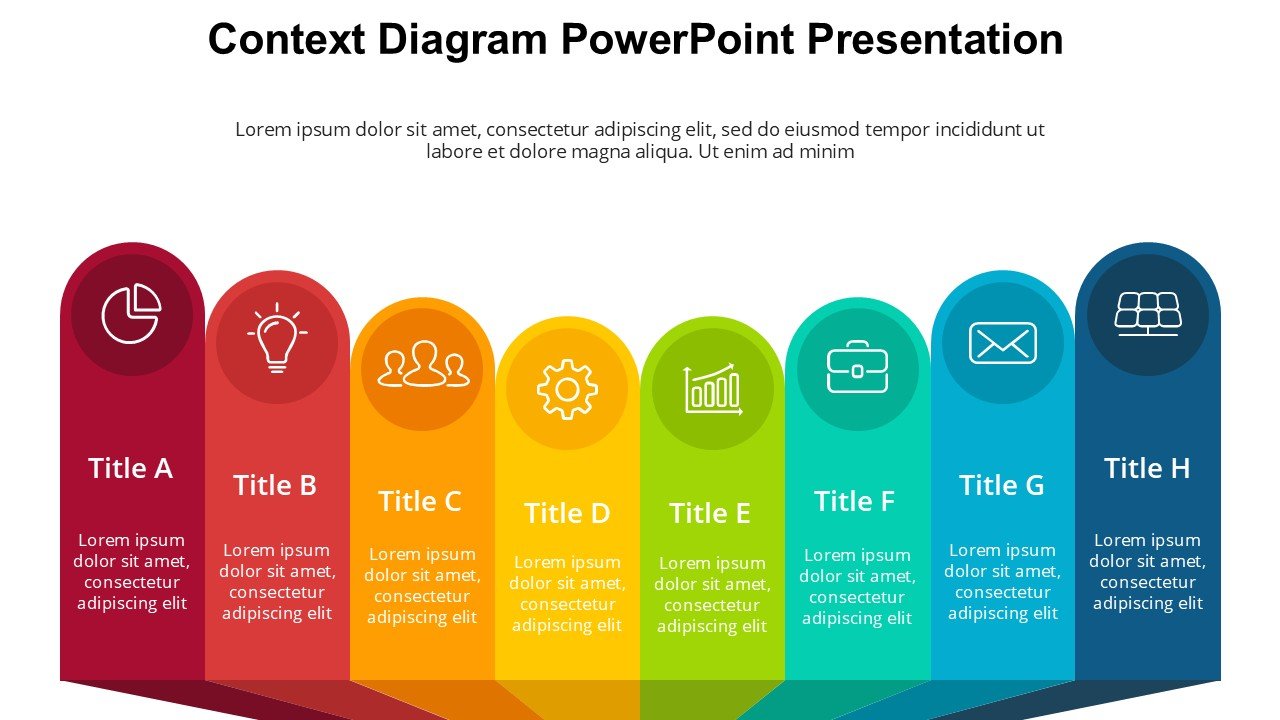
Introducing the Context Diagram PowerPoint Presentation PPT template, a meticulously designed slide template that caters to educators, professionals, and advocates seeking to elucidate the relationships within systems at various scales. This presentation template is crafted to serve as a versatile educational and professional resource, enabling users to clearly and effectively present complex interactions and dependencies within systems, whether they are technical, social, or conceptual.
The Context Diagram PowerPoint Presentation slide template is ideal for users who need to communicate intricate system dynamics in a visually engaging and straightforward manner. It is particularly beneficial for systems analysts, project managers, educators, and strategic planners who regularly need to explain how different components of a system interact and are organized around a core concept or operation. This PPT slide allows presenters to articulate these relationships with clarity, thereby enhancing understanding and facilitating more informed decision-making among stakeholders.
Using this PPT template, presenters can illustrate various scenarios, from software system designs to organizational workflows, and even educational theories. The layout and design of the Context Diagram PowerPoint Presentation PPT template are tailored to ensure that each component within the diagram is accessible and comprehensible, even to those unfamiliar with the subject matter. The template’s clean design helps maintain focus on the content, while its intuitive structure makes customization straightforward and quick, without the need for extensive technical skills.
This presentation template is not merely a visual aid but a strategic tool that can be utilized to foster discussion, highlight interdependencies, and predict the outcomes of changes within the system. It is an indispensable resource for anyone who needs to present complex systems in a simplified format without losing the essence of the interconnected elements.
Features:
– Fully editable templates: Customize every element of the slides with ease.
– High-quality graphics: Ensures clarity and visual appeal in presentations.
– Versatile slide designs: Suitable for a wide range of context diagrams.
– Easy to use: Designed for users at all technical skill levels.
– Compatibility with PowerPoint: Seamlessly works with the latest and earlier versions of PowerPoint.
Use Cases:
– Ideal for educational purposes: Teachers can use it to explain complex systems in sciences or social studies.
– Essential for business presentations: Perfect for illustrating organizational structures or business processes.
– Useful for technical briefings: Helps in detailing software architecture or network systems.
– Strategic planning meetings: Assists in visualizing dependencies and outcomes in strategy sessions.
– Conferences and workshops: Can be employed to facilitate understanding during talks and collaborative events.







There are no reviews yet.