


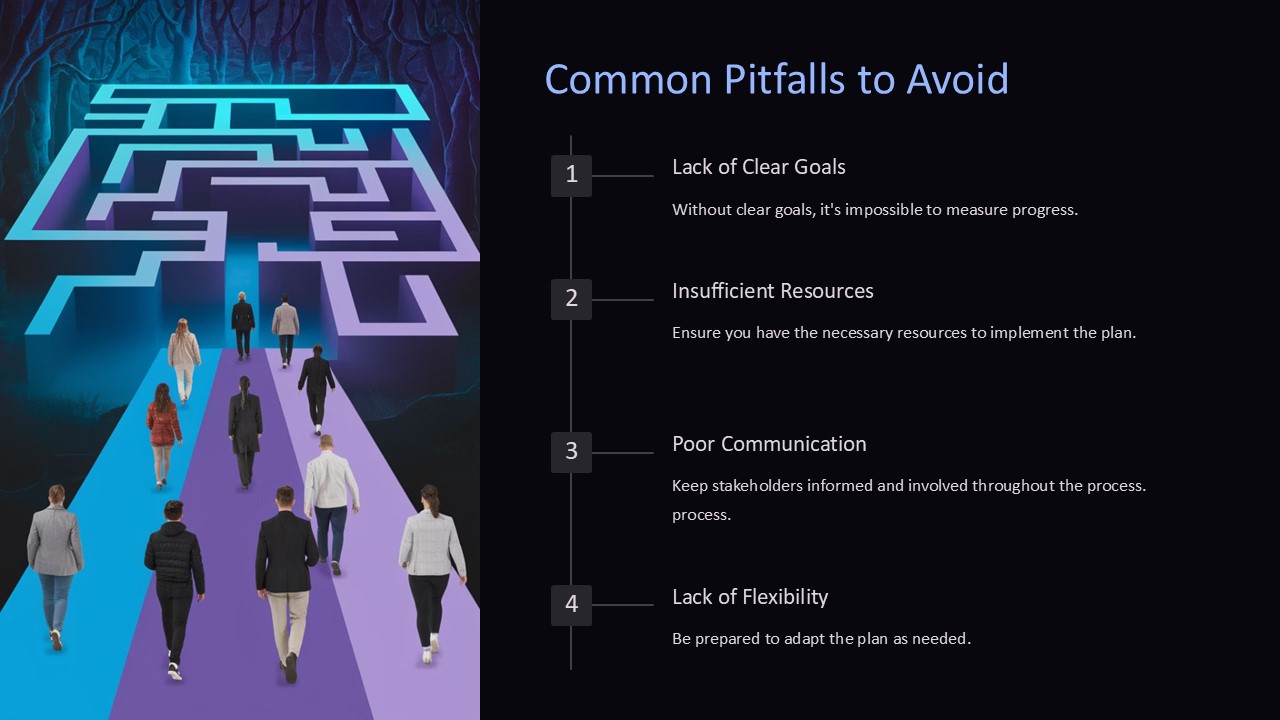
Description
Are you tired of creating PowerPoint presentations that fall short of impressing your audience? Avoid the common pitfalls that can undermine your presentation’s effectiveness with our guide on how to make the most out of your slides.
One of the most common mistakes presenters make is cramming too much information onto one slide. This can overwhelm your audience and make it difficult for them to focus on key points. Instead, opt for clear and concise content that highlights your main ideas.
Another pitfall to avoid is using too many animations and transitions. While these can be fun and engaging, overusing them can be distracting and take away from the professionalism of your presentation. Stick to subtle animations that enhance your content without overshadowing it.
In addition, be mindful of your color scheme and font choices. Clashing colors and hard-to-read fonts can make your presentation difficult to follow. Aim for a clean and cohesive design that enhances your content rather than detracting from it.
Lastly, be sure to practice your presentation before the big day. Wing it and risk fumbling through your slides or running out of time. Practice will help you feel more confident and deliver a polished presentation that resonates with your audience.
With our guide on avoiding common pitfalls in PowerPoint presentations, you can create slides that are engaging, informative, and professional. Elevate your presentations with fully editable templates that allow you to customize layouts, colors, and fonts to suit your style. Say goodbye to lackluster slides and hello to impactful presentations that leave a lasting impression.




There are no reviews yet.