


Description
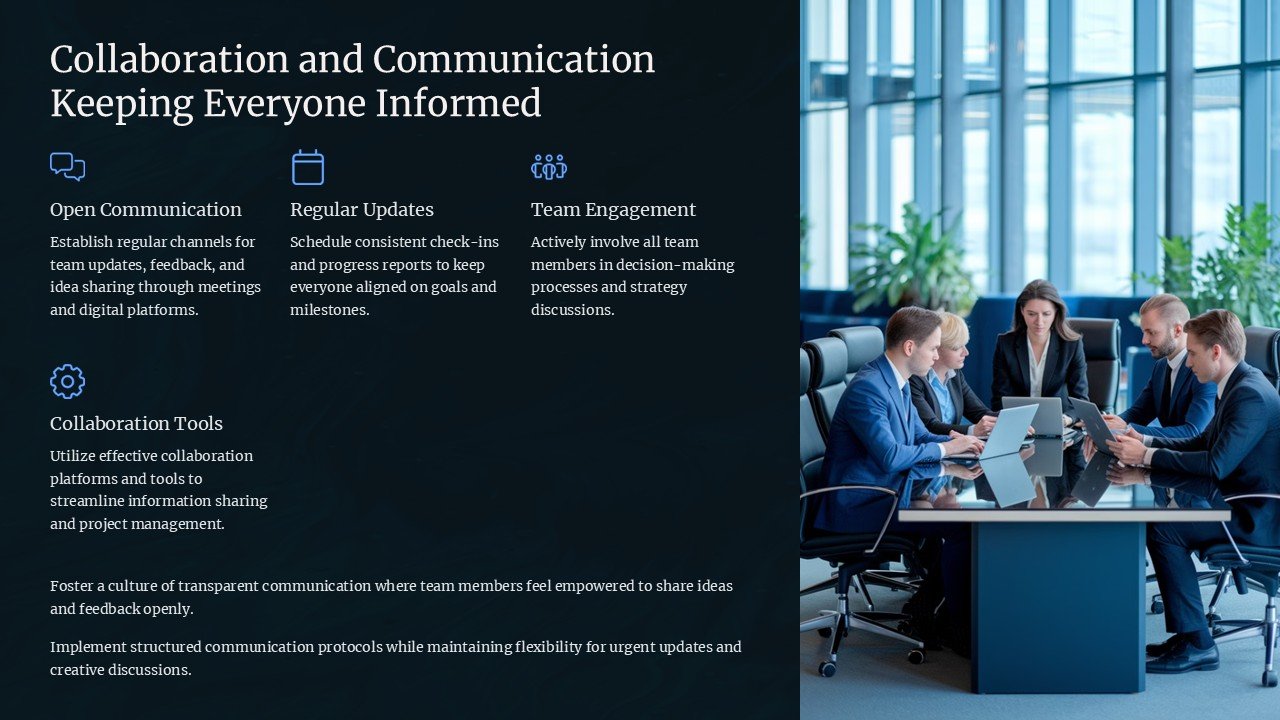
**Introducing the Collaboration and Communication: Keeping Everyone Informed PowerPoint Presentation**
In today’s fast-paced and increasingly remote work environments, effective collaboration and communication are more vital than ever. The “Collaboration and Communication: Keeping Everyone Informed” PowerPoint presentation has been meticulously designed to help teams enhance their informational flows and collaborative efforts across any professional landscape.
This comprehensive PowerPoint presentation acts as a dynamic tool for managers, team leaders, and educators to foster a culture of open communication and effective teamwork. Whether you’re conducting a workshop, leading a meeting, or training new team members, this presentation will serve as your essential go-to resource.
**Core Features**
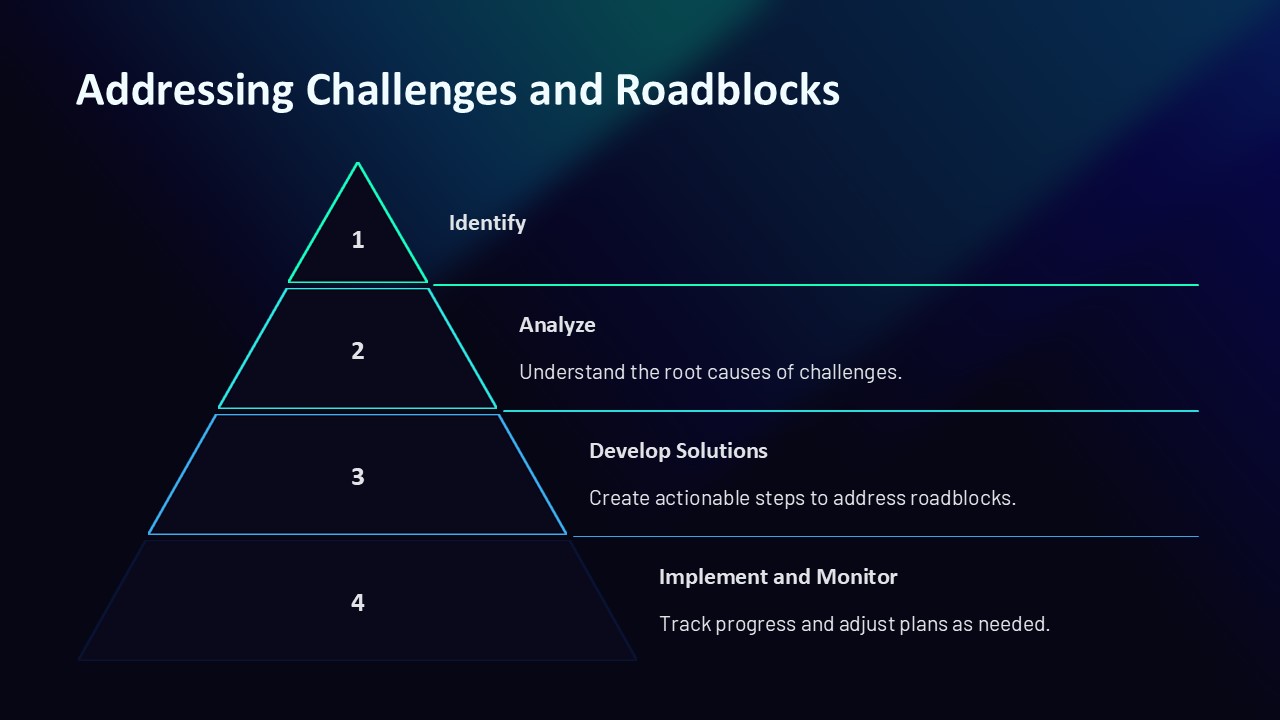
1. **Engaging Content Layouts**: Dive into over 30 professionally designed slides, each crafted to hold attention and encourage interactive discussions. From flowcharts and diagrams to bullet lists and graphical data presentations, every slide offers clarity and engagement to your audience.
2. **Fully Editable Templates**: Adaptability is key in communication. All slides in this presentation are fully editable, allowing you to customize text, colors, and graphics to fit your specific needs and branding guidelines. Whether you’re using PowerPoint or Google Slides, these templates are built to be flexible.
3. **Comprehensive Communication Models**: The presentation includes various models of effective communication strategies, helping you illustrate key points about feedback loops, communication barriers, and the importance of timely updates within a team.
4. **Collaboration Tools and Techniques**: Learn about the latest tools and techniques that enhance team collaboration. This section of the presentation is perfect for introducing your team to new software, apps, and methodologies that can streamline project management and teamwork.
5. **Case Studies and Real-World Examples**: Utilize engaging case studies that depict successful communication and collaboration strategies. These real-world examples help in grounding theoretical knowledge and provide actionable insights that attendees can relate to and apply.
6. **Interactive Activities**: Included are slide templates designed to facilitate interactive activities, such as brainstorming sessions and role-play exercises, making your presentation not just informative but also participatory.
7. **Tips for Remote Teams**: With remote work becoming more prevalent, find specialized slides that focus on overcoming the unique challenges faced by virtual teams. This section is crucial for teams that operate in a hybrid or fully remote model.
8. **Conclusion and Q&A Slides**: Wrap up your presentation effectively with a strong conclusion slide and dedicated Q&A slides to encourage feedback and further discussion, ensuring that all participants leave with a clear understanding of the material.
**Usage Scenarios**
– **Corporate Workshops**: Ideal for enhancing internal communication within companies, especially for teams working across different locations.
– **Educational Seminars**: Teachers and trainers can use this to help students and trainees understand the dynamics of effective teamwork.
– **Leadership Training**: Equip leaders and managers with the tools they need to foster a communicative and collaborative team environment.
**Compatibility and Accessibility**
Fully compatible with Microsoft PowerPoint and Google Slides, this presentation is accessible to users of both platforms, ensuring seamless usage across different devices and operating systems.
Elevate your team’s communication and collaboration capabilities with the “Collaboration and Communication: Keeping Everyone Informed” PowerPoint presentation. It’s more than just a presentation; it’s a transformation tool for your team’s way of working.




There are no reviews yet.