


Description
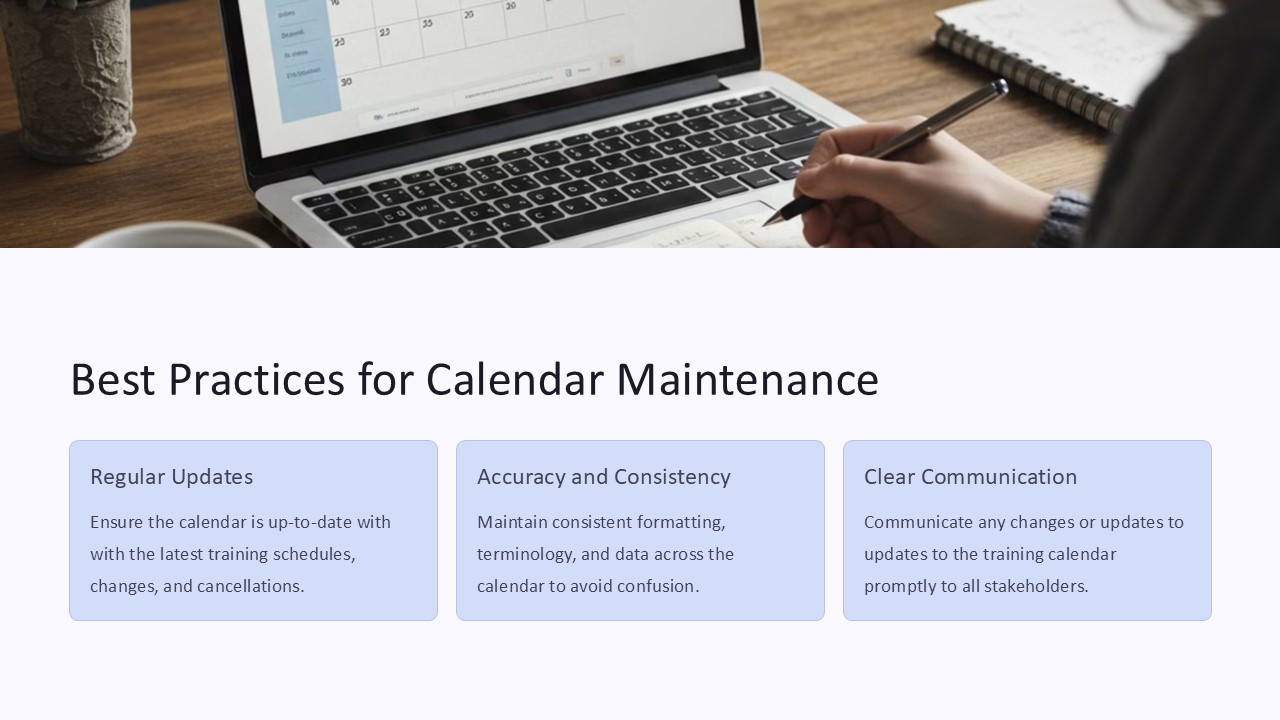
Best Practices for Calendar Maintenance PowerPoint Presentation provides a comprehensive guide on how to effectively manage and maintain calendars for optimal organization and productivity. This high-quality presentation offers valuable insights and strategies for creating, updating, and utilizing calendars to keep track of important dates, deadlines, events, and appointments.
Key topics covered in the Best Practices for Calendar Maintenance PowerPoint Presentation include:
1. Importance of maintaining accurate calendars for improved time management.
2. Strategies for creating and customizing calendars to suit individual needs.
3. Tips for updating calendars regularly to reflect changes and commitments.
4. Techniques for syncing calendars across different devices for seamless access.
5. Best practices for sharing calendars with team members and collaborators.
This PowerPoint presentation features a professional design with engaging visuals, informative content, and practical tips that will help users enhance their calendar management skills. The slides are easy to read and understand, making it ideal for personal and professional use.
Features of Best Practices for Calendar Maintenance PowerPoint Presentation with fully editable templates:
1. Fully customizable slides that allow users to easily modify content, colors, and layout to suit their preferences.
2. Includes a range of professionally designed templates for creating calendars, schedules, and timelines.
3. Editable charts, graphs, and diagrams for visualizing data and information related to calendar maintenance.
4. Ready-to-use slides with placeholder text and images for quick and convenient customization.
5. Compatible with Microsoft PowerPoint and other presentation software for seamless integration and sharing.
Overall, the Best Practices for Calendar Maintenance PowerPoint Presentation is a valuable resource for individuals and organizations looking to improve their time management skills and stay organized. With its user-friendly design and comprehensive content, this presentation is sure to help users make the most of their calendars for increased productivity and efficiency.


There are no reviews yet.