


Description
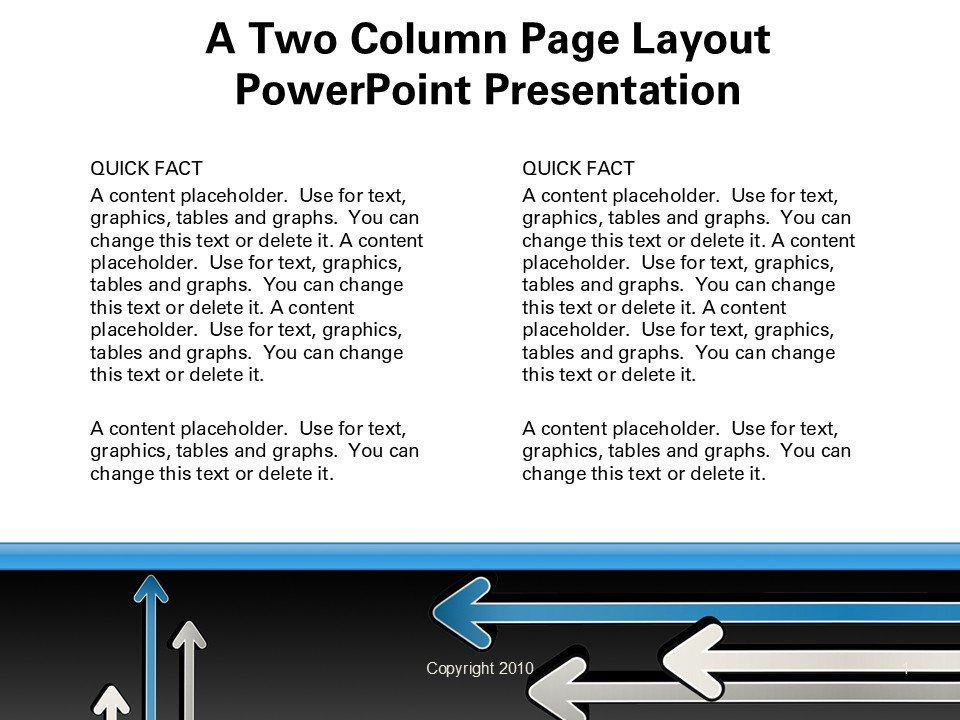
The A Two Column Page Layout PowerPoint Presentation PPT template is an essential resource designed to offer a structured and visually appealing format for a wide range of presentations. Tailored specifically for educators, professionals, and advocates, this PPT slide template simplifies the process of creating impactful and organized presentations. With its dual-column design, it allows for clear separation of concepts and supports the integration of textual and graphical content in a balanced manner, enhancing both comprehension and retention of information.
Ideal for users who need to present comparative data, detailed reports, or balanced discussions, the A Two Column Page Layout PowerPoint Presentation slide template ensures that your content is presented in a neat and accessible format. Whether you’re delivering academic lectures, business reports, or advocacy messages, this presentation template assists in arranging your content in a way that is easy for audiences to follow. The design is clean and professional, making it suitable for formal presentations that require a tidy and straightforward layout.
This PPT template not only aids in the effective communication of dual-sided arguments or comparisons but also enhances the aesthetic appeal of your presentation without overwhelming your audience. The simplicity of the two-column format allows for flexibility in content design, enabling presenters to customize the layout to fit their specific needs while maintaining a consistent and organized appearance.
By using the A Two Column Page Layout PowerPoint Presentation PPT, educators can illustrate different viewpoints or compare and contrast topics effectively. Professionals can utilize the template to showcase business models, operational comparisons, or balanced scorecards, while advocates can leverage the format to present supporting and opposing views on critical issues, making a compelling case to their audience.
Features:
– Two-column layout: Organizes information clearly and effectively.
– Fully editable templates: Customize every element of the slides with ease.
– High-resolution graphics: Ensures that visuals remain sharp and engaging.
– Compatible with PowerPoint and Google Slides: Works across popular presentation platforms.
– Professional design: Suitable for formal presentations in various fields.
Use Cases:
– Ideal for classroom teaching on comparative literature or historical events.
– Suitable for business presentations such as market analysis or competitive landscapes.
– Effective for advocacy groups presenting pros and cons of social issues.
– Useful for workshops or seminars focusing on technical or scientific comparisons.
– Applicable for training sessions where side-by-side comparisons are necessary.


There are no reviews yet.