


Description
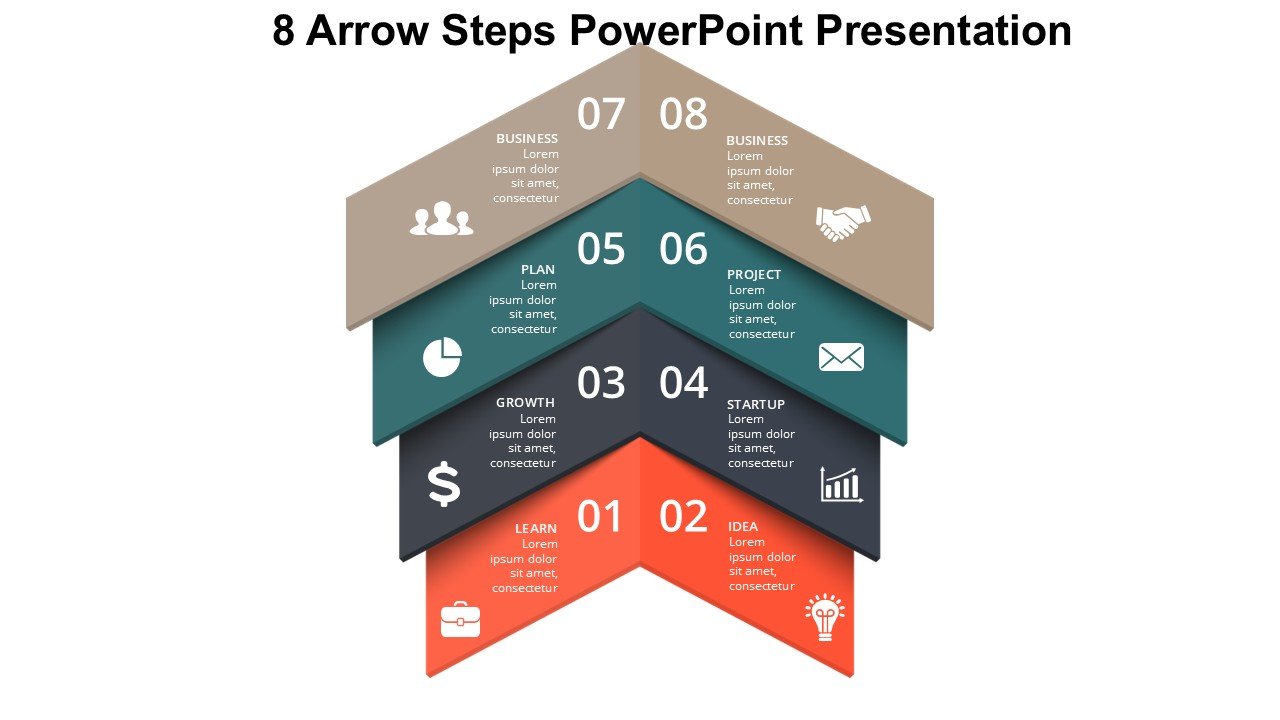
The 8 Arrow Steps PowerPoint Presentation slide template is an expertly designed PPT template crafted for educators, professionals, and advocates who require a clear and visually engaging way to present step-by-step processes or sequential data. This presentation template is an essential resource for anyone looking to convey complex information in an organized and accessible format. Featuring a series of eight arrows, each step is clearly delineated, making it easy for the audience to follow along and grasp the progression of information.
Ideal for a variety of settings, the 8 Arrow Steps PowerPoint Presentation PPT template is versatile enough to suit educational lectures, business meetings, training sessions, and advocacy campaigns. Each arrow in the template can represent a phase, a milestone, or an action step, providing a linear and logical flow that helps in breaking down information into digestible parts. This slide template not only aids in maintaining audience engagement but also enhances understanding by visually summarizing content into a structured pathway.
The design of the 8 Arrow Steps PowerPoint Presentation PPT slide is professional and clean, ensuring that it can be integrated seamlessly into any presentation without clashing with existing aesthetics or themes. Its adaptability makes it a perfect fit for various industries including education, business, healthcare, and non-profit sectors. Whether you are a teacher outlining a new concept to students, a business leader illustrating project phases, or an advocate explaining policy changes, this PPT template serves as a powerful tool to support your narrative.
Features:
– Fully editable templates: Customize every element of the slides with ease.
– High-quality graphics: Ensures that the slides look crisp and professional on any screen size.
– Versatile design: Suitable for multiple industries and presentation types.
– Easy to use: Simple to insert your own information and adjust layouts as needed.
– Compatibility: Works smoothly with PowerPoint and other popular presentation software.
Use Cases:
– Ideal for teachers explaining step by step processes to students.
– Useful for business professionals presenting project timelines or process flows.
– Beneficial for trainers conducting workshops or training sessions.
– Effective for advocates detailing action plans or campaign steps to stakeholders.
– Appropriate for health educators discussing treatment or diagnostic processes in seminars.




There are no reviews yet.