


Description
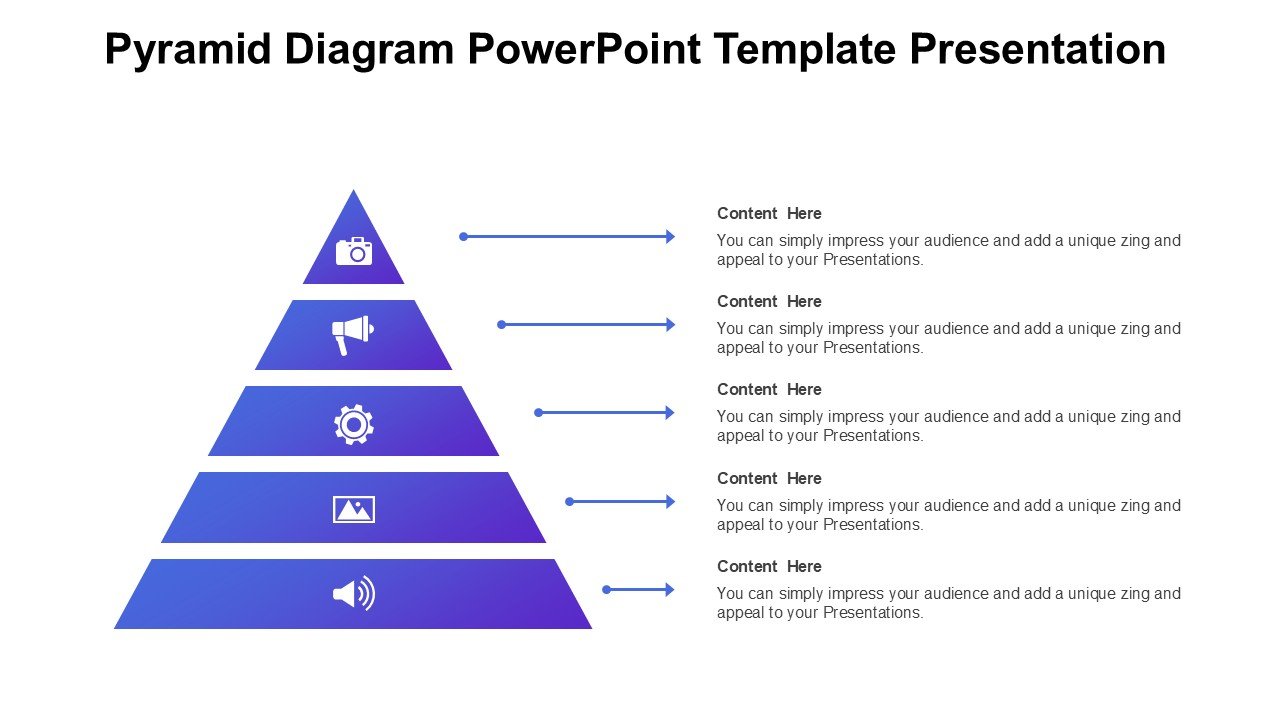
The Pyramid Diagram PowerPoint Template Presentation PPT template is a meticulously designed slide template that serves as a versatile resource for educators, professionals, and advocates who require an effective visual tool to communicate hierarchical structures, processes, or ideas. This PowerPoint template features a series of pyramid diagrams that are not only visually appealing but are structured to facilitate the presentation of data and concepts in a clear and organized manner.
Perfect for a broad range of applications, from academic presentations to business meetings, the Pyramid Diagram PowerPoint Template Presentation slide template ensures that your data is conveyed effectively, enhancing comprehension and retention among your audience. Whether you are a teacher illustrating the levels of ecological systems, a business professional outlining organizational structures, or an advocate explaining the layers of policy impact, this template is tailored to help you achieve a polished and professional look for your presentations.
The design of each slide in the Pyramid Diagram PowerPoint Template Presentation PPT template is crafted to be visually engaging while maintaining a professional aesthetic. The use of color, typography, and layout is optimized to make your information stand out, making it easier for your audience to follow along and grasp complex information. The flexibility of the template allows users to customize the diagrams to reflect specific data points and textual content, ensuring that each presentation can be adapted to meet unique needs and contexts.
This presentation template not only aids in the effective dissemination of information but also saves time and effort in creating a compelling presentation from scratch. With its intuitive design and easy-to-edit features, it is an indispensable resource for anyone looking to present hierarchical or layered information in a clear and impactful way.
Features:
– Fully editable templates: Customize every element of the slides with ease.
– High-quality visuals: Ensures clear display without loss of quality on large screens.
– Versatile color schemes: Choose from a variety of color themes to fit your presentation context.
– Compatibility with PowerPoint: Seamlessly use it within your existing PowerPoint software.
– Easy to adapt text and diagrams: Quickly modify text and diagrams to fit your specific data needs.
Use Cases:
– Ideal for educators explaining complex theories or models in a classroom.
– Suitable for business presentations on company hierarchies or project stages.
– Effective for advocacy groups presenting layered information on social or environmental issues.
– Useful in training sessions for visualizing processes and procedures.
– Applicable for academic conferences to illustrate research findings or theoretical frameworks.


There are no reviews yet.