


Description
The Yearly Progress Timeline PowerPoint Presentation slide template is an invaluable PPT template designed to help educators, professionals, and advocates effectively showcase annual progress, milestones, or plans in a visually engaging format. This presentation template offers a structured timeline approach, making it easier to present complex information over time in a clear and understandable manner.
This PPT slide is expertly crafted to cater to a variety of audiences, ensuring that whether you are a teacher outlining the year’s curriculum changes, a business professional summarizing annual achievements, or a nonprofit advocate reporting yearly outcomes, your information is presented in a coherent and visually appealing manner. The Yearly Progress Timeline PowerPoint Presentation PPT template is built with flexibility and user-friendliness in mind, allowing users to easily customize the content to fit their specific needs and stylistic preferences.
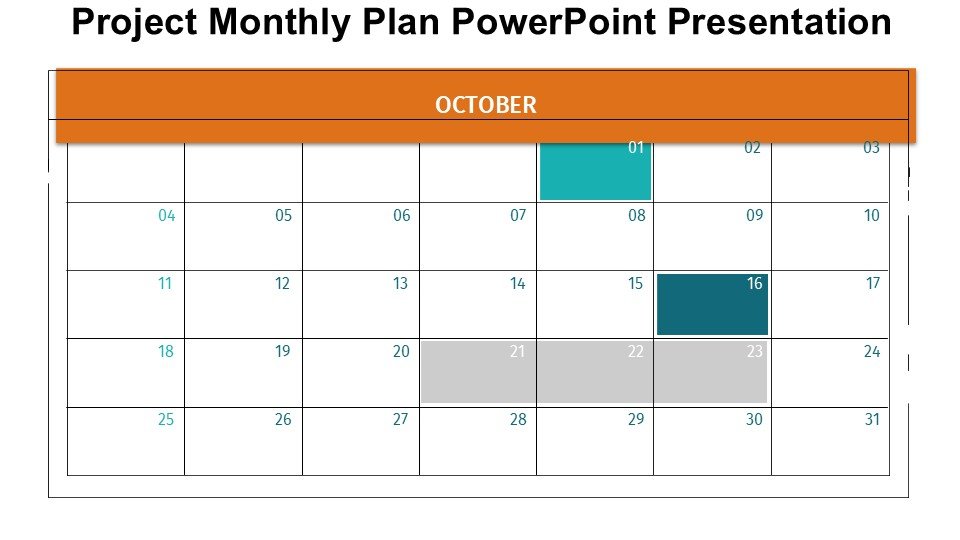
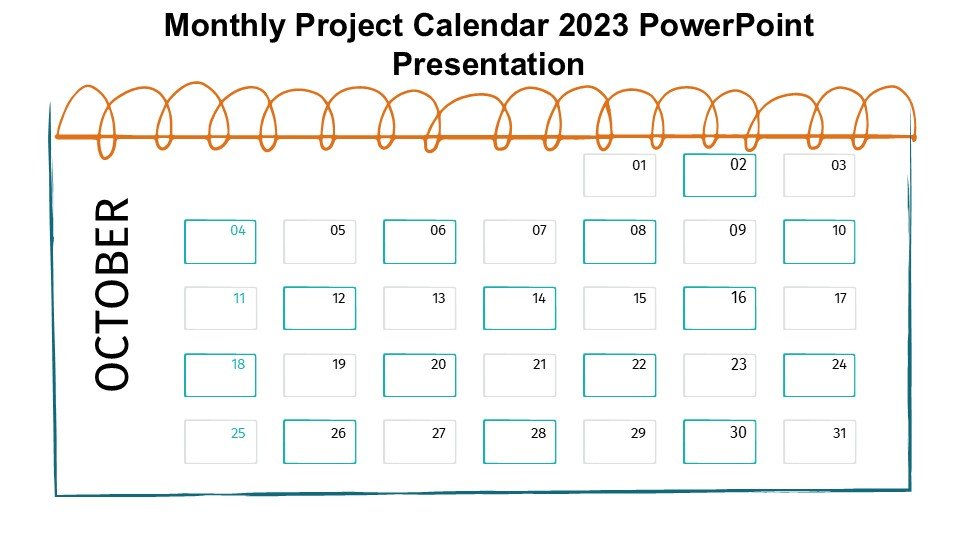
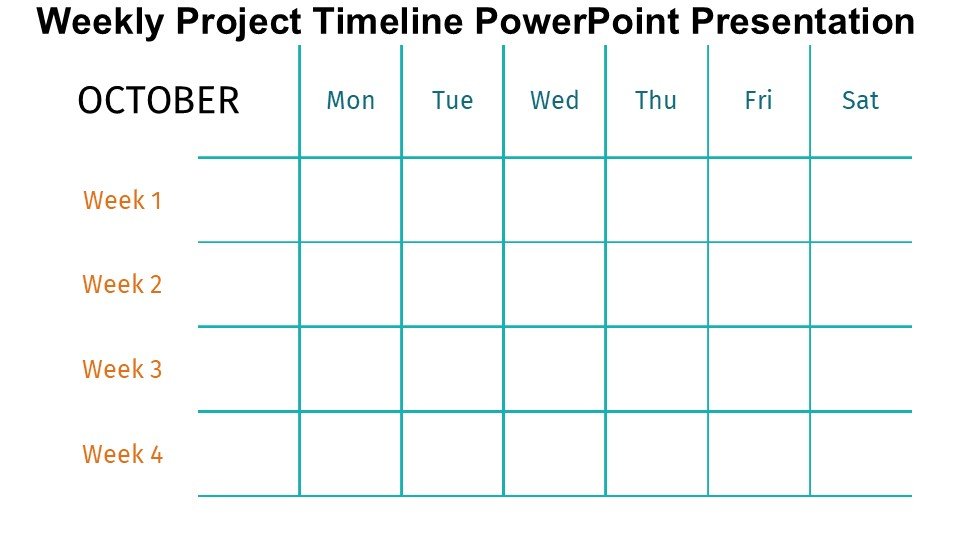
The template features a series of customizable slides, each dedicated to representing different points in the year. This setup helps in breaking down the year’s activities into digestible segments, making it easier for the audience to follow along and understand the progression of events or achievements. The use of engaging graphics and strategic color coding further aids in highlighting key milestones and making your yearly summary more impactful.
Ideal for annual reviews, the Yearly Progress Timeline PowerPoint Presentation PPT template ensures that every significant achievement or event is highlighted in a chronological narrative, fostering better engagement and retention among viewers. Its professional design is not only functional but also adds a layer of polish and sophistication to your presentations, enhancing your credibility and the overall receptiveness of your audience.
Features:
– Fully editable templates: Customize every element of the slides with ease.
– Visually appealing design: Engage your audience with attractive, professional graphics.
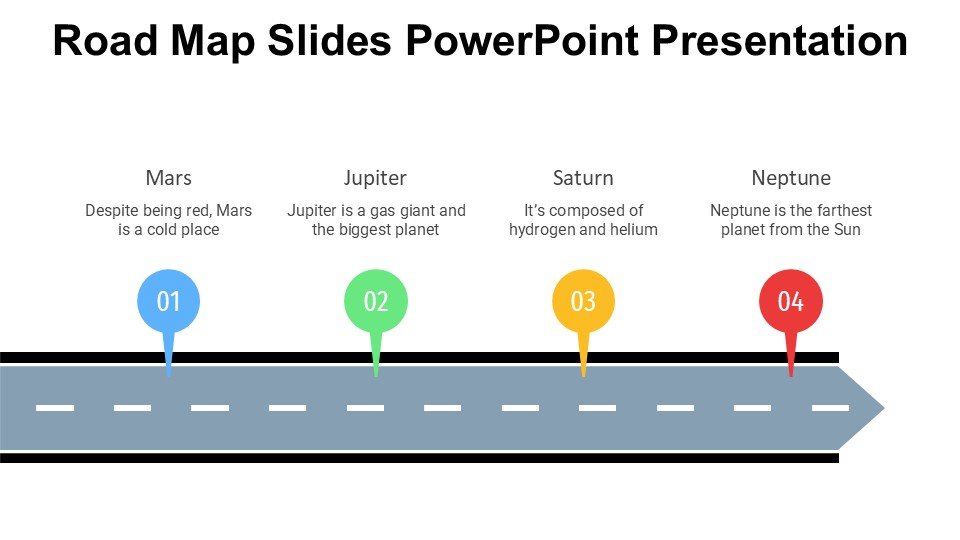
– Chronological layout: Easy-to-follow format that outlines the timeline clearly.
– High compatibility: Works seamlessly with Microsoft PowerPoint.
– Wide range of applications: Adaptable for various presentation needs and audiences.
– Color-coded segments: Simplify complex information with strategic use of colors.
Use Cases:
– Ideal for educators presenting annual teaching plans or curriculum developments.
– Suitable for corporate presentations summarizing fiscal year achievements.
– Perfect for nonprofits to report annual progress to stakeholders or donors.
– Useful for personal projects or annual reviews to assess yearly personal growth.
– Applicable in scientific or research institutions to outline yearly findings or progress.




There are no reviews yet.