


Description
The Input Icon PowerPoint Presentation PPT template is designed for educators, professionals, and advocates who seek an efficient and visually appealing way to present complex data or concepts. This presentation template is meticulously crafted to cater to a wide range of subjects, making it an indispensable asset for presentations that require the representation of input processes, strategies, or user feedback mechanisms.
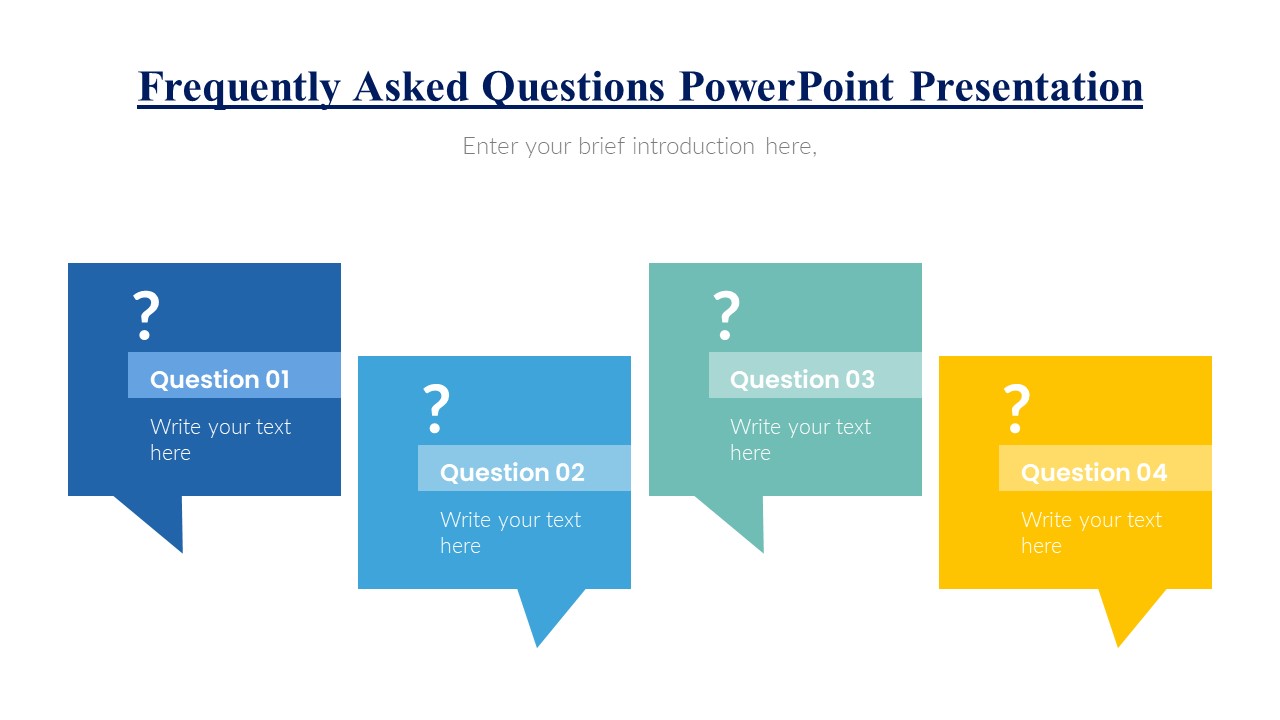
Structured as a PPT slide template, the Input Icon PowerPoint Presentation enables presenters to clearly depict the flow of inputs in various systems, be they technological, educational, or business-related. Its intuitive design is geared towards facilitating understanding and engagement, making it an ideal choice for both teaching environments and professional boardroom settings. The visual elements are tailored to enhance the clarity of information, ensuring that each slide communicates the intended message effectively and efficiently.
Each slide within the Input Icon PowerPoint Presentation PPT template features customizable icons and graphical elements, allowing users to adapt the visuals to fit their specific needs or branding requirements. This flexibility makes it an excellent tool for educators who need to tailor their lessons to different learning styles, as well as for professionals and advocates who aim to influence their audience or stakeholders with well-structured presentations.
The simplicity of the design, combined with its professional appearance, ensures that your message is conveyed without distraction, offering a clear path for the audience’s understanding. Whether you’re presenting to students, colleagues, or potential supporters, the Input Icon PowerPoint Presentation slide template is engineered to help you deliver your content with precision and impact.
Features:
– Fully customizable design: Modify colors, text, and icons to suit your presentation needs.
– High-quality visuals: Ensures that presentations look professional on all display devices.
– Easy-to-use layout: Simplifies the process of creating impactful presentations.
– Wide compatibility: Functions seamlessly with Microsoft PowerPoint and other popular presentation software.
Use Cases:
– Perfect for educators explaining input-output relationships in systems.
– Ideal for business professionals illustrating input processes in product development or customer feedback.
– Suitable for advocates presenting data or proposals to stakeholders and decision-makers.
– Useful for trainers and corporate coaches in workshops focusing on process optimization and efficiency improvement.







There are no reviews yet.