


Description
The Circle Diagrams Template PowerPoint Presentation PPT template is a meticulously designed resource tailored specifically for educators, professionals, and advocates who require a reliable and visually appealing way to present complex information in a straightforward format. This PPT template is ideal for anyone looking to enhance their presentations with clear, impactful visuals that facilitate better understanding and retention of the presented material.
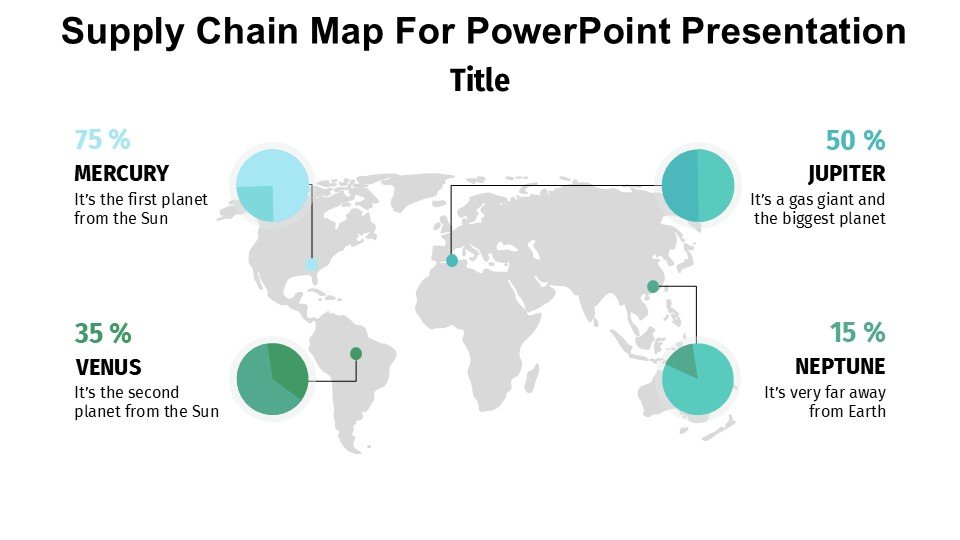
Our Circle Diagrams Template PowerPoint Presentation slide template incorporates a variety of circle diagrams, each of which can be easily customized to suit your particular presentation needs. Whether you’re explaining intricate business processes, showcasing statistical data, or creating an educational resource, these diagrams can help crystallize your ideas and communicate them effectively. The design of each diagram is crafted to not only look professional but also to ensure that your audience can follow along without confusion.
The flexibility of this PPT slide allows it to be used across various fields. Business professionals can use it to illustrate relationships in market analysis or organizational structures, while educators might find it invaluable for breaking down complex scientific concepts or historical timelines. Advocates and non-profit organizers can also leverage these slides to convey mission-critical information in fundraising or awareness campaigns.
The Circle Diagrams Template PowerPoint Presentation PPT template is designed to be user-friendly, ensuring that even those with minimal graphic design experience can create high-quality, professional-looking presentations. The intuitive design elements make customization straightforward, allowing you to adjust colors, text, and sizing to fit your specific needs without compromising on quality.
Overall, this presentation template stands out as an essential resource for anyone seeking to elevate their presentation standards and effectively communicate detailed content through the use of engaging visual diagrams.
Features:
– Fully editable templates: Customize every element of the slides with ease.
– High-quality graphics: Ensures clarity and visual appeal at any scale.
– Wide compatibility: Works seamlessly with PowerPoint and Google Slides.
– Diverse diagram options: Includes a variety of circle diagrams for different contexts.
– Easy to use: Simple drag and drop interface suitable for all users.
– Professional design: Crafted to maintain a high standard of visual presentation.
Use Cases:
– Effective for illustrating marketing strategies in business presentations.
– Useful in educational settings for explaining scientific concepts.
– Ideal for non-profits to communicate key data in advocacy or fundraising presentations.
– Suitable for workshops or seminars where visual aids are needed to support understanding.
– Applicable for consultants to depict organizational structures or workflows to clients.




There are no reviews yet.