


Description
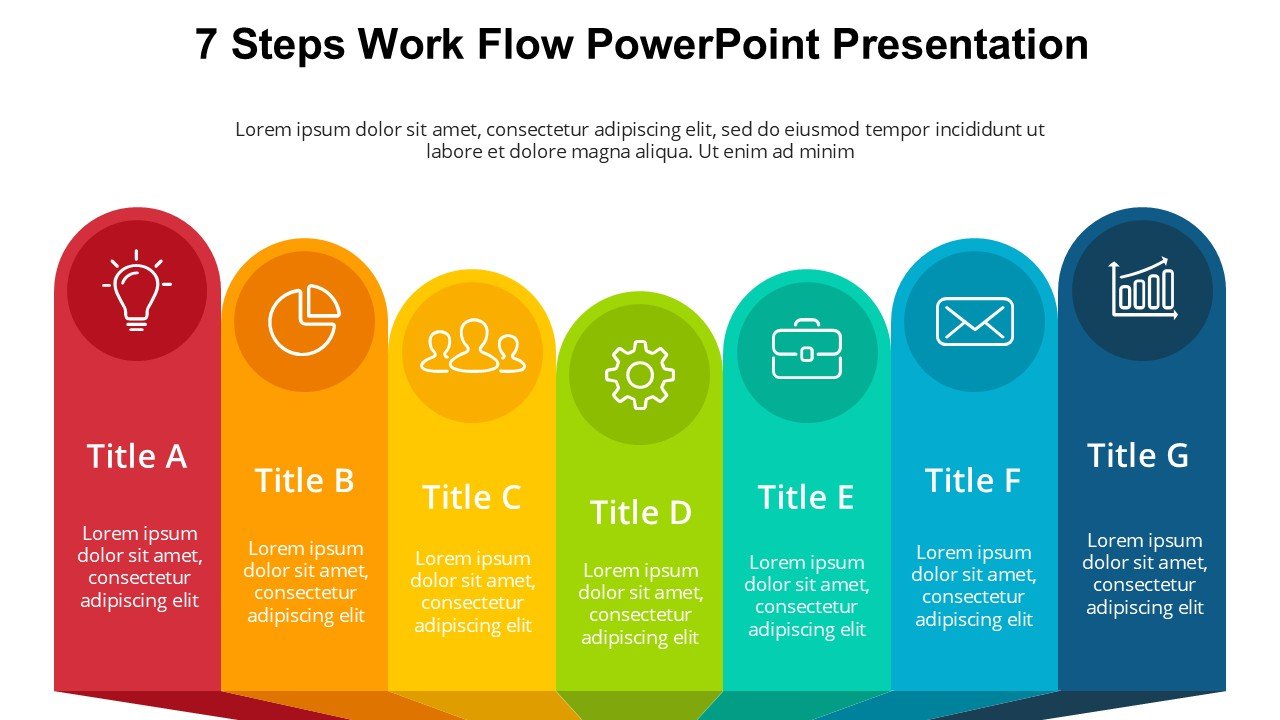
The 7 Steps Work Flow PowerPoint Presentation slide template is an expertly crafted PPT template designed to help professionals, educators, and advocates streamline and present complex processes in a visually engaging format. This presentation template is tailored to assist users in showcasing a step-by-step workflow, making it perfect for explaining detailed procedures, operations, or plans that involve multiple stages.
This PPT slide deck consists of meticulously designed slides that break down processes into seven clear, easy-to-follow steps. Each slide in the 7 Steps Work Flow PowerPoint Presentation PPT template features a unique layout that focuses on one step at a time, ensuring that the audience can follow along without confusion. The design is clean and professional, with ample space for text and visuals that help illustrate each point effectively.
The versatility of this PPT template makes it an excellent choice for a wide range of applications, from corporate business meetings where strategic plans are discussed to academic settings where teachers can use the slides to outline lesson plans or research methodologies. It’s also ideal for workshops or seminars where step-by-step guidance is crucial.
Furthermore, the 7 Steps Work Flow PowerPoint Presentation slide template is designed for ease of use. Each slide is fully editable, allowing users to customize the design according to their specific needs, including changing colors, fonts, and images, to fit their organizational identity or personal style. This customization capability ensures that the presentation can be adapted to various professional environments and audiences, enhancing communication and understanding of complex processes.
In summary, the 7 Steps Work Flow PowerPoint Presentation PPT template is not just a tool but a comprehensive solution for presenting detailed workflows in an organized and impactful manner. It is designed to meet the needs of anyone who requires a systematic presentation format that is both informative and visually appealing.
Features:
– Fully editable templates: Customize every element of the slides with ease.
– Clean and professional design: Enhances the visual appeal and readability of your presentations.
– Organized layout: Each step is clearly defined and easy to follow.
– Wide compatibility: Works seamlessly with Microsoft PowerPoint and other popular presentation software.
Use Cases:
– Suitable for corporate strategy meetings to outline business processes or plans.
– Ideal for educational purposes, such as detailing a scientific experiment or illustrating historical timelines.
– Useful in training sessions or workshops to guide attendees through complex tasks or software usage.
– Applicable in advocacy or outreach programs to explain multi-step campaigns or initiatives.




There are no reviews yet.