


Description
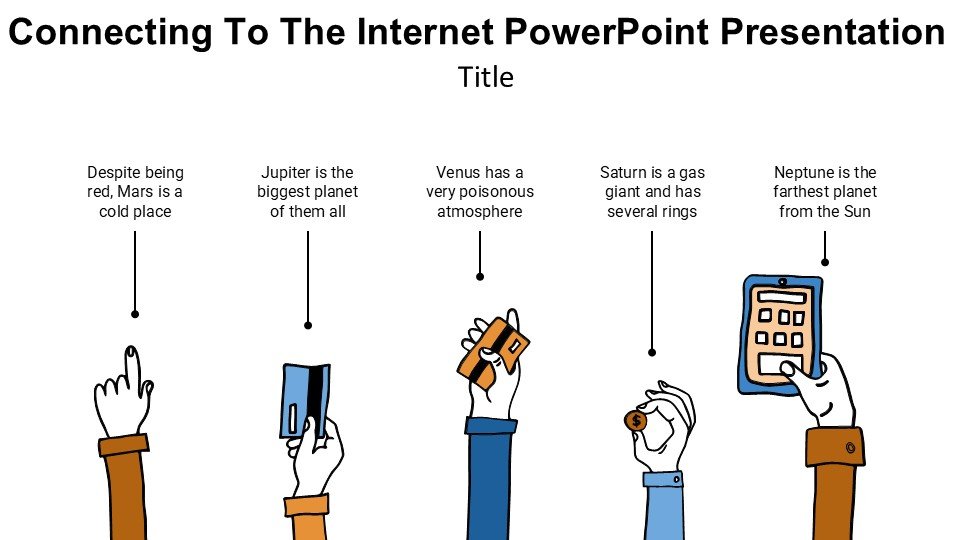
In today’s rapidly evolving digital world, understanding how to connect to the internet is fundamental for everyone, from students and educators to professionals across various fields. The “Connecting To The Internet PowerPoint Presentation PPT template” is designed to provide a comprehensive overview of the internet connectivity process, tailored to educate and inform audiences of all levels.
This presentation template is a vital resource for those looking to demystify the technicalities of internet connections. It breaks down complex concepts into easily digestible slides that explain how different types of internet connections work, the hardware involved, and the steps required to establish a secure connection. The “Connecting To The Internet PowerPoint Presentation slide template” is meticulously crafted to ensure clarity and engagement, making it an excellent educational tool for teachers, tech advocates, and professionals aiming to enhance their technological literacy or instruct others.
The slide template includes visual aids and infographics that simplify the explanation of broadband, Wi-Fi, mobile data, and other forms of internet connections. It highlights key points such as the importance of secure connections, differences between various connection types, and troubleshooting common issues. Each slide is designed to hold the audience’s attention while providing valuable information that is applicable in real-world scenarios.
Whether you are a teacher introducing students to the basics of internet technology, a professional conducting a workshop on digital literacy, or an advocate promoting increased access to technology, the “Connecting To The Internet PowerPoint Presentation PPT template” is an invaluable asset. It not only educates but also empowers users by giving them the knowledge needed to navigate the digital world more effectively.
Features:
– Fully editable templates: Customize the content and aesthetics to fit your specific needs.
– High-quality graphics and infographics: Enhance understanding with visually appealing elements.
– Comprehensive coverage: Includes all fundamental aspects of internet connections.
– Slide notes included: Offers additional explanations and speaker notes to aid delivery.
– Wide compatibility: Designed for use with Microsoft PowerPoint.
Use Cases:
– Perfect for educational settings: Can be used by teachers for classroom lessons on digital literacy.
– Training tool for employees: Ideal for businesses that require staff to understand basic internet operations.
– Community workshops: Useful for community leaders conducting technology education sessions.
– Advocacy and outreach: Supports tech advocates in raising awareness about internet accessibility and security.







There are no reviews yet.