


Description
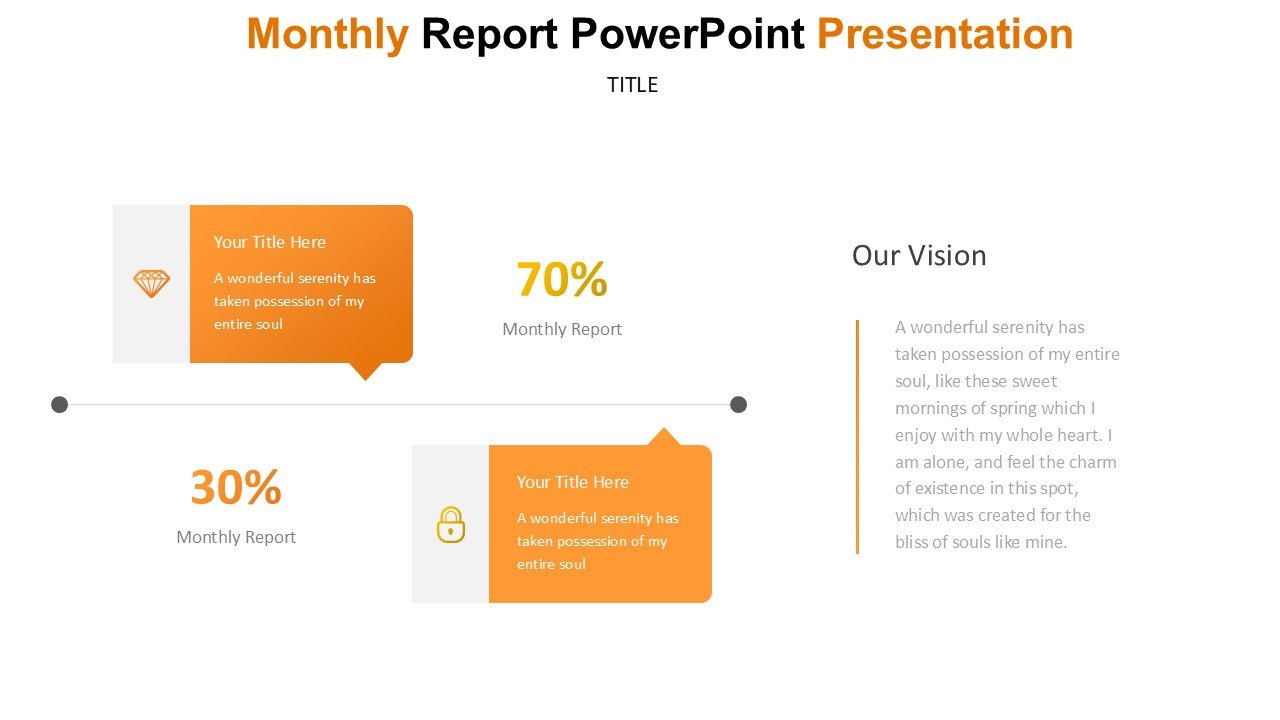
The Monthly Report PowerPoint Presentation PPT template is a comprehensive and meticulously designed slide template that caters to the needs of business professionals, educators, and advocates who require a structured and persuasive way to present monthly performance and results. This PPT template is crafted to help you communicate your monthly findings, progress, and analyses clearly and effectively, ensuring your audience, whether stakeholders, students, or peers, grasp the full scope of the information presented.
Our Monthly Report PowerPoint Presentation slide template encompasses a variety of slide designs that are not only appealing but also functional, facilitating the display of data in a logical and accessible format. Each slide in the PPT template is designed to support data visualization, with charts, graphs, and tables that can be easily customized to reflect specific data points and trends observed over the month. The template’s professional and clean design ensures that your monthly reports look polished and authoritative, enhancing the overall impact of your presentation.
This presentation template is tailored specifically for users who need to compile and present reports regularly and are looking for a reliable and efficient way to do so. It is an ideal resource for managers needing to update their teams or superiors, educators who track and report on class progress, or advocates presenting monthly developments on specific issues or campaigns. The Monthly Report PowerPoint Presentation PPT template is versatile and designed to be user-friendly, accommodating users with varying levels of expertise in PowerPoint.
With this PPT slide, you no longer have to start from scratch each month. Instead, you can focus on updating your data and refining your message, knowing that the presentation’s structure and design are already set to meet professional standards. This efficiency not only saves time but also ensures consistency in how your reports are presented, making it easier for your audience to follow and understand the progression over time.
Features:
– Fully editable templates: Customize every element of the slides with ease.
– Compatible with PowerPoint and Google Slides: Works across popular presentation platforms.
– Wide variety of charts and graphs: Include pie charts, bar graphs, and line charts to represent data visually.
– Professional design: Sleek and clean layout that maintains the attention of the audience.
– Slide transitions and animations: Enhance the presentation’s appeal with subtle animations.
– Pre-defined color schemes: Choose from a selection of professional color palettes or create your own.
– High-resolution visuals: Ensure that your slides look sharp and engaging on all screens.
Use Cases:
– Ideal for monthly business reviews in corporate settings.
– Suitable for academic staff to report monthly student progress or research findings.
– Useful for NGOs to present monthly activity reports or progress towards goals.
– Applicable for government officials reporting on monthly civic or community initiatives.
– Perfect for startups to showcase monthly milestones to investors or stakeholders.







There are no reviews yet.