


Description
Introducing the Table Timeline for PowerPoint Template – a dynamic and versatile tool designed to enhance your presentations with visually impactful timelines. Perfect for professionals across all industries, this template allows you to showcase historical data, project timelines, sequential events, and much more in a clear and engaging format. Whether you’re a project manager needing to report project stages, a marketer outlining campaign progress, or an educator teaching historical events, this template is engineered to boost the clarity and appeal of your presentations.
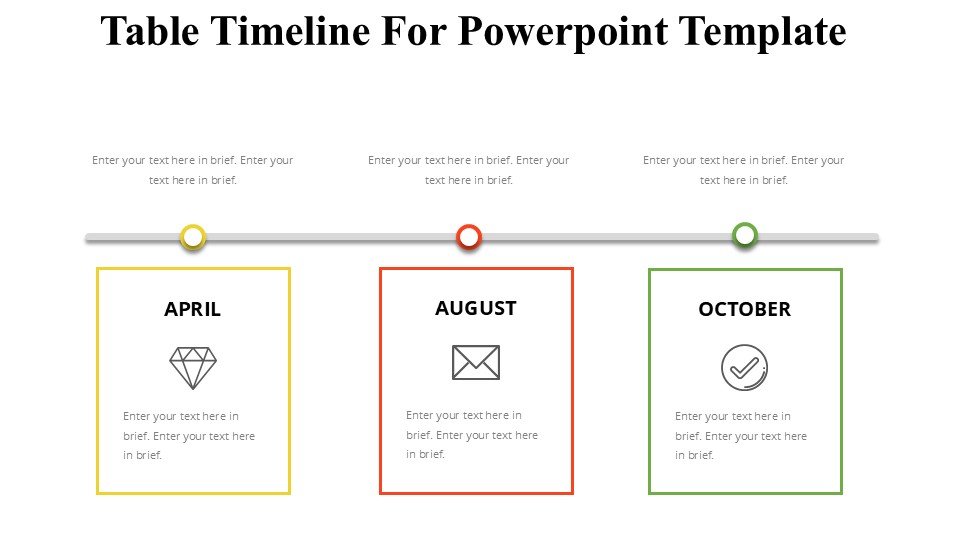
The Table Timeline for PowerPoint Template is expertly designed to be intuitive and easy to use. It features a series of customizable tables integrated with timeline graphics, making it simple to add, remove, or modify data points. The layout is meticulously crafted to ensure that your information stands out with maximum readability, allowing your audience to grasp chronological relationships quickly at a glance.
A standout feature of this template is its high degree of customization. Unlike many generic templates, each element from colors to fonts and icons can be tailored to fit your specific presentation needs or corporate branding. This adaptability makes it an invaluable tool for professionals striving to maintain a cohesive visual identity in all their communications.
Feature Highlights:
1. **Fully Editable Templates:** Every aspect of the timeline can be edited directly in PowerPoint or Google Slides. This includes text, colors, sizes, and shapes, enabling you to customize the design according to your specific requirements without needing additional software.
2. **Compatibility with PowerPoint and Google Slides:** This template isn’t limited to just one platform. Whether you prefer working in Microsoft PowerPoint or Google Slides, the Table Timeline Template is fully compatible with both, providing flexibility and ease of use.
3. **Drag-and-Drop Functionality:** Adding new elements or adjusting the timelines is straightforward with the drag-and-drop interface. This feature saves time and reduces the effort typically associated with graphic adjustments in presentation design.
4. **Dynamic Layout Options:** Choose from a variety of layout designs within the template to best convey your timeline. Whether you need a horizontal or vertical timeline or require different scales and intervals, the template can accommodate diverse data presentation needs.
5. **Professional Design:** Created with the aesthetic input from professional graphic designers, this template sports a clean, modern look that will keep your audience engaged and ensure that your presentations look polished and professional.
6. **Instant Download and Accessibility:** The template is available for instant download and can be used immediately after purchase. This quick access ensures you can start working on your presentations right away without any delays.
The Table Timeline for PowerPoint Template is an essential tool for anyone who needs to present temporal data compellingly and clearly. Its user-friendly design, combined with powerful customization features, ensures that your presentations will not only convey information effectively but also leave a lasting impression on your audience.








There are no reviews yet.