


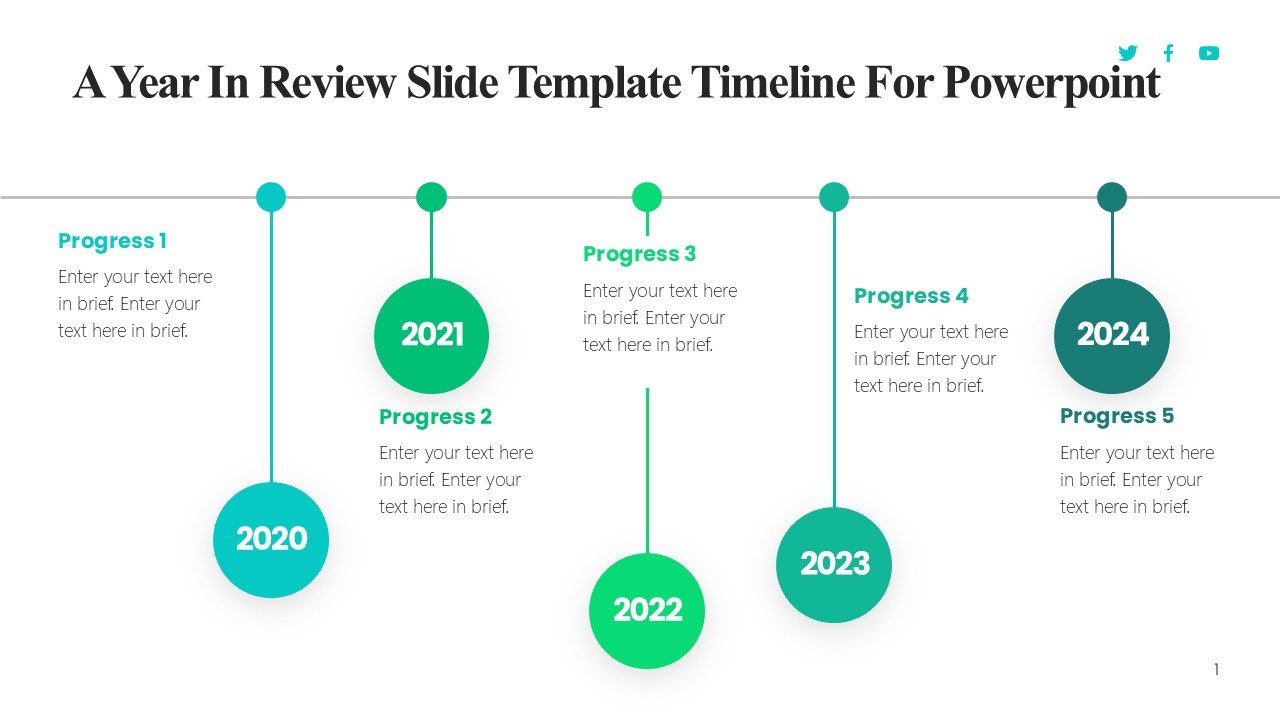
Description
Introducing the “A Year in Review Slide Template Timeline for PowerPoint,” an expertly designed tool that will transform how you present your annual achievements and milestones. Whether you’re summarizing a year of business growth, academic achievements, or personal milestones, this visually captivating template is tailored to help you convey your story with clarity and impact.
Crafted for professionals across all industries, the “A Year in Review” template offers a streamlined and sophisticated way to reflect on the past and plan for the future in front of an audience. Each slide is thoughtfully designed to accommodate a wide range of data, enabling you to showcase key events, progress, and future plans with ease and elegance.
The template spans a total of 12 detailed slides, each representing a month of the year. These slides are interconnected through a seamless timeline, guiding your audience through the year in a logical, easy-to-follow manner. The design incorporates a clean, modern aesthetic with plenty of white space to ensure that your content stands out. The use of subtle colors and bold fonts highlights important data points and keeps your audience engaged from start to finish.
Key features of the “A Year in Review Slide Template Timeline for PowerPoint” include:
1. **Fully Editable Layouts**: Every element of the slide—from color schemes and fonts to text boxes and images—can be customized to fit your specific needs. This flexibility allows you to maintain consistency with your brand or personal style throughout the presentation.
2. **Compatibility with PowerPoint and Google Slides**: This template is fully compatible with both Microsoft PowerPoint and Google Slides, offering versatility regardless of your preferred presentation software. This ensures that you can create, edit, and present from any device and platform without compatibility issues.
3. **Dynamic Timeframe**: The timeline format is dynamically designed to accommodate changes. Whether your review covers exactly a year or needs adjustment for a few extra months, you can easily modify the timeline to suit your timeframe.
4. **Visual Elements**: Comes packed with high-quality graphics and icons, which are all royalty-free and ready to use. These visual elements can enhance the appeal of your presentation, making complex data easier to understand through engaging infographics.
5. **User-Friendly Setup**: The template includes an introductory guide slide that provides tips and tricks on how to maximize the potential of your presentation. This is particularly handy for users who may not be very familiar with PowerPoint or Google Slides.
6. **Versatile Use Cases**: While ideal for annual reviews, this template can also be used for project timelines, growth tracking, educational purposes, or even personal life events. Its adaptability makes it a valuable tool for a wide array of presentations.
The “A Year in Review Slide Template Timeline for PowerPoint” is more than just a presentation tool; it’s a comprehensive solution for storytelling. Whether you’re a corporate professional, educator, student, or just someone keen to visually document a year’s journey, this template will meet and exceed your expectations, ensuring your year-in-review stands out with professionalism and style.








There are no reviews yet.