


Description
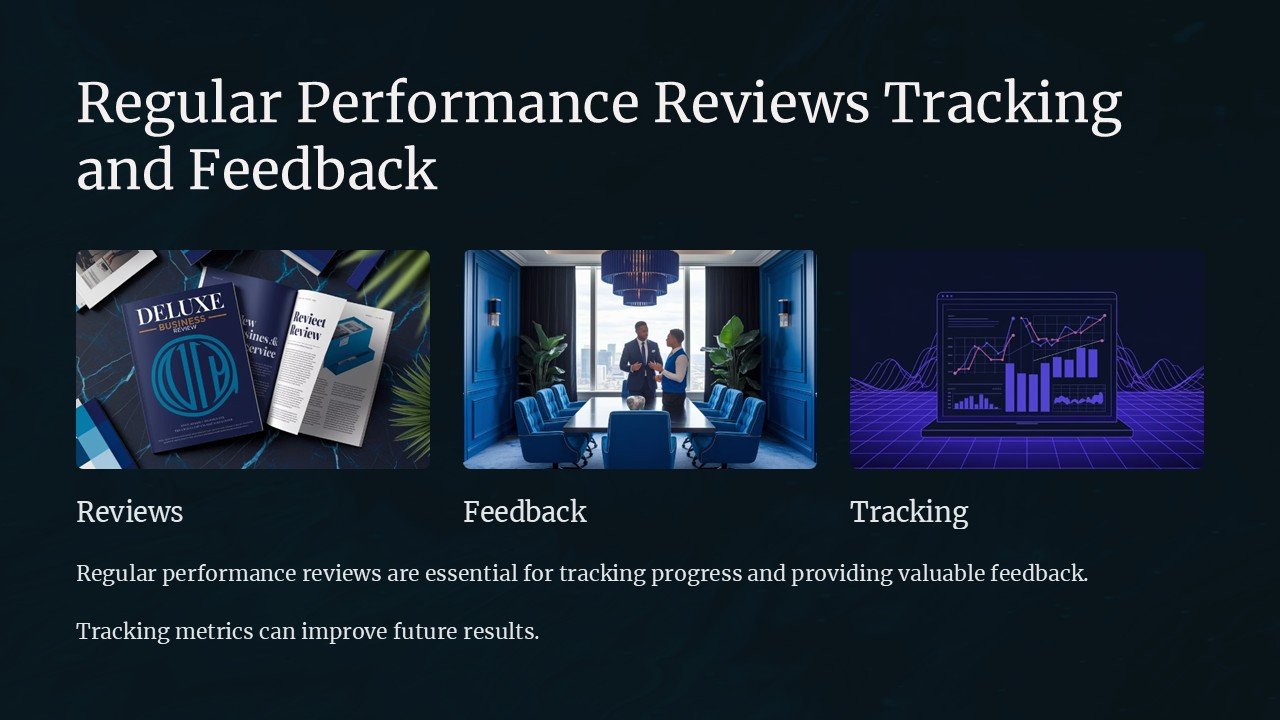
Introducing the Regular Performance Reviews Tracking and Feedback PowerPoint Presentation, an essential tool designed to streamline the process of conducting and managing employee reviews within your organization. This comprehensive presentation template is crafted to help managers, HR professionals, and team leaders deliver constructive feedback and track performance efficiently over time.
With our PowerPoint presentation, you can expect a structured format that guides you through each step of the performance review process. From setting initial objectives to evaluating progress and providing feedback, our slides are tailored to cover all aspects of performance management. The visual and textual content is organized to promote clear communication between evaluators and employees, ensuring that performance reviews are both productive and meaningful.
Key Sections and Features:
1. **Objective Setting Slide** – Start your performance review process by defining clear and measurable goals. This slide helps set the stage for what is expected from employees, aligning their efforts with the broader objectives of the organization.
2. **Mid-Year Review Slide** – Track progress and provide timely feedback with our mid-year review slide. This section is designed to assess the initial performance, highlight achievements, and identify areas for improvement, keeping your team on track toward annual goals.
3. **End-of-Year Review Slide** – Conclude your performance cycle with a detailed analysis of overall performance. This slide facilitates a comprehensive review of the year’s achievements and challenges, paving the way for future development plans.
4. **Feedback and Recommendations Slide** – Foster a growth-oriented environment with our feedback slide. It provides a structured template for offering constructive criticism and positive reinforcement, alongside actionable recommendations for professional growth.
5. **Performance Metrics and Analytics Slide** – Utilize our data-driven slides to present performance metrics effectively. Visual graphs, charts, and tables allow you to showcase performance trends, comparisons, and benchmarks, making the data easy to understand and act upon.
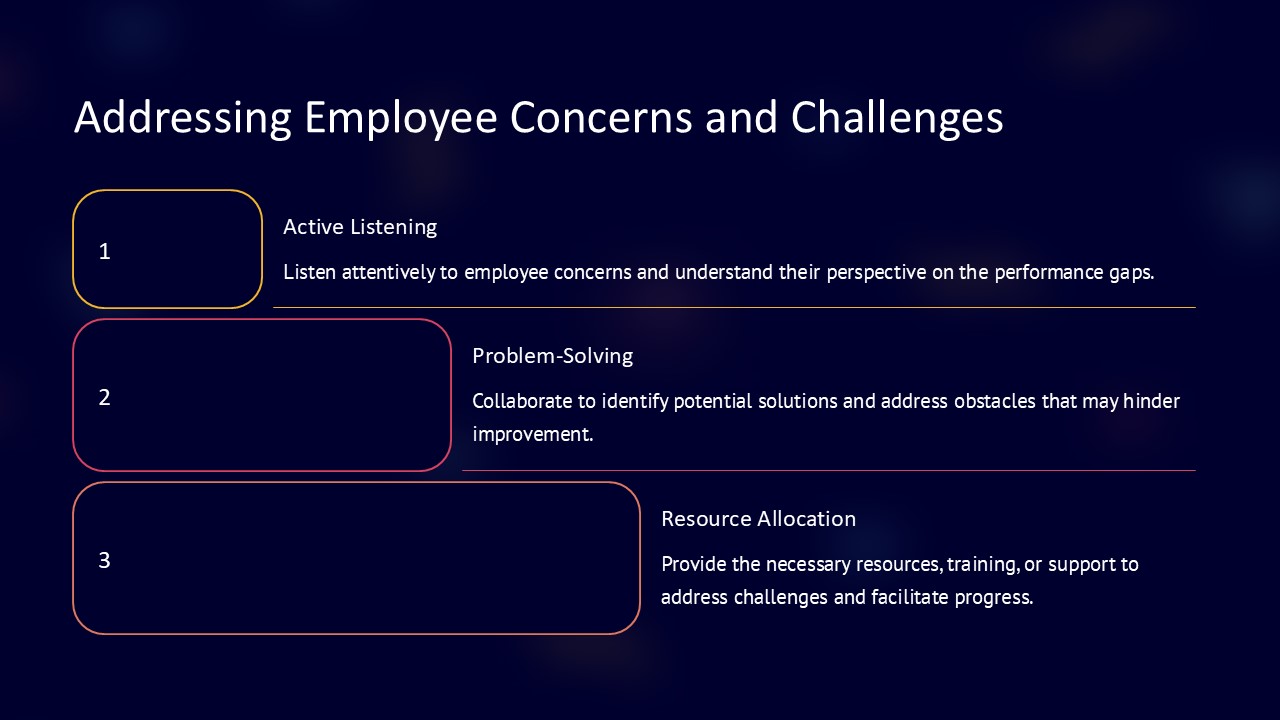
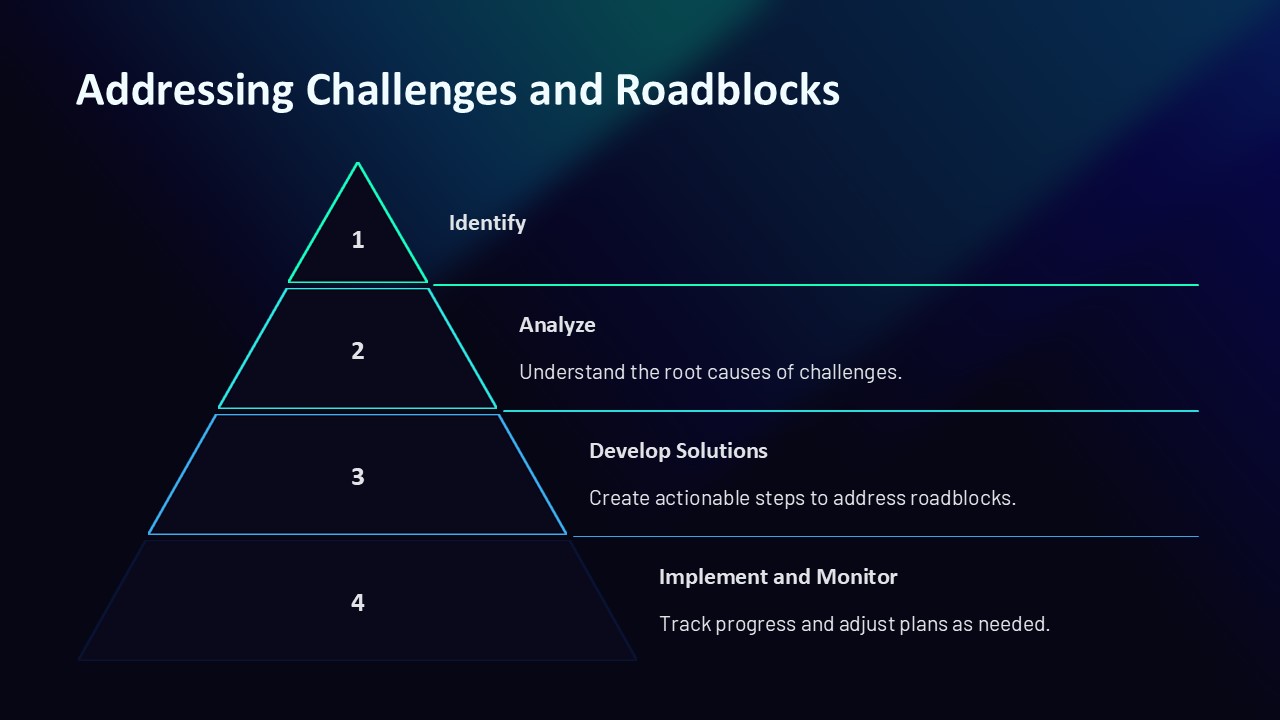
6. **Action Plan and Follow-Ups Slide** – Ensure continuous improvement with our action plan slide. This section helps you outline next steps, set follow-up meetings, and provide resources required for employee development.
Features Related to Fully Editable Templates:
– **PowerPoint Compatibility**: Our presentation is fully compatible with Microsoft PowerPoint, enabling you to customize content, style, and layout without any hassle. Whether you need to add more slides, alter the text, or adjust the graphics, our template is flexible to meet your specific needs.
– **Google Slides Support**: For those who prefer cloud-based tools, our template supports Google Slides. This feature allows you to access and edit your performance review presentation from anywhere, collaborate in real-time with other reviewers, and easily share your slides online.
– **Comprehensive Customization**: Every slide in our presentation is designed to be fully editable. You can change colors, modify text sizes, replace images, and even adjust the backgrounds to fit your company’s branding and visual identity.
The Regular Performance Reviews Tracking and Feedback PowerPoint Presentation is not just a tool but a transformational asset that enhances the way your organization handles performance assessments. Equip your team with this powerful presentation to ensure that your performance reviews are as effective and engaging as possible. Elevate your review process, and watch your team’s productivity and morale soar!




There are no reviews yet.