


Description
**Introducing the Q&A Session Addressing Your Questions and Concerns PowerPoint Presentation**
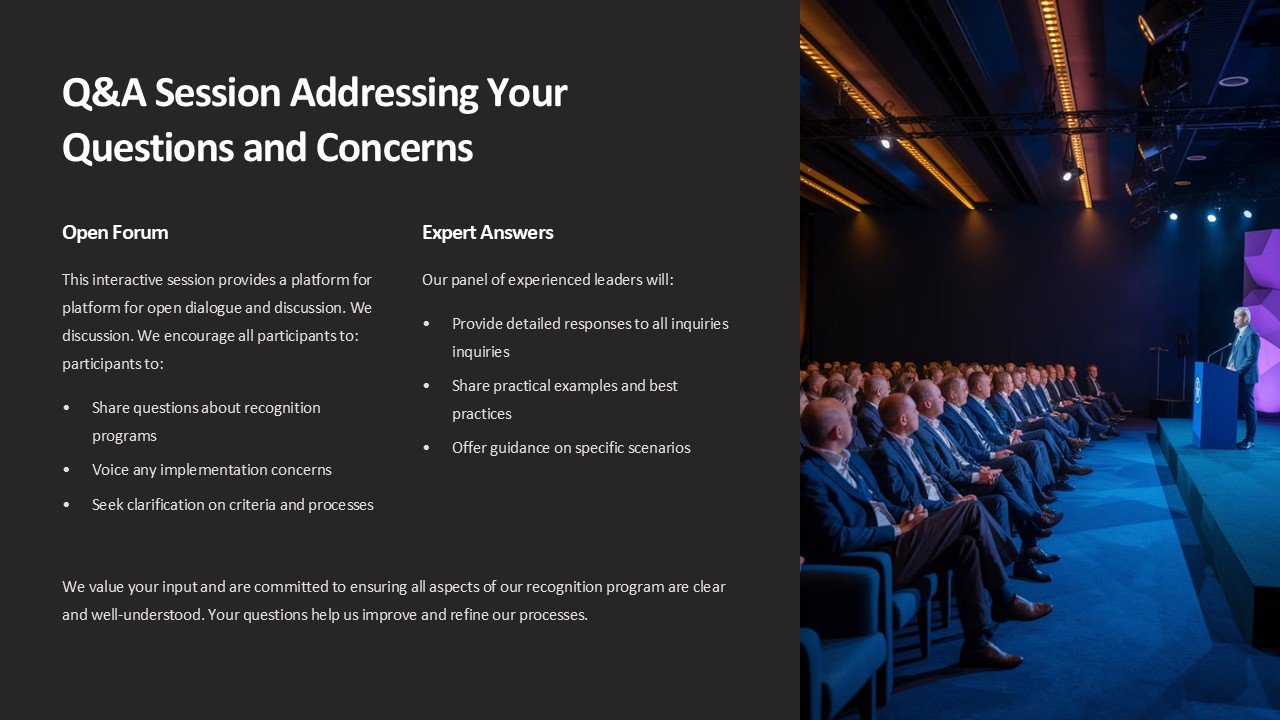
In a world where clarity and communication are paramount, the Q&A Session Addressing Your Questions and Concerns PowerPoint Presentation stands out as an indispensable tool for dynamic and interactive engagements. This meticulously designed presentation template is tailored to facilitate open dialogues, ensuring that every query and concern is addressed effectively.
Crafted with the needs of professionals in mind, this PowerPoint presentation template is perfect for corporate meetings, educational sessions, webinars, workshops, and more. Its intuitive design supports a flowing Q&A format, making it easier for presenters to organize questions and provide thorough answers. Whether you’re a business leader, an educator, or a project manager, this presentation will help you engage with your audience in a more meaningful way.
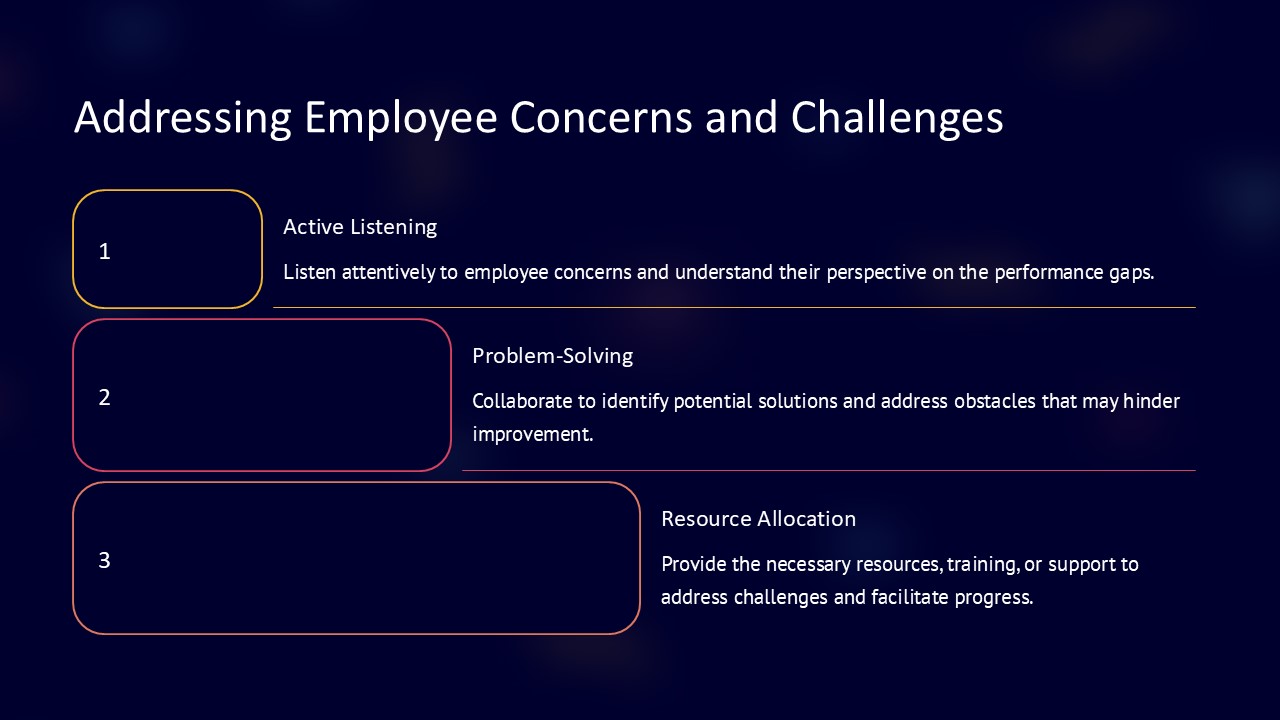
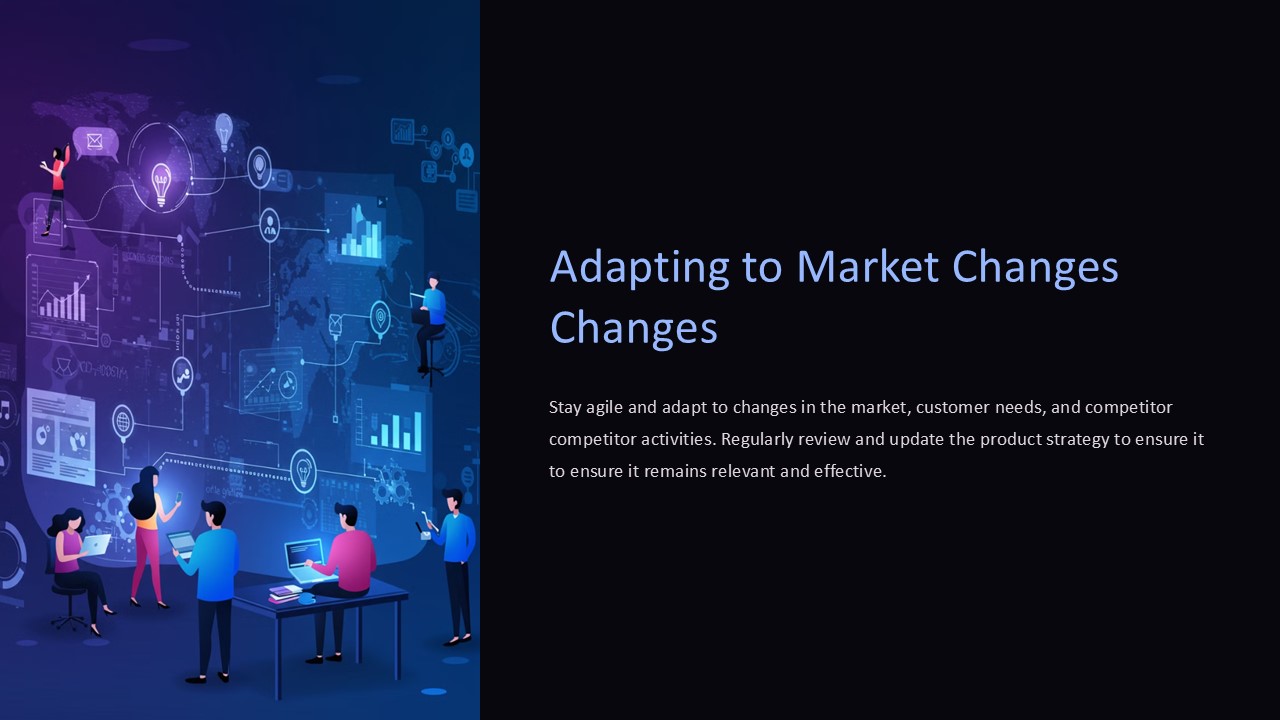
The template features a clean, professional layout with a variety of slide designs that can be used to present questions and answers in a structured manner. Each slide is crafted to keep the audience engaged while providing all the necessary information clearly and concisely. The design incorporates elements such as bullet points for highlighting key ideas, text boxes for detailed explanations, and vibrant graphics to illustrate points effectively.
**Key Features of the Q&A Session PowerPoint Presentation:**
1. **Fully Editable Templates:** Every slide in the Q&A Session PowerPoint presentation is fully editable. This means you can easily customize the content, colors, fonts, and layout to match your specific needs and branding requirements. The flexibility of customization ensures that you can reuse the same template for different sessions, making it a cost-effective solution.
2. **Supports PowerPoint and Google Slides:** The Q&A Session PowerPoint Presentation is not only compatible with Microsoft PowerPoint but also fully functional with Google Slides. This compatibility allows you to prepare, edit, and present from any device that supports these platforms, ensuring you can address your audience no matter where you are.
3. **Interactive Design Elements:** To enhance the interactive nature of a Q&A session, the template includes various design elements such as clickable tabs, animated transitions, and embedded videos. These features help in maintaining the audience’s attention and making the session more engaging.
4. **Diverse Slide Varieties:** The template includes a range of slide types, from introductory slides setting the session’s agenda to individual question slides and summary slides for concluding the session. This variety allows for a comprehensive presentation that caters to different aspects of audience interaction.
5. **Placeholder Text and Imagery:** To guide you in crafting an effective presentation, the template comes with placeholder text and imagery. These elements provide suggestions on how to frame your questions and answers, and can be easily replaced with your specific content.
6. **Professional Aesthetics:** With a focus on professional aesthetics, the slides are designed to be visually appealing yet not overwhelming. The use of subtle colors and ample white space ensures that the focus remains on the content, making it easy for the audience to follow along.
Whether you’re addressing the concerns of stakeholders in a corporate environment, interacting with students in an academic setting, or engaging with the public in a community forum, the Q&A Session Addressing Your Questions and Concerns PowerPoint Presentation is your go-to resource for fostering effective communication and building trust through transparency. Equip yourself with this powerful tool and transform your interactions into opportunities for growth and understanding.





There are no reviews yet.