


Description
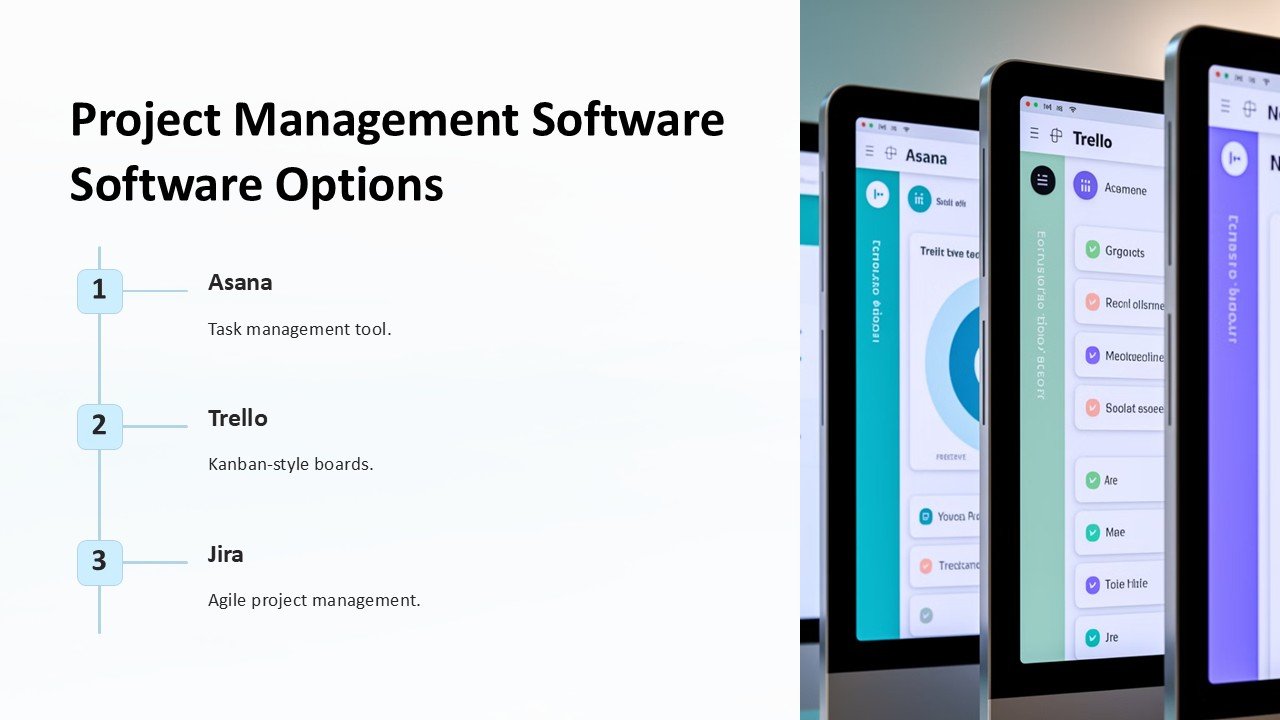
Introducing the ultimate solution for efficient project management: the Project Management Software Options PowerPoint Presentation. This comprehensive presentation toolkit is designed to help project managers and teams streamline their planning, execution, and monitoring processes. With a focus on flexibility and user-friendliness, this presentation is an indispensable resource for businesses of all sizes looking to enhance their project management capabilities.
The Project Management Software Options PowerPoint Presentation provides a detailed overview of various software tools that cater to different project management needs. Whether you are looking for a solution that specializes in agile methodologies, or need a tool that integrates seamlessly with your existing workflows, this presentation covers it all. It guides you through the strengths and weaknesses of each option, helping you make an informed decision that best fits your project requirements and business goals.
What sets this presentation apart is its fully editable templates, which are compatible with both PowerPoint and Google Slides. This means no matter what platform you prefer, you can easily customize the presentation to suit your specific needs. You can modify the text, change colors, adjust layouts, and add or remove slides with complete ease. This flexibility ensures that you can create a presentation that not only informs but also aligns perfectly with your company’s branding and stylistic preferences.
**Key Features:**
1. **Comprehensive Coverage**: This presentation covers a wide array of project management software options, including industry leaders and niche tools, providing a balanced view that caters to diverse business needs.
2. **Detailed Analysis**: Each software option is analyzed in terms of features, pricing, user-friendliness, and integration capabilities, making it easier for decision-makers to compare and contrast their choices effectively.
3. **Fully Editable Templates**: With templates that support both PowerPoint and Google Slides, users have the freedom to customize every aspect of their presentation. This includes the ability to tweak designs, edit content, and rearrange slides to better fit their presentation narrative.
4. **User-Friendly Design**: The templates are designed for ease of use, ensuring that even those with minimal experience in PowerPoint or Google Slides can create professional-quality presentations without extensive training.
5. **Visual Appeal**: Each slide is crafted with attention to visual details, incorporating engaging graphics and coherent color schemes that enhance the overall appeal of the presentation, making complex information easier to digest.
6. **Versatility**: Ideal for project managers, IT coordinators, and decision-makers across various sectors, this presentation serves as a valuable tool for anyone involved in selecting project management software.
7. **Resourceful Slides**: Includes comparison charts, pros and cons lists, pricing tables, and user testimonials, providing a holistic view that aids in thorough evaluation.
The Project Management Software Options PowerPoint Presentation is more than just a tool; it’s a strategic asset that empowers teams to choose the most effective software, ensuring projects are delivered on time, within budget, and to the highest standards of quality. Equip your team with this powerful presentation and watch as project management becomes more streamlined, effective, and aligned with your business objectives.


There are no reviews yet.