


Description
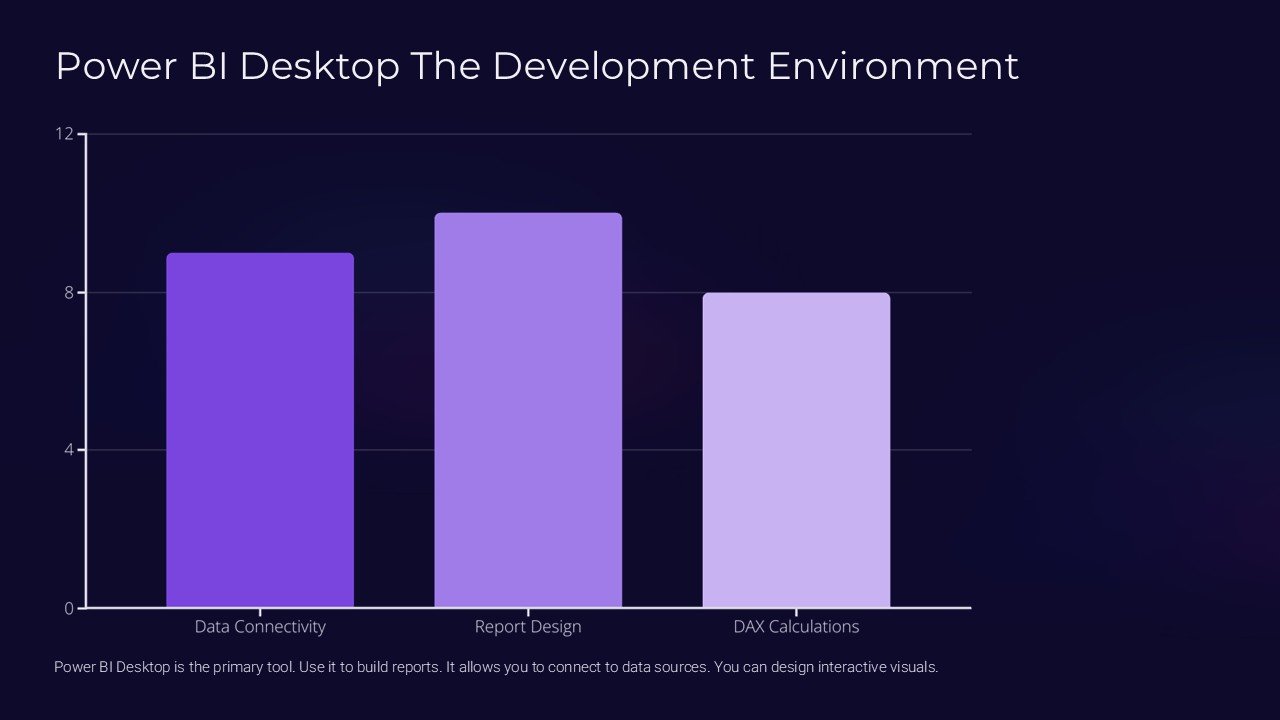
Introducing Power BI Desktop: The Development Environment PowerPoint Presentation, a comprehensive presentation toolkit designed for professionals who need to communicate complex data analysis and business intelligence insights with clarity and impact. This powerful presentation is not only a visual aid but also an educational resource that guides you through the capabilities and features of Power BI Desktop, making it an indispensable asset for analysts, data scientists, and business professionals.
The Power BI Desktop: The Development Environment PowerPoint Presentation is meticulously crafted to provide a deep dive into the world of data exploration and sharing using Power BI Desktop. It begins with an overview of the software, explaining its purpose, core functions, and the unique benefits it offers to data-driven organizations. As you progress through the slides, you’ll encounter detailed sections on data importation, query editing, and the creation of interactive reports and dashboards that tell compelling data stories.
Each slide in the presentation is fully editable, allowing users to customize content to fit their specific needs or to highlight particular data points critical to their audience. The flexibility of the template ensures that it can be adapted for a variety of professional settings, from corporate boardrooms to academic conferences.
Key Features:
1. **Fully Editable Templates:** Every element of the presentation can be customized. Whether it’s the text, color, size, or style of the graphics, users have complete control to tailor each slide according to their preferences and branding requirements.
2. **Supports PowerPoint Templates and Google Slides:** The presentation is compatible with both PowerPoint and Google Slides, providing versatility and ease of use across different platforms. This feature ensures that you can easily share and collaborate with colleagues, regardless of the software they use.
3. **Comprehensive Coverage:** From basic concepts to advanced functionalities, the presentation covers all aspects of Power BI Desktop. It includes sections on data modeling, visualizations, DAX formulas, security features, and much more, making it a full-fledged learning tool.
4. **Interactive Visual Aids:** The presentation is equipped with a variety of charts, graphs, and visuals that can be interactively explored to better understand the data and analytics being discussed. This interactive element helps in engaging the audience and facilitating a better understanding of complex data sets.
5. **Professional Design:** With a sleek and professional design, the presentation is crafted to impress. The layout is not only aesthetically pleasing but also organized in a manner that promotes easy comprehension and a smooth flow of information.
6. **User Guide and Tips:** Included in the presentation are helpful tips and a user guide for beginners, which offers advice on how to make the most of Power BI Desktop’s features. This additional resource is great for those new to the platform or those looking to enhance their data presentation skills.
Power BI Desktop: The Development Environment PowerPoint Presentation is more than just a presentation template; it is a tool that enhances the way you analyze, present, and share data. It empowers you to transform raw data into insightful, visually appealing reports that can drive decision-making and foster a data-driven culture within your organization. Whether you’re presenting to a client, training team members, or conducting a workshop, this presentation will elevate your ability to communicate insights derived from Power BI Desktop effectively.



There are no reviews yet.