


Description
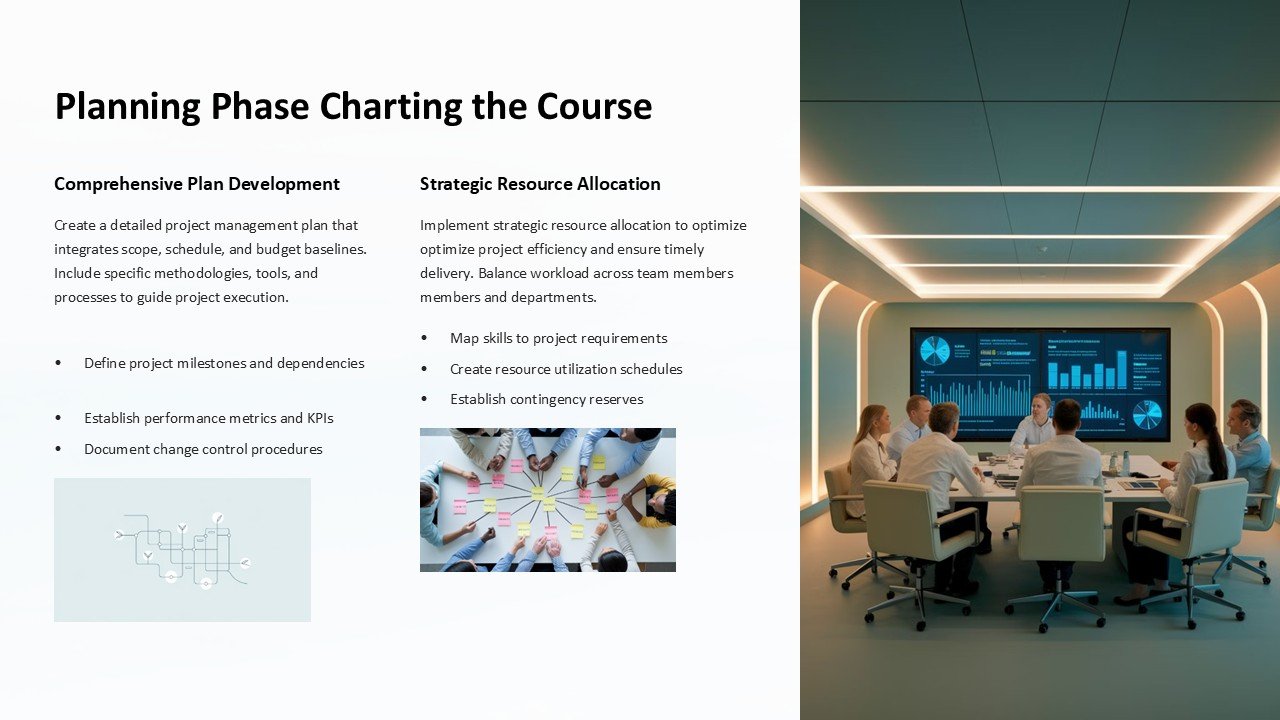
Introduce a new level of organization and strategic planning into your professional toolkit with the “Planning Phase: Charting the Course PowerPoint Presentation.” Tailored for business professionals, project managers, and strategic planners, this comprehensive presentation template is designed to guide teams through the crucial planning stages of any project, ensuring a clear path from conception to completion.
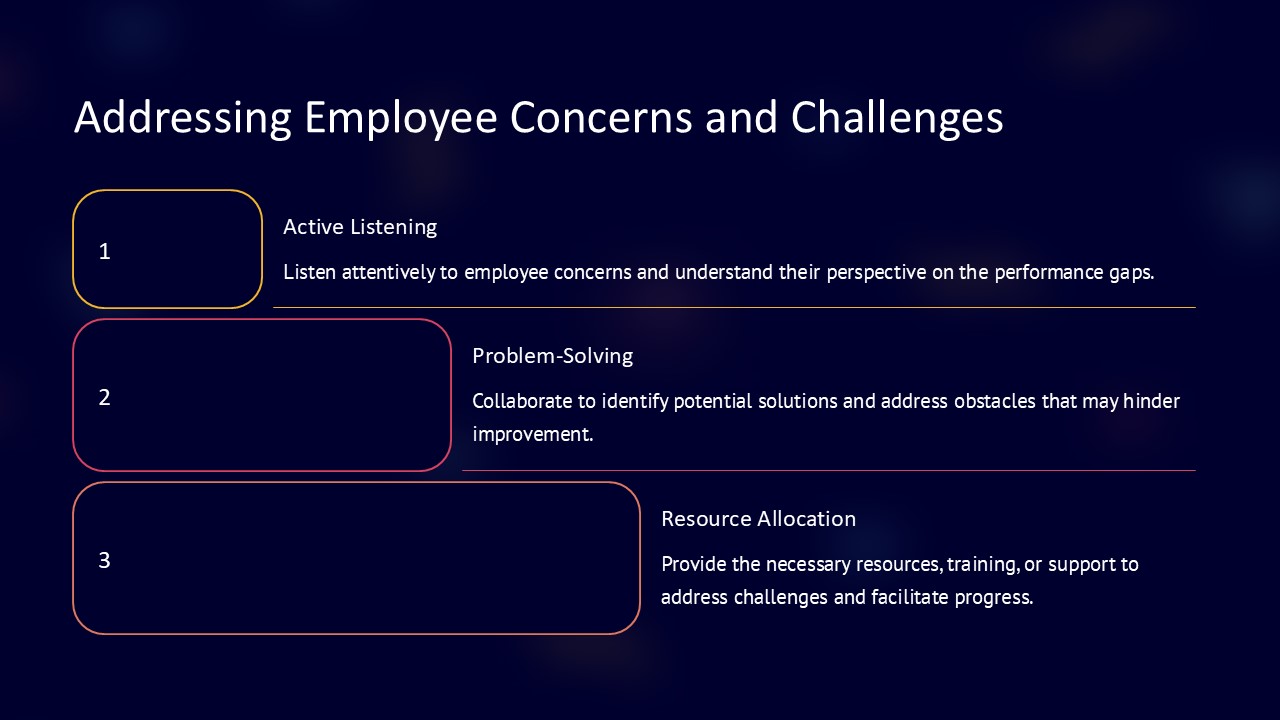
Crafted with precision, the Planning Phase presentation template encompasses a series of meticulously designed slides that facilitate the breakdown of complex project phases into manageable parts. Each slide is dedicated to different aspects of project planning, including goal setting, timeline creation, resource allocation, risk assessment, and more. The layout is intuitive, making it easy for you to present your plans in a coherent and persuasive manner.
What sets this PowerPoint presentation apart is its fully editable nature. Each element, from text boxes and color schemes to diagrams and timelines, can be customized to suit the specific needs of your project and branding requirements. This means that whether you’re pitching to stakeholders, briefing your team, or planning a project kickoff, you can adjust every detail to align with your objectives and aesthetic preferences.
The compatibility of the Planning Phase presentation extends beyond Microsoft PowerPoint. It also supports Google Slides, making it versatile for various users and scenarios. Whether you’re working on a PC, a Mac, or operating within a cloud-based environment, this template ensures your planning process is seamless and effective.
**Features of the Planning Phase Charting the Course PowerPoint Presentation:**
1. **Fully Editable Templates:** Adjust text, change colors, modify shapes, and move elements around to fit your specific project needs. Tailor every slide to your company’s branding and the specific details of your project without any hassle.
2. **Comprehensive Slide Range:** Includes slides for every aspect of project planning, such as SWOT analysis, Gantt charts, budget overviews, stakeholder maps, and more. Each slide is crafted to help visually break down information, making it digestible and easy to understand.
3. **Seamless Compatibility:** Works smoothly with Microsoft PowerPoint and Google Slides. No matter what platform you prefer, this presentation is designed to perform without compromise.
4. **Professional Design:** Each slide features a clean, professional layout that helps keep the audience focused on your content. The design is not only visually appealing but also enhances communication, ensuring that your points are conveyed effectively.
5. **Versatility:** Ideal for a wide range of industries including technology, education, marketing, construction, and healthcare. Whatever your sector, this template helps you lay the groundwork for successful project execution.
6. **Easy to Use:** Even if you’re not a PowerPoint expert, this template is straightforward and user-friendly. It comes with instructions and can be mastered quickly, allowing you to focus on your content rather than struggling with design complexities.
Make the Planning Phase: Charting the Course PowerPoint Presentation a cornerstone of your project management strategy. It’s more than just a tool; it’s a roadmap to successful project execution, helping you and your team stay aligned with your goals and milestones from start to finish.



There are no reviews yet.