


Description
**Navigating the Power Query Interface PowerPoint Presentation**
Unlock the potential of data manipulation and analysis with the “Navigating the Power Query Interface PowerPoint Presentation.” Designed for professionals who aim to enhance their skills in data processing, this comprehensive PowerPoint presentation is an invaluable tool for anyone looking to master the intricacies of Microsoft Power Query.
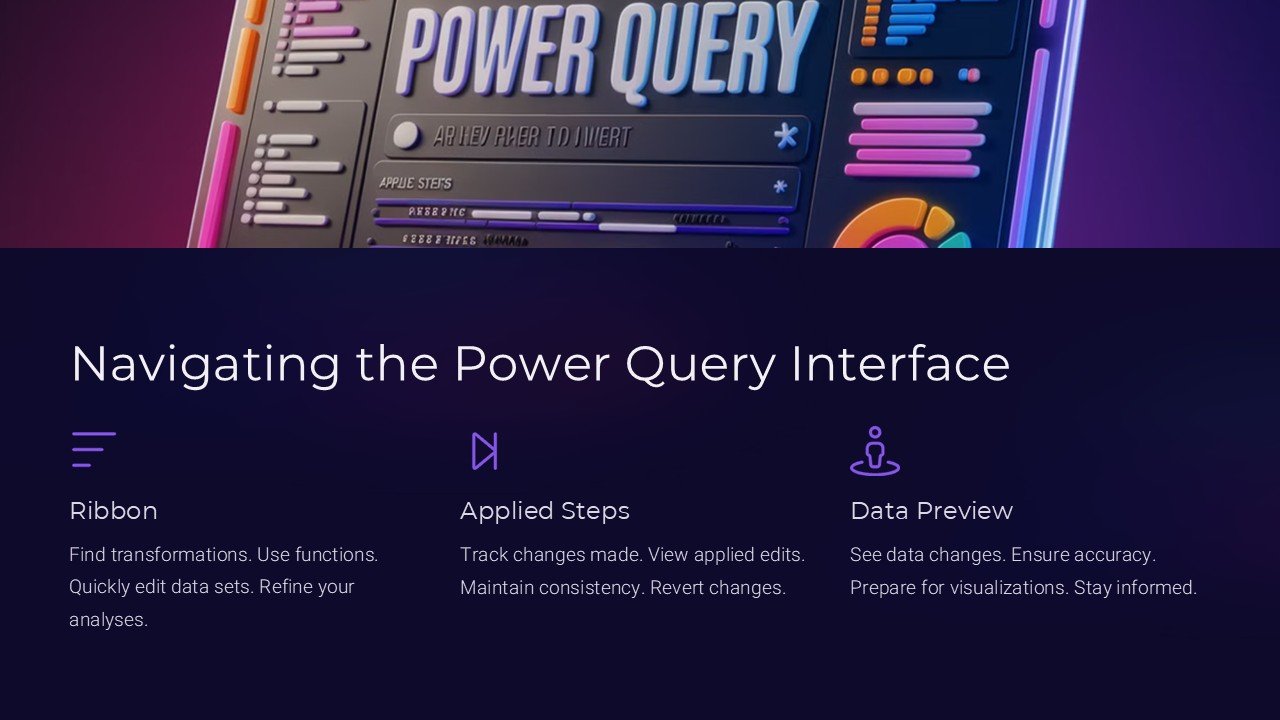
The presentation begins by introducing users to the Power Query interface, guiding them through its layout and key functionalities. Each slide is meticulously crafted to ensure clarity and engagement, providing viewers with a smooth and informative learning experience. Whether you’re a beginner or an experienced analyst, this presentation will help you to understand the interface’s components, including the ribbon, data source connections, query editor, and various other tools and options that Power Query offers.
Moving beyond the basics, the presentation delves into more advanced topics such as importing data from different sources, cleaning and transforming data, and combining data from multiple sources. Through practical examples and step-by-step instructions, users will learn how to leverage Power Query to streamline their data workflows, thus improving efficiency and accuracy in their data tasks.
One of the key highlights of this presentation is its focus on practical application. It includes real-world scenarios that demonstrate how Power Query can be used to solve common data-related challenges in business environments. This approach not only helps in understanding the features but also in applying them effectively to meet organizational data processing needs.
**Features of the Navigating the Power Query Interface PowerPoint Presentation:**
1. **Fully Editable Templates**: All slides in this presentation are fully editable, allowing users to customize content according to their specific needs. Whether it’s changing the text, modifying the layout, or adding new images, the flexibility is unlimited.
2. **Support for PowerPoint and Google Slides**: This presentation is compatible with both Microsoft PowerPoint and Google Slides. This feature ensures that users can access and present their data manipulation strategies on their preferred platform without any compatibility issues.
3. **Step-by-Step Tutorials**: Each section of the presentation includes detailed tutorials that guide users through various processes in Power Query. These tutorials are designed to be easy to follow, making complex procedures accessible even to those who are new to the tool.
4. **High-Quality Visuals**: The presentation employs high-quality graphics and visuals to illustrate the functionalities of Power Query. These visuals aid in better understanding and retention of information, making the learning process both effective and enjoyable.
5. **Interactive Elements**: To enhance interactivity and engagement, the presentation incorporates various interactive elements like clickable tabs and animation effects. These elements make the presentation more dynamic and keep the audience engaged throughout the session.
6. **Comprehensive Coverage**: From basic navigation to advanced data manipulation techniques, this presentation covers all aspects of the Power Query interface. It ensures that users leave with a thorough understanding of the tool and are well-prepared to tackle their data management tasks.
The “Navigating the Power Query Interface PowerPoint Presentation” is an essential resource for anyone who wants to enhance their proficiency in using Microsoft Power Query. It’s not just a presentation; it’s a gateway to becoming more efficient and effective in handling data in the digital age. Equip yourself with the knowledge to navigate through the complexities of data manipulation and make the most out of Power Query with this expertly designed educational tool.


There are no reviews yet.