


Description
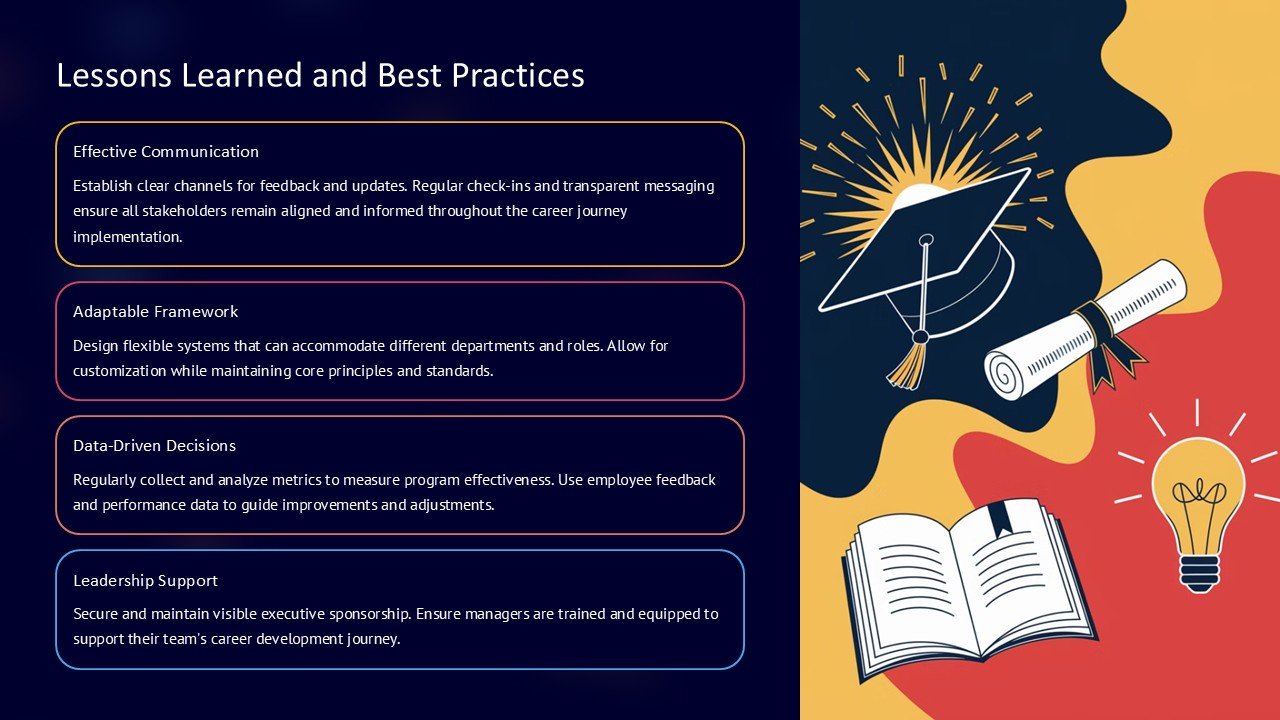
Introducing the “Lessons Learned and Best Practices PowerPoint Presentation” – a must-have tool for professionals, educators, and team leaders aiming to facilitate impactful sessions on reflective learning and strategic improvements. This comprehensive PowerPoint presentation is designed to help you effectively communicate important lessons and best practices gleaned from past projects, experiences, or operational processes.
The “Lessons Learned and Best Practices PowerPoint Presentation” is tailored to capture the essence of experiential learning and operational wisdom, enabling you to present your findings in a clear, structured, and engaging manner. Whether you’re wrapping up a project, conducting a training session, or leading a workshop, this presentation will empower you to highlight key takeaways and encourage continuous improvement within your team or organization.
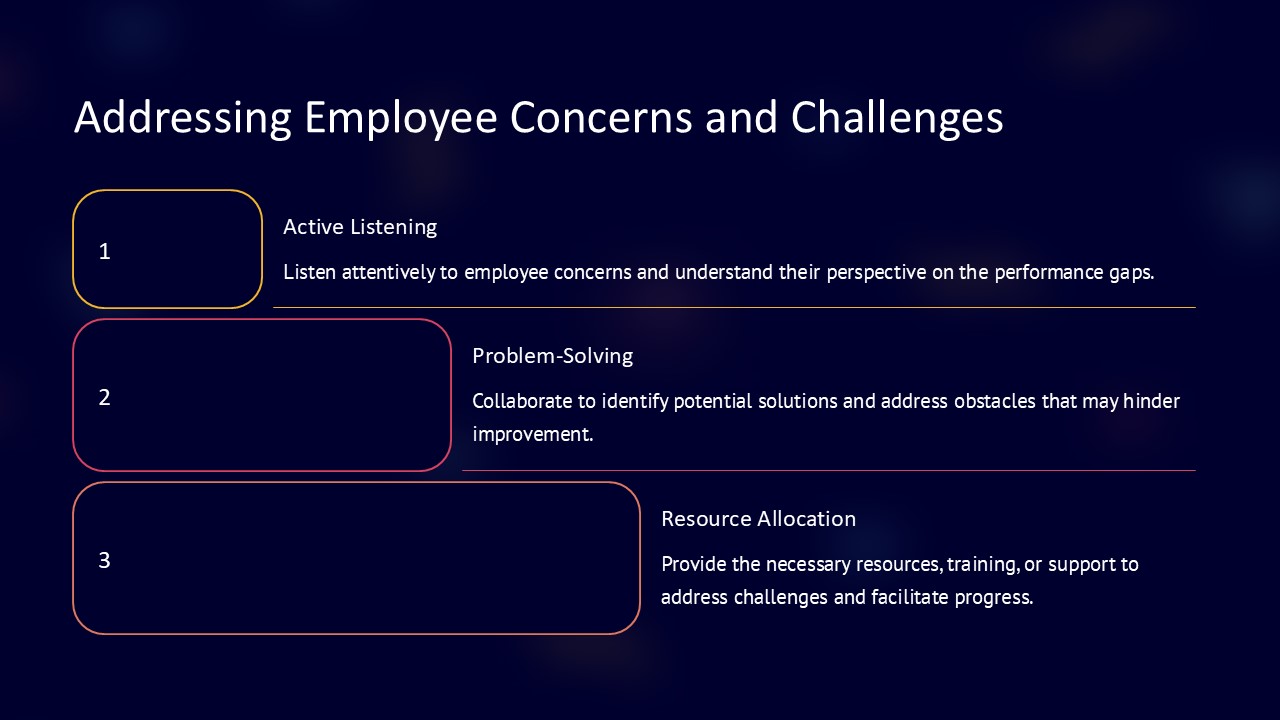
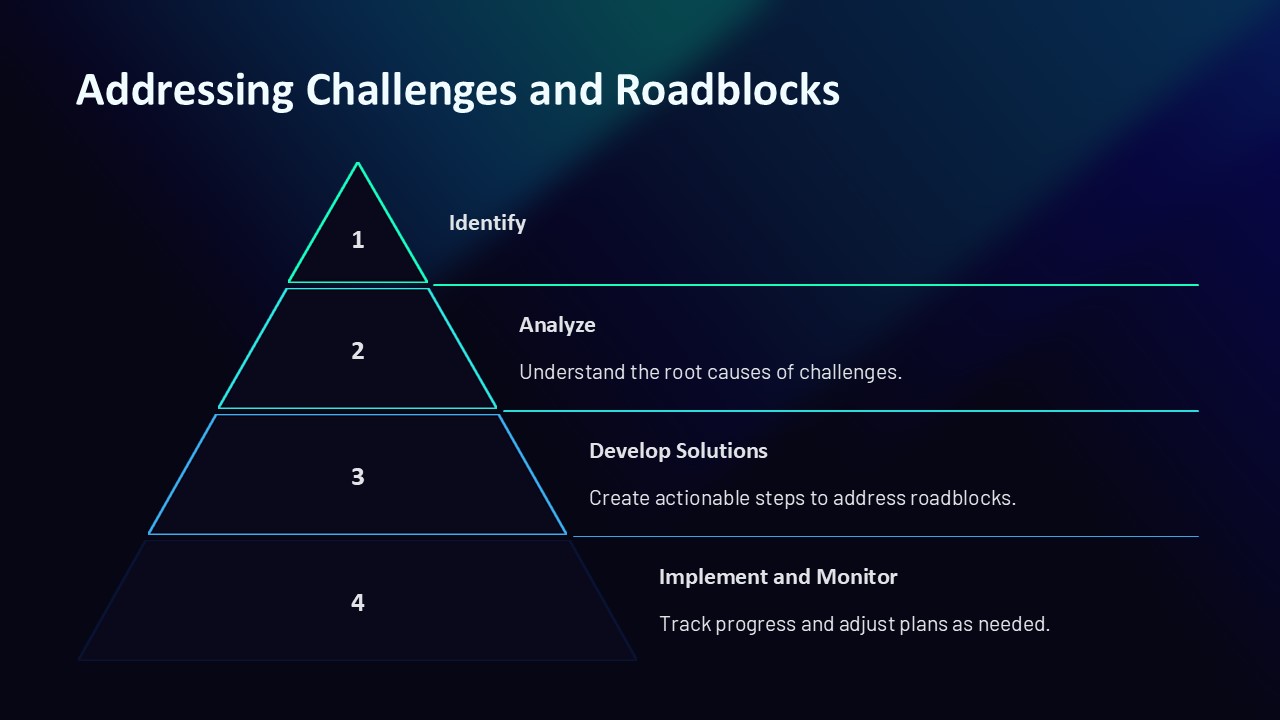
Crafted with precision and professionalism, this presentation spans a range of slides that cover various aspects of lessons learned and best practices. Each slide is thoughtfully designed to facilitate discussion and reflection. You’ll find templates for introducing the context, detailing specific examples of what worked and what didn’t, discussing the reasons behind successes and failures, and outlining future recommendations. The layout is clean and accessible, ensuring that your audience can easily follow along and absorb the valuable insights being shared.
One of the standout features of this presentation is its complete editability. Each slide is fully customizable to suit your specific needs and preferences. You can adjust the text, change colors, modify backgrounds, and add or remove elements without any hassle. This flexibility ensures that you can tailor your presentation to reflect the unique culture and goals of your organization.
Additionally, the “Lessons Learned and Best Practices PowerPoint Presentation” supports PowerPoint templates and is compatible with Google Slides, making it incredibly versatile and user-friendly. You can prepare, edit, and present using your preferred platform without worrying about compatibility issues. This feature is particularly beneficial for teams that operate in a hybrid or fully remote environment, as it facilitates seamless sharing and collaboration across different devices and operating systems.
Key Features:
1. Comprehensive Coverage: The presentation includes a variety of slides that cover all necessary aspects of lessons learned and best practices, from introduction to detailed analysis and recommendations.
2. Fully Editable Templates: Customize every element of each slide according to your needs. Adapt the presentation’s look and feel to align with your organization’s branding or session’s theme.
3. PowerPoint and Google Slides Compatibility: Use the presentation on your preferred platform for ease of use and flexibility, ensuring smooth preparation and delivery.
4. Engaging Design: Professional and clean design that keeps the audience engaged and facilitates effective communication of key points.
5. Versatile Use: Ideal for a wide range of scenarios, including corporate settings, educational environments, and team workshops.
The “Lessons Learned and Best Practices PowerPoint Presentation” is an invaluable resource for anyone looking to foster a culture of learning and continuous improvement. Through this presentation, you can effectively share insights, encourage dialogue, and help your team or students learn from past experiences to build a smarter, more effective future.





There are no reviews yet.