


Description
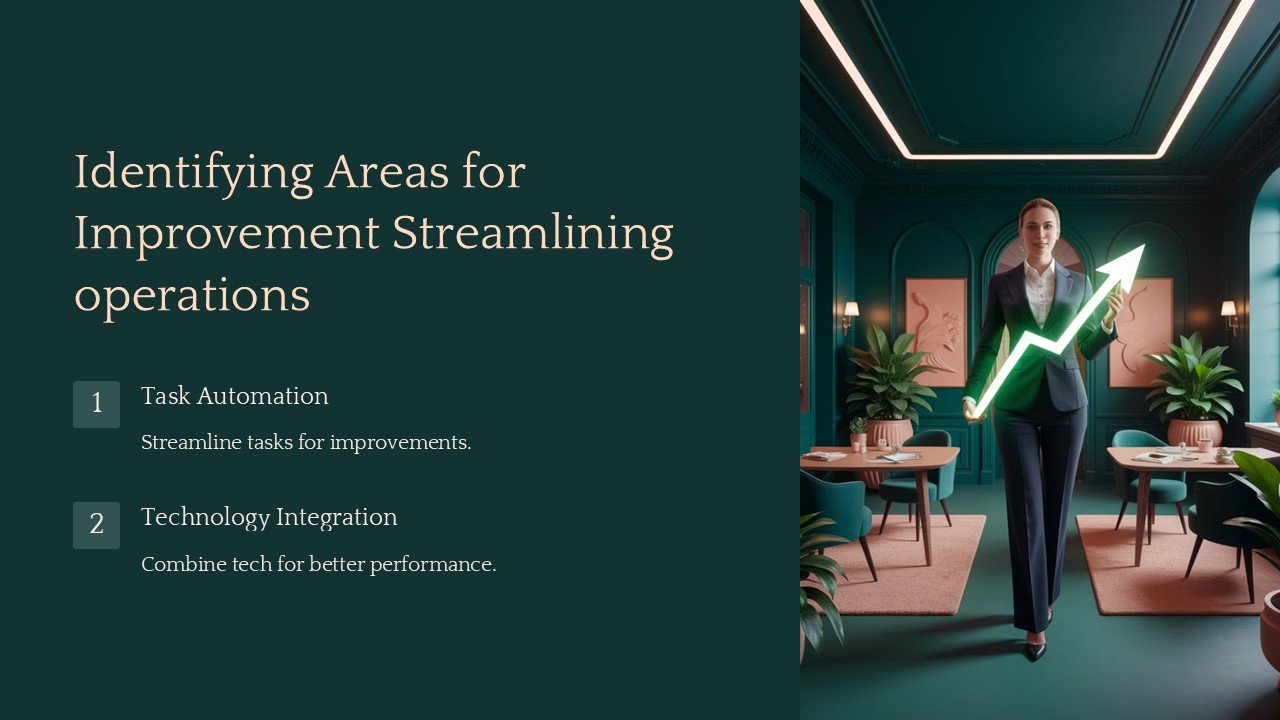
Unlock the potential of your business operations with the “Identifying Areas for Improvement: Streamlining Operations PowerPoint Presentation.” This comprehensive presentation template is designed to guide professionals through the process of analyzing and enhancing operational efficiencies within their organizations. Whether you are a business analyst, operations manager, or a project leader, this tool is crafted to help you visualize and communicate the necessary changes that can lead to significant improvements in your workflows.
This PowerPoint presentation comes packed with a variety of slides, each tailored to assist in identifying bottlenecks, inefficiencies, and areas for enhancement. The slides include comparative analyses, flowcharts for current and proposed processes, and frameworks that facilitate a methodical examination of operational activities. Each slide is thoughtfully designed to encourage discussion, provoke thought, and drive decision-making among team members and stakeholders.
The presentation begins with an introductory slide where you can set the agenda and objectives of the session. Following this, several slides dedicated to data collection and analysis allow you to present the gathered information in a structured manner. Use tools like SWOT analysis, Pareto charts, and cause-and-effect diagrams to lay down the data visually. This is crucial for making informed decisions based on empirical data.
To ensure that every participant is on the same page, the template includes slides for defining key terms and concepts related to operational processes. This educational component ensures clarity and enhances communication among diverse teams. Additionally, the section on proposed improvements offers a platform to showcase your solutions. Here, you can utilize slides that compare current vs. future states, highlight benefits, and outline the steps required for implementation.
One of the standout features of this presentation template is its complete editability. Each slide is fully customizable to fit your specific needs and branding requirements. Adjust the color schemes, text, and graphics to match your company’s style, or tweak the layout to better address particular discussion points. This flexibility makes it an invaluable tool for businesses aiming to create impactful presentations that resonate with their audience.
Moreover, this template is not only compatible with PowerPoint but also supports Google Slides. This versatility ensures that you can deliver your presentation using your preferred platform without compatibility issues.
In summary, the “Identifying Areas for Improvement: Streamlining Operations PowerPoint Presentation” is an essential tool for any business looking to refine its operations. It not only aids in pinpointing inefficiencies but also provides a structured approach to discussing and implementing necessary changes. With its comprehensive design and customizable features, it stands as an indispensable asset for driving operational excellence.


There are no reviews yet.