


Description
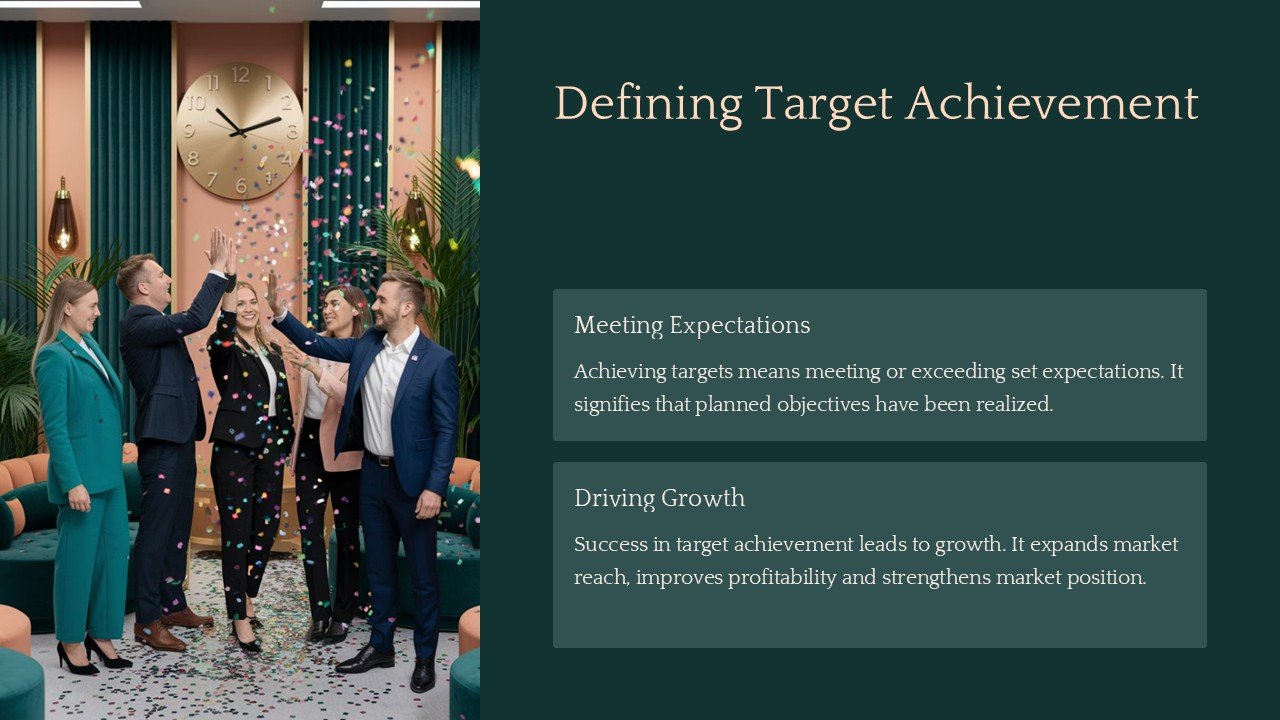
Introducing the Defining Target Achievement PowerPoint Presentation, a meticulously designed template set that is essential for professionals aiming to articulate and present their goals clearly and effectively. This comprehensive PowerPoint presentation template is crafted to assist you in defining, tracking, and presenting your target achievements in a structured and persuasive manner. Whether you are a business leader, a project manager, or an educational professional, this tool is tailored to help you convey your objectives and successes with clarity and impact.
The Defining Target Achievement PowerPoint Presentation is not just another set of slides; it’s a strategic ally in your professional toolkit. It features a series of customizable slides that are designed to guide you through the process of setting targets, defining strategies for achievement, and evaluating outcomes. Each slide is thoughtfully created to ensure that your audience can grasp complex information in an accessible format.
Key Highlights:
1. **Goal Setting Frameworks**: Start your presentation with powerful slides designed to help you outline your primary objectives. These frameworks support SMART goal principles, ensuring that your targets are Specific, Measurable, Achievable, Relevant, and Time bound.
2. **Progress Tracking**: Use dynamic progress bars, charts, and graphs to visually represent the advancement towards your targets. These tools are crucial for keeping your team or audience engaged and informed about the progress being made.
3. **Case Studies and Examples**: The template includes slides for showcasing real life examples or hypothetical case studies that demonstrate successful target achievement strategies. This feature is invaluable for illustrating practical applications and outcomes.
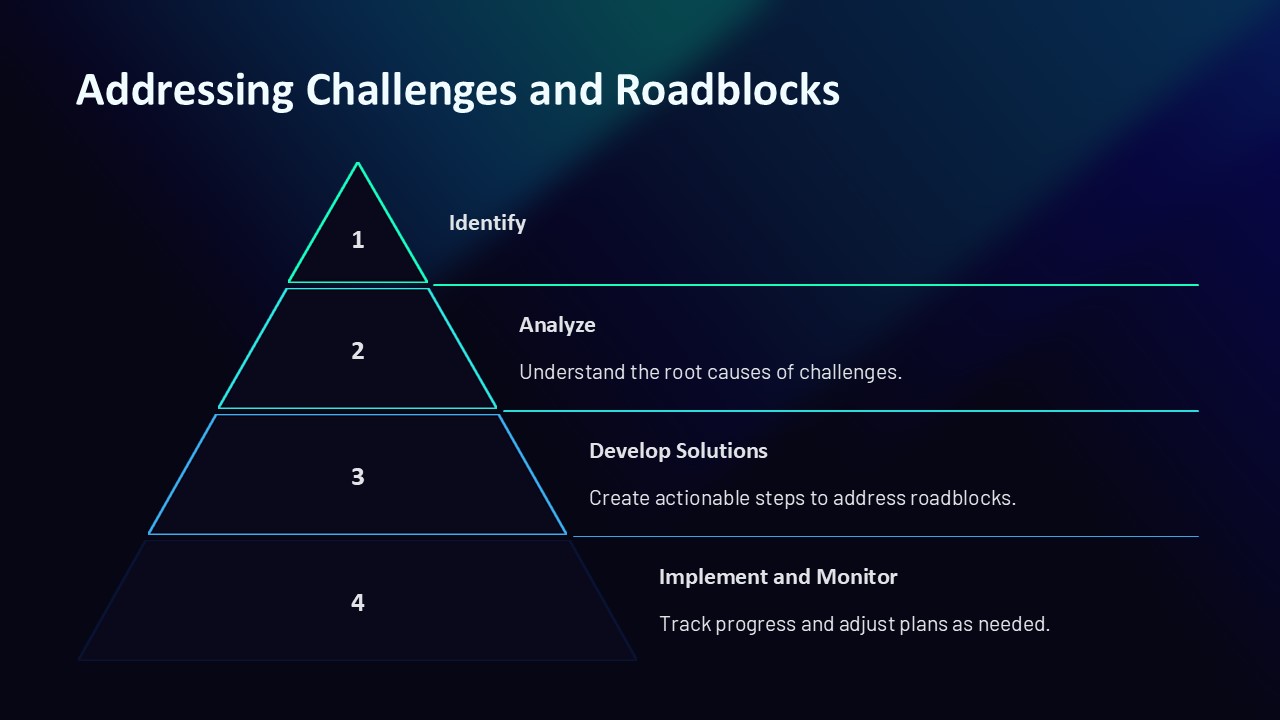
4. **Action Plan Layouts**: Detailed slides allow you to present your action plans with clarity. Define the steps necessary to achieve each target, assign responsibilities, and set deadlines, all within a coherent and easy to understand format.
5. **Review and Reflect**: Conclude your presentation with a review section designed to reflect on the achievements and learnings. This encourages continuous improvement and strategic thinking within your team or organization.
Features Related to Fully Editable Templates:
– **Supports PowerPoint and Google Slides**: Whether you prefer working in Microsoft PowerPoint or Google Slides, this presentation template is fully compatible with both platforms, ensuring seamless usage and adaptability.
– **Complete Customizability**: Every aspect of the presentation from the color palette to the text content is fully editable. This flexibility allows you to tailor the presentation according to your brand’s identity or specific project requirements without needing extensive design skills.
– **Drag and Drop Functionality**: Easily add, remove, or rearrange slides as needed. The drag and drop functionality makes it simple to customize the presentation structure to best suit your narrative and audience.
– **Dynamic Visual Elements**: With a range of high quality vector icons, charts, and graphics, the template allows for the creation of visually appealing slides that are capable of holding the audience’s attention.
The Defining Target Achievement PowerPoint Presentation is not just a tool, but a comprehensive solution for professionals dedicated to setting clear goals and achieving them efficiently. Its blend of strategic frameworks, progress tracking, and reflective elements makes it an indispensable resource for anyone looking to present their achievement targets with confidence and precision.




There are no reviews yet.