


Description
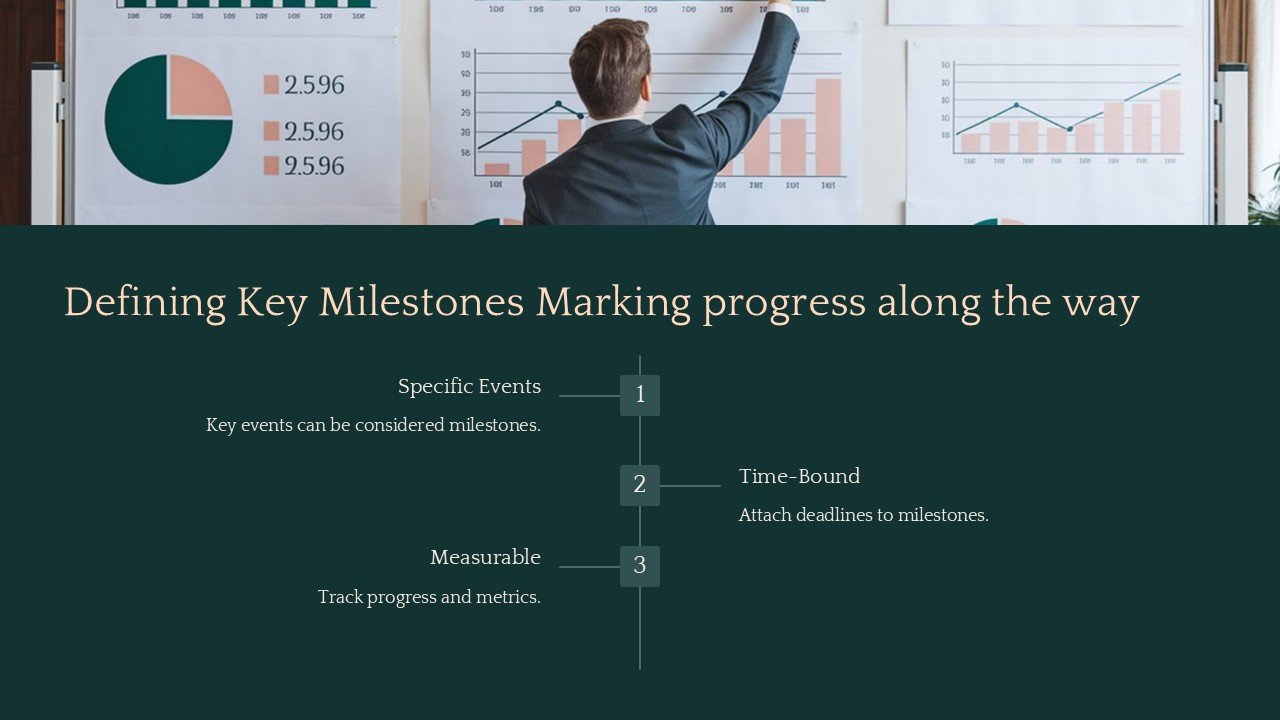
Introduce clarity and strategic foresight into your project presentations with the “Defining Key Milestones: Marking Progress Along the Way” PowerPoint Presentation. This expertly designed template is tailored to help project managers, team leaders, and business professionals efficiently communicate the critical checkpoints and achievements of their projects. Whether you’re detailing a lengthy project timeline or summarizing key project phases, this presentation will elevate your ability to showcase important milestones in a visually compelling and easily digestible format.
Understanding that every project is unique, the presentation is meticulously structured to accommodate a wide array of industries and project types. It features a range of slides that guide you through the process of defining what a milestone is, why it is important, how to identify them, and effective ways to celebrate these crucial achievements. Each slide is crafted to not only relay information but also to engage your audience through striking visuals and clear, concise language.
The versatility of this presentation lies in its fully editable templates. Whether you are using PowerPoint or Google Slides, you can seamlessly adapt each slide to fit your specific project needs. Adjust the text, change colors, and swap out images without compromising on quality or style. This flexibility ensures that you can reuse the same template for different projects or modify it to suit various stages of the same project, making it a valuable tool in your professional arsenal.
Key features of this PowerPoint presentation include:
1. **Comprehensive Layouts**: Each slide is thoughtfully designed to guide the viewer through your project’s timeline and milestones. The layouts are not only professional but also purpose-driven to enhance audience understanding and retention.
2. **Engaging Visuals**: Utilize charts, timelines, and infographics to illustrate your milestones. These visual elements are crucial in making abstract concepts tangible and easy to grasp.
3. **Fully Editable Templates**: With full control over customization, you can ensure that every slide reflects your project’s specific requirements and branding. This adaptability extends across PowerPoint and Google Slides.
4. **User-Friendly Design**: Whether you’re a seasoned presenter or a first-timer, the intuitive design of the templates makes them accessible and easy to use. This user-centric approach helps in reducing preparation time and enhancing presentation delivery.
5. **Versatile Usage**: Ideal for project kick-offs, mid-term reviews, final presentations, and stakeholder meetings. The template’s adaptability makes it suitable for a wide range of professional settings and audiences.
By integrating the “Defining Key Milestones: Marking Progress Along the Way” PowerPoint Presentation into your project management toolkit, you not only streamline the process of creating impactful presentations but also enhance the way your projects are perceived and understood. Elevate your presentations from merely informative to truly transformative, ensuring that every milestone, no matter how small, is recognized and valued. This template is more than just a presentation aid; it’s a catalyst for clearer communication and better project management.


There are no reviews yet.