


Description
**Defining Business Intelligence PowerPoint Presentation**
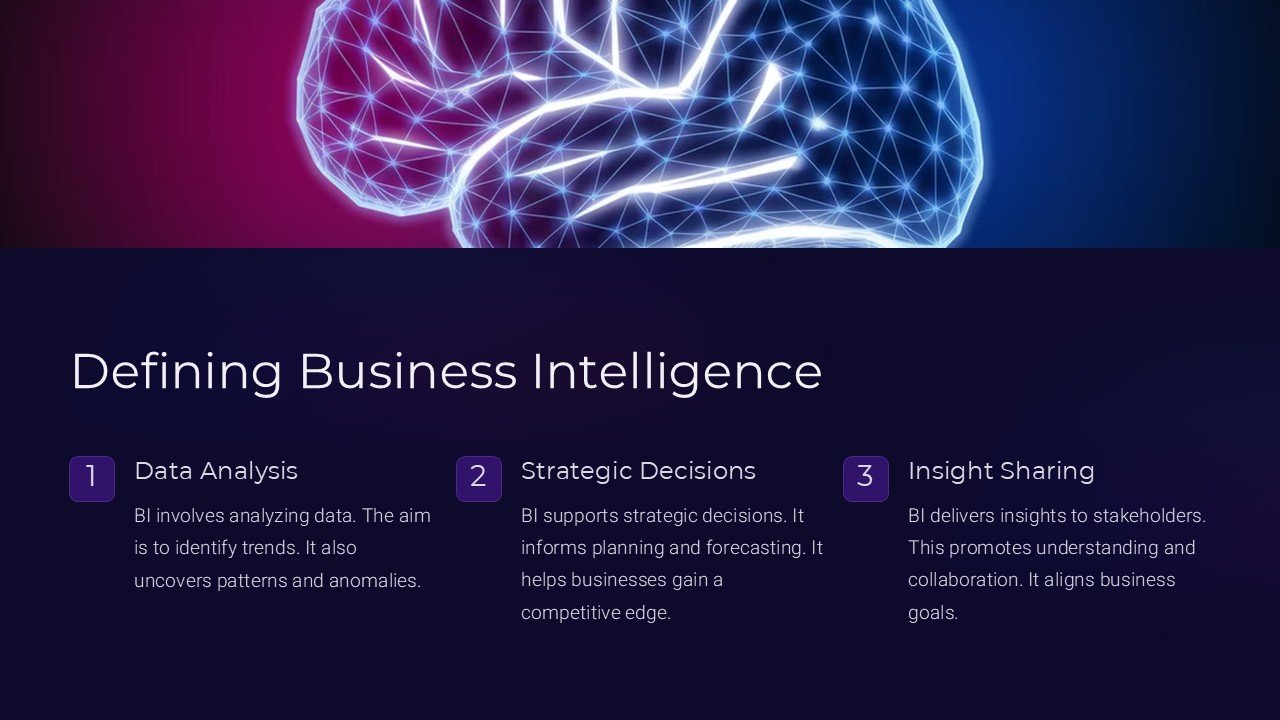
Unlock the full potential of your business data with the “Defining Business Intelligence PowerPoint Presentation.” This meticulously crafted presentation template is designed to help professionals across industries explain and implement business intelligence (BI) concepts effectively. Whether you’re presenting to stakeholders, training teams, or leading a workshop, this tool is engineered to facilitate a deeper understanding of BI, its importance, and its applications.
**Comprehensive Content Layout**
This PowerPoint presentation offers a comprehensive structure that guides the audience through the fundamental aspects of business intelligence. It begins with an introduction to BI, outlining its evolution and relevance in today’s data-driven business environment. Following the introduction, the presentation delves into the core components of business intelligence systems, including data collection, analysis, reporting, and visualization techniques.
To help the audience grasp how BI can be practically applied, the presentation includes case studies and examples from various sectors such as finance, retail, healthcare, and manufacturing. These examples not only illustrate successful BI implementations but also discuss common challenges and solutions, providing a well-rounded perspective on the subject.
**Engaging and Interactive Design**
The design of the “Defining Business Intelligence PowerPoint Presentation” is both professional and engaging, ensuring that it captures and retains the audience’s attention throughout the session. The use of high-quality graphics, charts, and infographics facilitates the comprehension of complex data and statistics. The clean layout and intuitive flow of information make it easy for presenters to convey their message without overwhelming the viewers.
**Fully Editable Templates**
The real power of this presentation lies in its fully editable templates. Each slide is designed for customization, allowing users to tailor the content to fit their specific needs and branding requirements. Whether you need to adjust the color scheme, modify the text, or add your company logo, these templates are flexible enough to meet all your presentation needs.
**Features:**
– **PowerPoint and Google Slides Compatibility:** Designed to be compatible with both PowerPoint and Google Slides, this presentation ensures flexibility and accessibility. You can edit and present using your preferred platform without any compatibility issues.
– **Drag-and-Drop Functionality:** Adding custom images or videos is a breeze thanks to the drag-and-drop functionality. This feature makes it simple for anyone to personalize their presentation without needing advanced technical skills.
– **Interactive Elements:** Engage your audience with interactive elements such as clickable tabs and buttons. These features are designed to make your presentation more interactive and dynamic.
– **Animation and Transition Effects:** With a range of built-in animation and transition effects, your presentation will flow smoothly and look more professional. These effects can be customized to suit the tone and pace of your presentation.
– **Comprehensive Slide Deck:** Includes a variety of slides, from title pages to conclusion slides, all structured to provide a logical flow of information. Each slide is crafted with attention to detail and focuses on readability and impact.
The “Defining Business Intelligence PowerPoint Presentation” is more than just a tool; it’s a comprehensive solution that empowers you to communicate complex BI concepts with clarity and impact. Ideal for business analysts, data professionals, and educators, this presentation template is your key to delivering powerful, effective, and memorable business intelligence presentations.


There are no reviews yet.