


Description
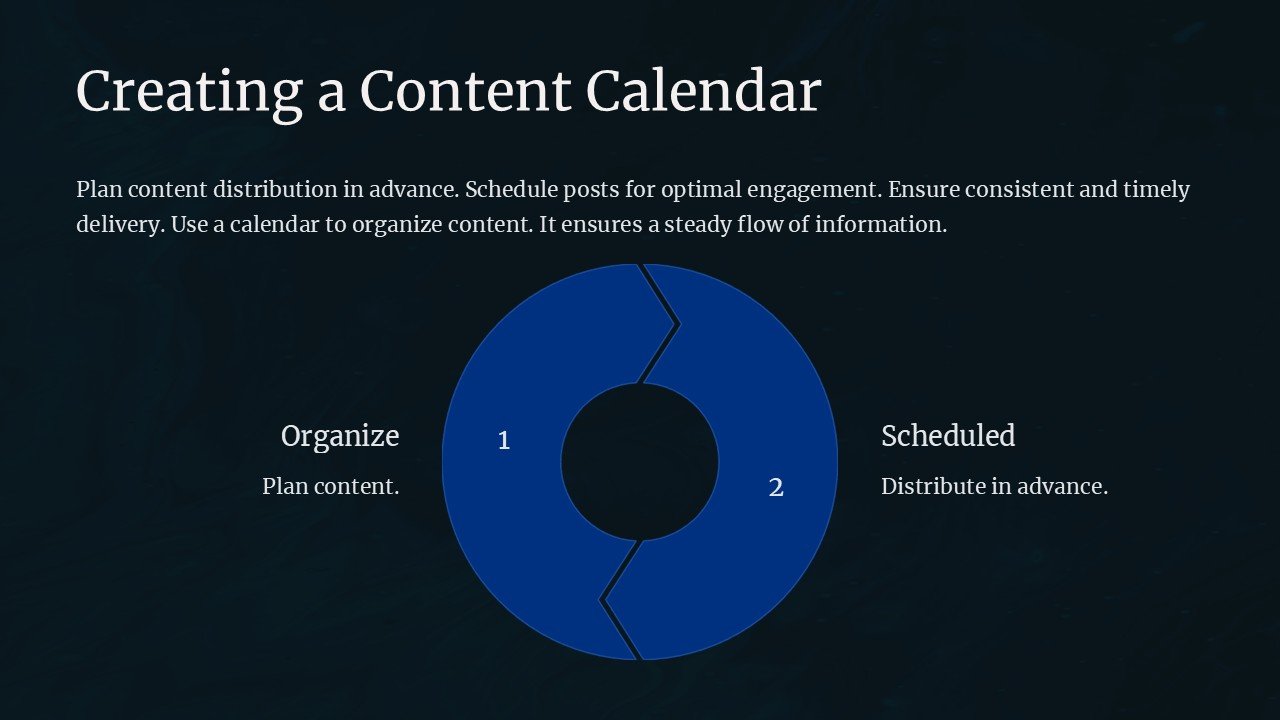
Introducing the ultimate tool for content creators, marketers, and business professionals: the Creating a Content Calendar PowerPoint Presentation. This comprehensive and meticulously designed PowerPoint template is your all-in-one solution for organizing and strategizing your content effectively. Whether you’re planning social media posts, blog articles, or marketing campaigns, this presentation will help streamline your content process and ensure consistent and impactful communication with your audience.
Crafted with precision and attention to detail, the Creating a Content Calendar PowerPoint Presentation includes a variety of slides that cover every aspect of content planning. From monthly and weekly planning layouts to content type segmentation and platform-specific strategies, every slide is designed to provide clarity and enhance your content planning efforts.
The presentation begins with an overview slide that introduces the concept of a content calendar and its importance in digital marketing and communication strategies. This is followed by detailed templates for laying out monthly and weekly content schedules. Each template is customizable and allows you to add specific posts, key events, and deadlines, ensuring that every team member is on the same page.
To cater to diverse platforms, the presentation includes slides tailored for different types of content such as blogs, emails, social media, and more. These slides help you plan and segregate content according to the platform’s needs, maximizing engagement and effectiveness. Additionally, analysis slides are incorporated to review performance and adjust strategies accordingly.
The beauty of the Creating a Content Calendar PowerPoint Presentation lies in its adaptability and user-friendly design. Each slide is fully editable, allowing you to tweak colors, text, and graphics to suit your brand’s style and tone. The drag-and-drop placeholders make it easy to add your own content, while the high-quality vector graphics ensure that your presentation looks polished and professional at all times.
The template is not only compatible with Microsoft PowerPoint but also supports Google Slides, giving you the flexibility to work and present from any device or platform. This feature is particularly useful for teams that collaborate remotely.
Features of the Creating a Content Calendar PowerPoint Presentation:
1. **Comprehensive Layouts**: Includes a variety of detailed templates for monthly, weekly, and platform-specific content planning.
2. **Fully Editable Templates**: Customize colors, text, and graphics to align with your branding.
3. **High-Quality Design**: Professional and clean design with high-quality vector graphics that scale without losing clarity.
4. **Cross-Platform Compatibility**: Works seamlessly with both Microsoft PowerPoint and Google Slides.
5. **User-Friendly**: Easy-to-use drag-and-drop placeholders for quick customization.
6. **Analytical Tools**: Slides dedicated to performance review and strategy adjustments to optimize content impact.
The Creating a Content Calendar PowerPoint Presentation is an essential tool for anyone serious about content creation and digital marketing. It not only saves time and enhances team coordination but also empowers you to deliver consistent, high-quality content that resonates with your audience. Elevate your content strategy today with this powerful presentation template.




There are no reviews yet.