


Description
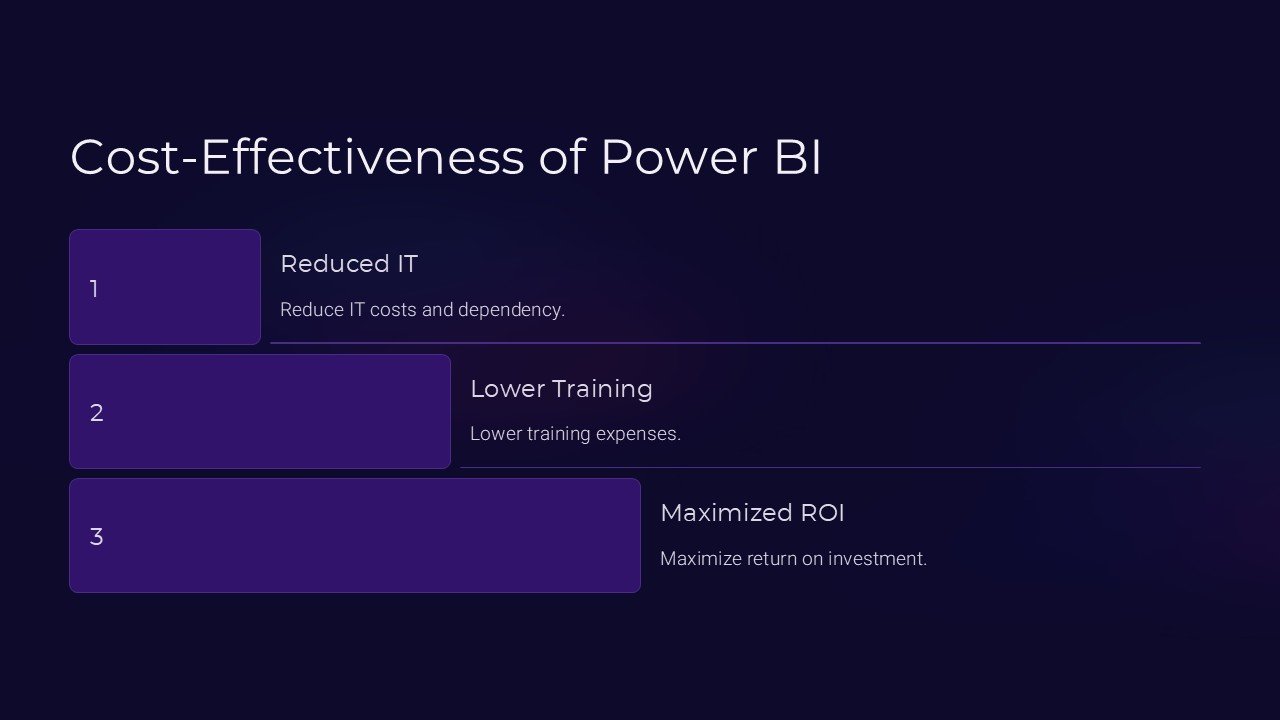
Unlock the power of data-driven decision-making with the “Cost Effectiveness of Power BI PowerPoint Presentation.” This expertly crafted presentation is designed for professionals seeking to enhance their understanding and utilization of Power BI in assessing cost effectiveness within their organizations. With this tool, you can leverage potent insights to streamline processes, reduce expenses, and boost your company’s bottom line.
The presentation begins by introducing the fundamental concepts of Power BI, a dynamic business analytics service that provides comprehensive tools and features to convert data from various sources into interactive and actionable insights. It then dives deeply into the specific applications of Power BI in evaluating cost effectiveness, showcasing real-world scenarios and case studies where Power BI has been instrumental in driving significant cost savings.
Throughout the presentation, a clear focus is maintained on how Power BI can be used to identify cost-saving opportunities and optimize spending patterns. The slides discuss various Power BI features such as data visualization, dashboard creation, and report sharing, demonstrating how these tools can be utilized to present cost analysis in an engaging and easily understandable manner.
This PowerPoint presentation is not only informative but also fully customizable to suit the needs of your organization. Whether you are presenting to stakeholders, training teams, or conducting your analysis, the slides can be adapted to fit your specific requirements. The presentation supports both PowerPoint and Google Slides, ensuring compatibility and flexibility for users across different platforms.
**Features of the Cost Effectiveness of Power BI PowerPoint Presentation:**
1. **Fully Editable Templates**: Each slide is designed to be fully editable, allowing users to customize the layout, text, colors, and graphics to fit their specific needs and branding. This adaptability makes it an ideal tool for businesses of all sizes and industries.
2. **Compatibility with PowerPoint and Google Slides**: Whether you prefer using Microsoft PowerPoint or Google Slides, this presentation is designed to perform seamlessly across both platforms. This dual compatibility ensures that you can present and share your insights with anyone, regardless of their preferred software.
3. **Comprehensive Coverage**: The presentation covers all critical aspects of using Power BI to assess cost effectiveness. From basic concepts and tools to advanced data analysis techniques, it provides a thorough educational experience that empowers users to harness the full potential of Power BI.
4. **Engaging Visuals**: With a range of charts, graphs, and infographics, the presentation is visually appealing, making complex data more accessible and easier to understand. These visuals are crucial for conveying data-driven insights effectively to a non-technical audience.
5. **Real-World Applications**: By including case studies and practical examples, the presentation demonstrates the real-world applicability of Power BI in various industries, helping users to relate the tools and techniques to their specific contexts.
6. **Resource Efficiency**: This presentation serves as an invaluable resource for businesses looking to improve their cost efficiency. By enabling users to leverage Power BI for cost analysis, it aids in making informed, data-backed decisions that can lead to substantial financial savings.
Empower your team with the “Cost Effectiveness of Power BI PowerPoint Presentation” and start transforming raw data into strategic assets that foster more informed decision-making and enhanced fiscal prudence. Whether for internal review or a high-stakes stakeholder meeting, this presentation is your gateway to understanding and implementing cost-effective solutions through the power of data analytics.


There are no reviews yet.