


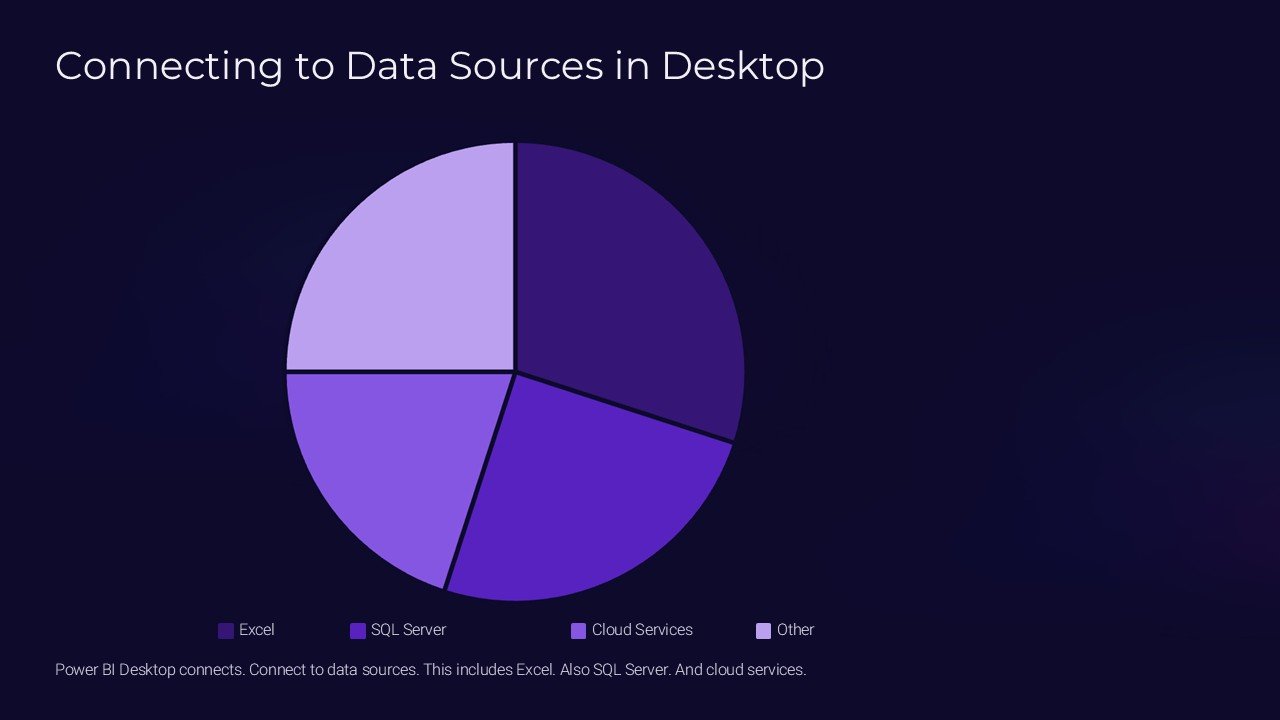
Description
Unlock the full potential of your presentations with the “Connecting to Data Sources in Desktop PowerPoint Presentation” template. This innovative tool is designed to enhance your ability to present complex data in a clear, compelling, and visually appealing format. Whether you’re delivering business insights, academic research, or market analysis, this template makes it straightforward to connect directly to your data sources and bring your data to life.
The “Connecting to Data Sources in Desktop PowerPoint Presentation” template is not just a presentation tool; it’s a bridge between your data and your audience. With this template, you can directly link to various data sources such as Excel files, SQL databases, and many cloud-based data services. This direct connection ensures that your data is always up-to-date, providing your audience with the most current information at the time of your presentation.
This template is expertly designed to handle the complexities of data manipulation and presentation. You can easily perform data refreshes, apply filters, and use data-driven visual aids like charts and graphs, all within your slides. This not only saves time but also enhances the accuracy and reliability of the information presented.
Furthermore, the “Connecting to Data Sources in Desktop PowerPoint Presentation” template comes equipped with a range of fully editable slide designs. Each slide is crafted to be visually engaging and easy to understand, ensuring that your data not only stands out but is also comprehensible to your audience. The template supports both PowerPoint and Google Slides, making it versatile and easily accessible from any device.
Features of the “Connecting to Data Sources in Desktop PowerPoint Presentation” template include:
1. **Data Integration**: Seamlessly connect to multiple data sources directly from your slides. This feature supports real-time data updates, which is crucial for presenting the latest data in dynamic business environments.
2. **Fully Editable Templates**: Every element of the slide templates can be customized to fit your specific needs. From colors and fonts to layout and design, you have full control over how your information is presented.
3. **Dynamic Visuals**: Incorporate charts, graphs, and other data visualizations that automatically update as your data changes. This dynamic capability ensures that your visuals are always reflecting the most current data.
4. **Compatibility**: Perfectly compatible with both Microsoft PowerPoint and Google Slides, offering flexibility in how and where you choose to create and present your slides.
5. **User-Friendly Interface**: The template is designed with a focus on user experience, ensuring that it is easy for anyone to use, regardless of their technical skill level.
6. **Advanced Filtering Options**: Apply complex filters to your data directly within your presentation. This allows you to tailor the displayed data to the specific interests of your audience.
The “Connecting to Data Sources in Desktop PowerPoint Presentation” template is an essential tool for professionals who require a reliable and effective way to present data-driven insights. It not only enhances the visual appeal of your presentations but also ensures that the data you are presenting is accurate, relevant, and compelling. Whether you are a business professional, a researcher, or an educator, this template will elevate the quality of your presentations and help you make a lasting impact on your audience.




There are no reviews yet.