


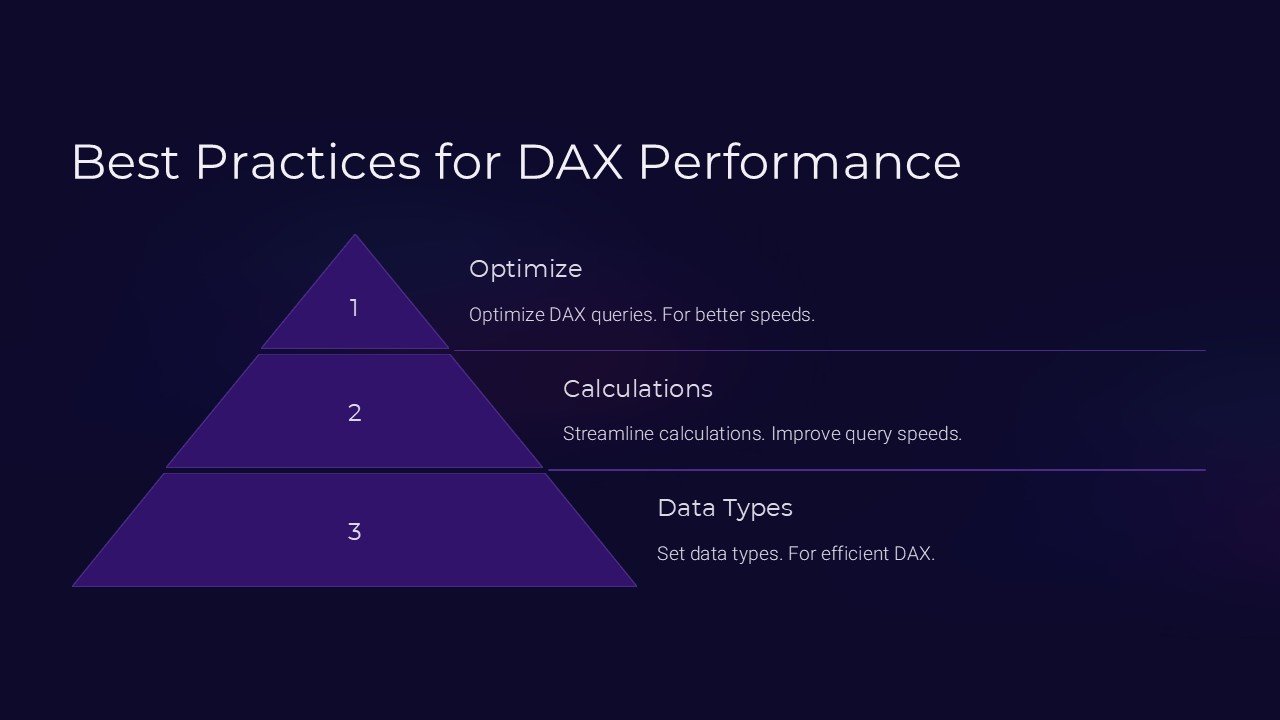
Description
Introducing the “Best Practices for DAX Performance” PowerPoint Presentation, a meticulously designed resource tailored for professionals who aspire to master Data Analysis Expressions (DAX) in Microsoft Power BI. This comprehensive presentation is a vital tool for anyone looking to enhance their analytical capabilities, optimize data models, and achieve superior performance in their reporting tasks.
Crafted by experts in data analysis and visualization, this presentation delves deep into the intricacies of DAX, providing users with essential knowledge and actionable insights to leverage in real-world scenarios. Whether you are a beginner eager to learn the fundamentals or an experienced analyst aiming to refine your skills, this presentation covers all essential aspects to elevate your DAX proficiency.
The “Best Practices for DAX Performance” PowerPoint Presentation is structured into several key sections, each focusing on different components of DAX optimization:
1. **Understanding DAX Fundamentals**: Begin with a solid foundation by exploring the core concepts and functionalities of DAX. This section demystifies complex topics and sets the stage for advanced learning.
2. **Performance Tuning Techniques**: Learn how to fine-tune your DAX queries to ensure they run efficiently. This segment provides tips on optimizing calculations and reducing query times, crucial for handling large datasets.
3. **Best Practices in DAX Formulations**: Discover the best practices for writing effective and powerful DAX formulas. This guidance helps in avoiding common pitfalls and promotes the creation of clean, maintainable code.
4. **Scenario-Based Solutions**: Engage with real-life scenarios that demonstrate the application of DAX in business intelligence tasks. These examples illustrate how to apply the learned techniques to solve practical problems and generate impactful insights.
5. **Advanced DAX Features**: Dive into more sophisticated aspects of DAX, including time intelligence functions, dynamic measures, and context manipulation. This advanced knowledge enables users to create complex models that respond dynamically to user interactions.
6. **Debugging and Optimization**: Equip yourself with strategies for debugging and enhancing existing DAX expressions. Learn how to identify bottlenecks and implement solutions that improve performance.
Every slide in this presentation is thoughtfully created to ensure clarity and engagement. With high-quality visuals and concise explanations, the content is presented in a manner that is easy to follow and understand. Additionally, interactive elements and practical exercises encourage active participation, helping to reinforce learning.
**Key Features**:
– **Fully Editable Templates**: Customize every aspect of the presentation to suit your specific needs or corporate style. Whether it’s modifying the color scheme, changing text, or adding new images, the flexibility is yours.
– **PowerPoint and Google Slides Compatibility**: Designed to work seamlessly with both PowerPoint and Google Slides, this presentation ensures you can present or share your work across different platforms without compatibility issues.
Ideal for corporate trainers, business analysts, and data professionals, the “Best Practices for DAX Performance” PowerPoint Presentation is your go-to resource for becoming proficient in DAX and enhancing the performance of your Power BI reports. Unlock the full potential of your data with this expertly crafted educational tool.




There are no reviews yet.