


Description
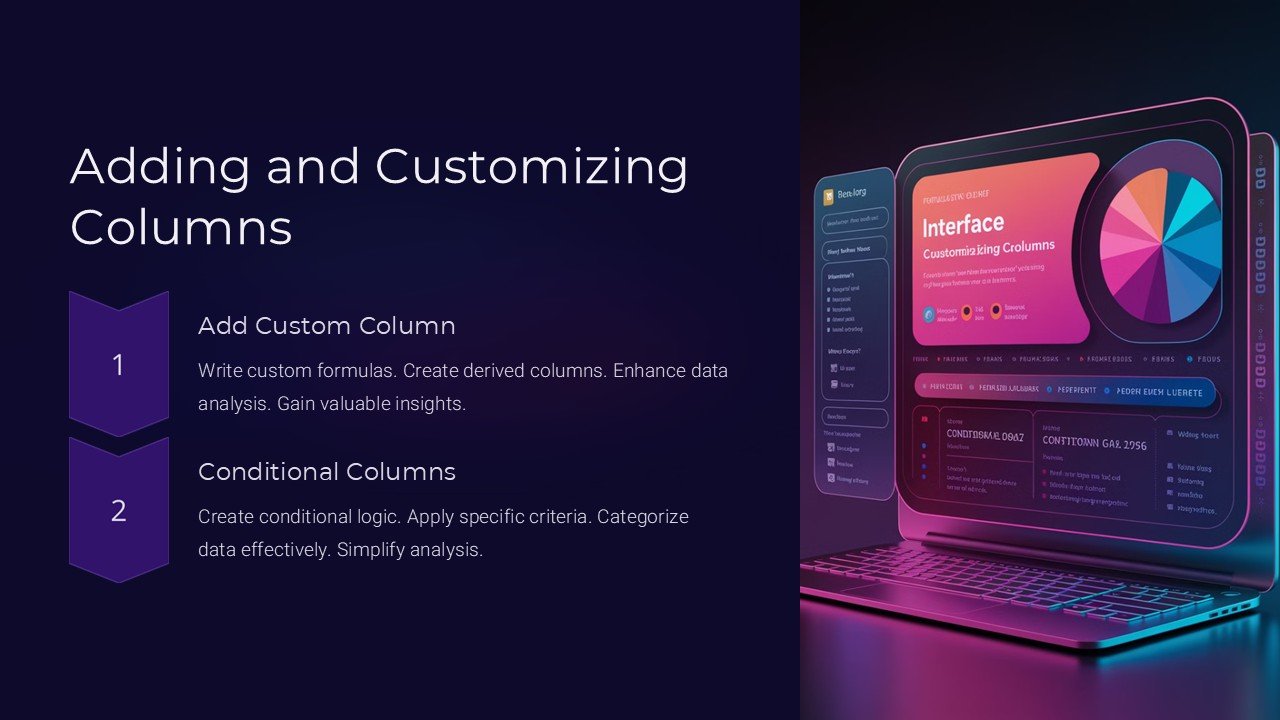
Introducing the “Adding and Customizing Columns PowerPoint Presentation,” a comprehensive tool designed to enhance your presentation’s structure and readability. This product is specifically crafted for professionals looking to streamline information in a visually appealing format. Whether you are a business analyst, an educator, or a project manager, this versatile PowerPoint presentation template allows you to present complex data clearly and concisely.
The “Adding and Customizing Columns PowerPoint Presentation” provides a wide array of options for column customization, enabling you to tailor each slide to your specific needs. With easy-to-adjust columns, you can modify the width, length, and spacing to accommodate various types of content, from text to graphics and charts. This flexibility ensures that your information is displayed in the most effective and engaging way.
One of the standout features of this template is its user-friendly interface. It comes equipped with drag-and-drop functionality, which makes adding and organizing columns a breeze. Even those with minimal PowerPoint experience can create professional-looking slides in no time. Additionally, the template includes pre-set styles and formats that can be applied with a single click, saving you time and effort in designing your presentation.
The template supports both PowerPoint and Google Slides, making it highly accessible regardless of your preferred platform. This compatibility ensures that you can work on your presentations across different devices and operating systems without worrying about file conversions or layout discrepancies.
Key Features:
1. Fully Editable Templates: Every aspect of the template can be customized to meet your presentation needs. Change colors, fonts, and sizes with ease to match your company’s branding or the theme of your presentation.
2. Supports PowerPoint and Google Slides: Whether you are working in a Microsoft or Google environment, this template offers seamless integration, allowing you to access and edit your presentations in your preferred platform.
3. Drag-and-Drop Functionality: Add, remove, or rearrange columns quickly with the intuitive drag-and-drop feature. This makes it incredibly easy to organize your content exactly how you want it.
4. Pre-set Styles and Formats: Save time with a variety of pre-designed styles and formats that can be applied to your slides. These options are designed to enhance the visual appeal of your presentation while maintaining a professional look.
5. Comprehensive User Guide: Included with the template is a detailed user guide that provides step-by-step instructions on how to customize your columns and make the most out of your presentation. This guide is invaluable for users of all skill levels.
Ideal for corporate presentations, academic lectures, and even personal projects, the “Adding and Customizing Columns PowerPoint Presentation” is a must-have for anyone who wants to present data and information in a structured and visually appealing manner. Elevate your presentations and impress your audience with this versatile and easy-to-use template.


There are no reviews yet.