


Description
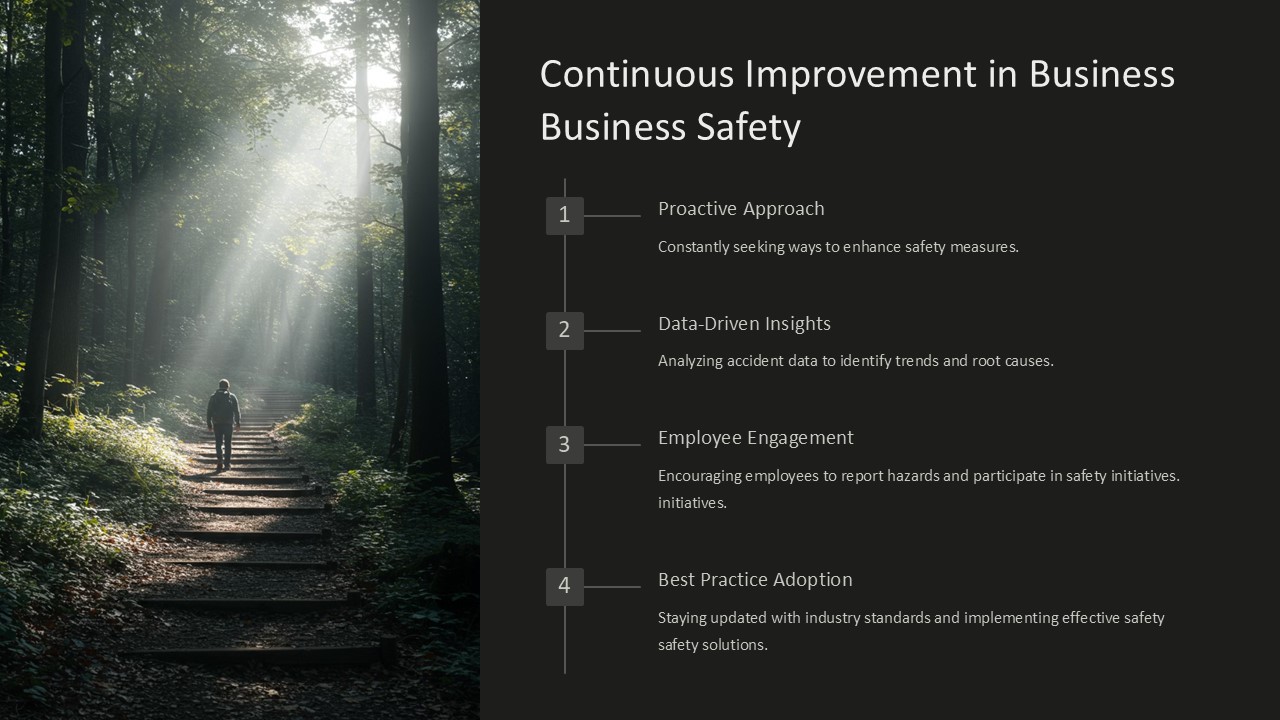
Continuous Improvement in Business Safety PowerPoint Presentation is a comprehensive and professional template designed to help organizations enhance their safety practices and protocols. With a focus on continuous improvement, this presentation covers various aspects of business safety, including risk assessments, incident reporting, emergency preparedness, and safety training.
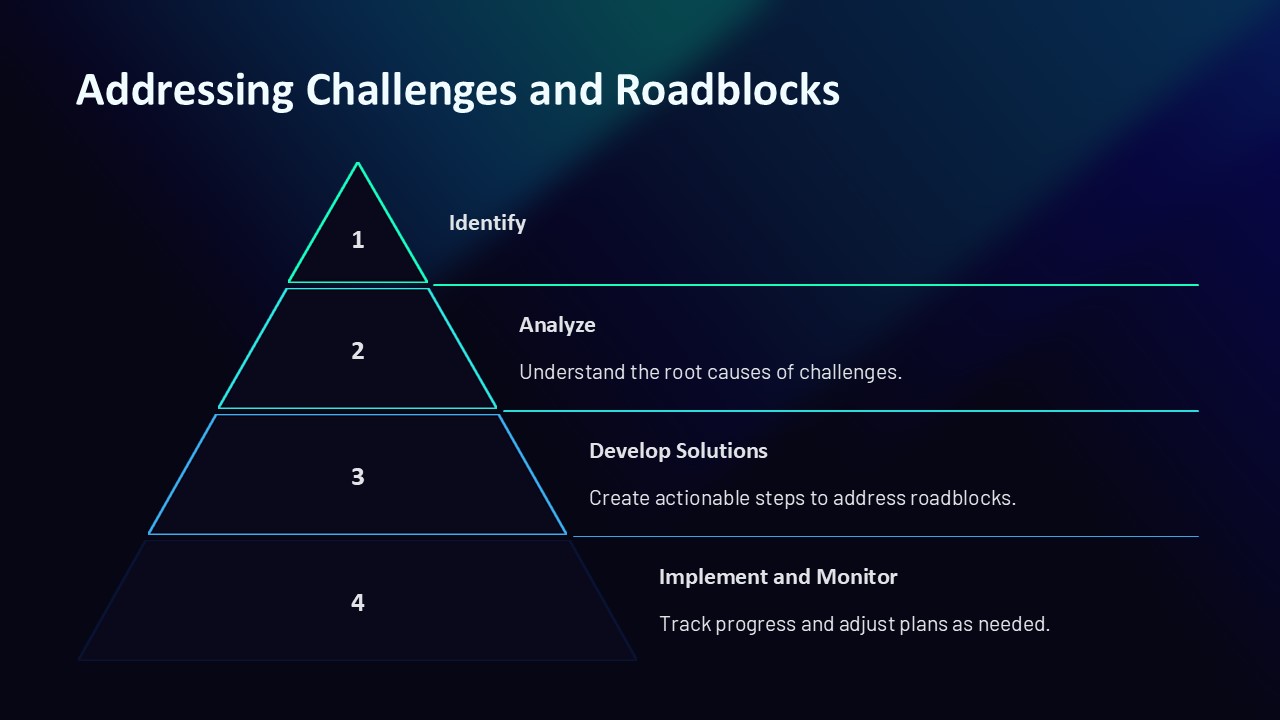
The template provides a clear and visually appealing layout, making it easy for users to convey important safety information to their team members or stakeholders. It includes editable graphs, charts, and diagrams that can be customized to suit specific safety metrics and performance indicators. The presentation also offers practical tips and strategies for implementing continuous improvement initiatives in the workplace, ensuring that safety remains a top priority for all employees.
Key Features:
1. Fully Editable Slides: Customize the content, colors, and fonts to match your organization’s branding and style guidelines.
2. Professional Design: The presentation features a modern and sleek design that is suitable for a variety of industries and business settings.
3. Data Visualization Tools: Utilize customizable graphs and charts to present safety data and statistics in a clear and engaging manner.
4. Best Practices: Learn about best practices for continuous improvement in business safety and how to implement them effectively.
5. Easy-to-Use: The template is user-friendly and can be easily navigated by anyone, regardless of their proficiency in PowerPoint.
Overall, Continuous Improvement in Business Safety PowerPoint Presentation is a valuable tool for organizations looking to strengthen their safety culture and drive ongoing improvements in workplace safety. By utilizing this template, businesses can create engaging and informative presentations that promote a safe and secure work environment for all employees.




There are no reviews yet.