


Description
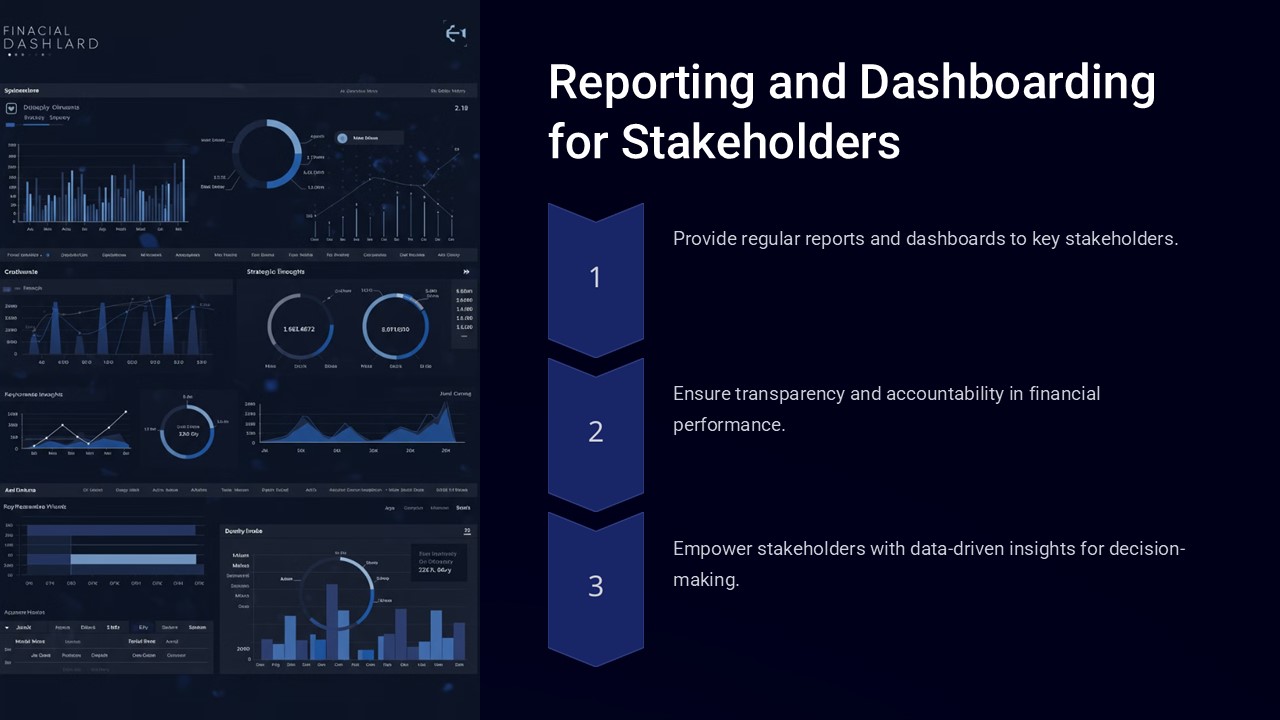
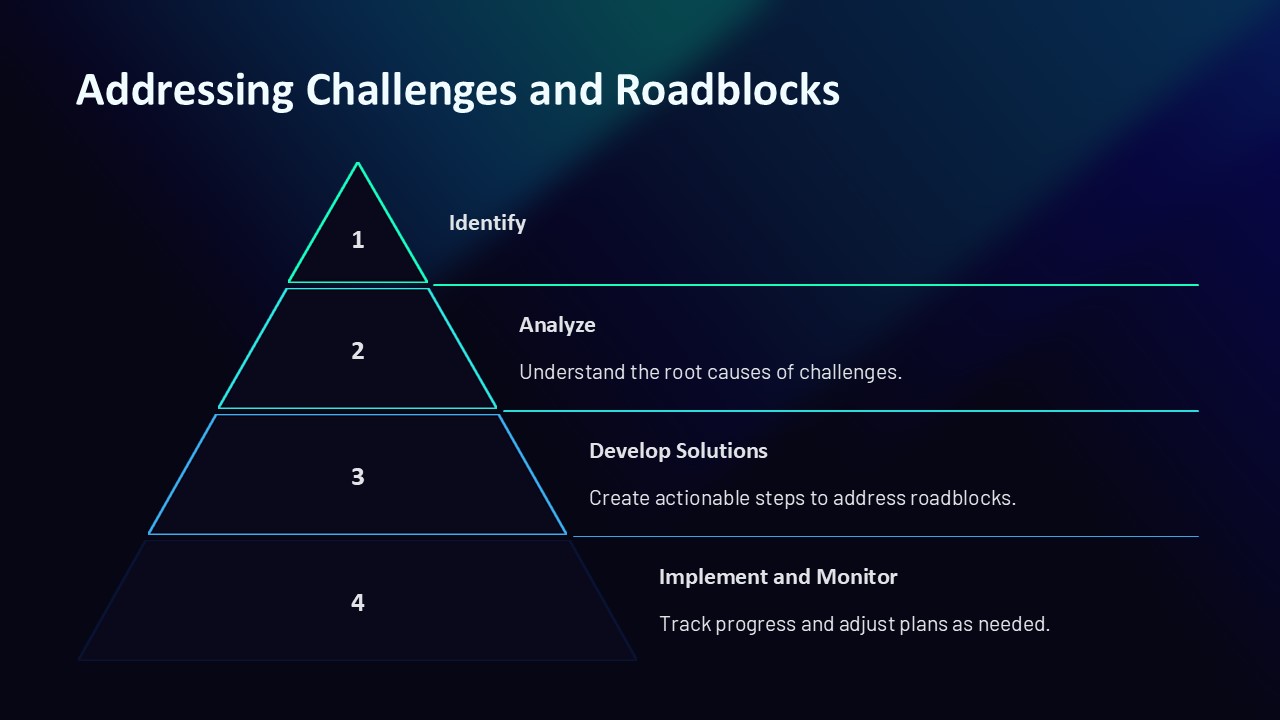
The Reporting and Dashboarding for Stakeholders PowerPoint Presentation is a powerful tool designed to help businesses effectively communicate data and insights to their key stakeholders. This professionally crafted presentation template includes a wide range of slides that are specifically tailored for reporting and dashboarding purposes.
With this presentation template, users can easily showcase key performance indicators, metrics, and data visualizations in a clear and concise manner. The slides are designed to help stakeholders quickly understand complex information, enabling them to make informed decisions based on the data presented.
Key features of the Reporting and Dashboarding for Stakeholders PowerPoint Presentation include:
1. Fully Editable Slides: All slides in the presentation are fully editable, allowing users to customize the content, colors, and layout to meet their specific needs.
2. Data Visualization Tools: The presentation includes a variety of data visualization tools such as charts, graphs, and infographics to help users present data in a visually engaging way.
3. Clear and Concise Layout: The slides are designed with a clean and professional layout that makes it easy for stakeholders to quickly grasp the information being presented.
4. Customizable Dashboard Designs: Users can easily create custom dashboards using the pre-designed slides, allowing them to tailor the presentation to their audience’s needs.
5. Flexible Design Options: The presentation template offers a range of design options, including different color schemes and slide layouts, to help users create professional-looking presentations.
Overall, the Reporting and Dashboarding for Stakeholders PowerPoint Presentation is a valuable tool for businesses looking to improve their reporting and data visualization efforts. By utilizing this template, users can effectively communicate key information to stakeholders and drive better decision-making within their organization.




There are no reviews yet.