


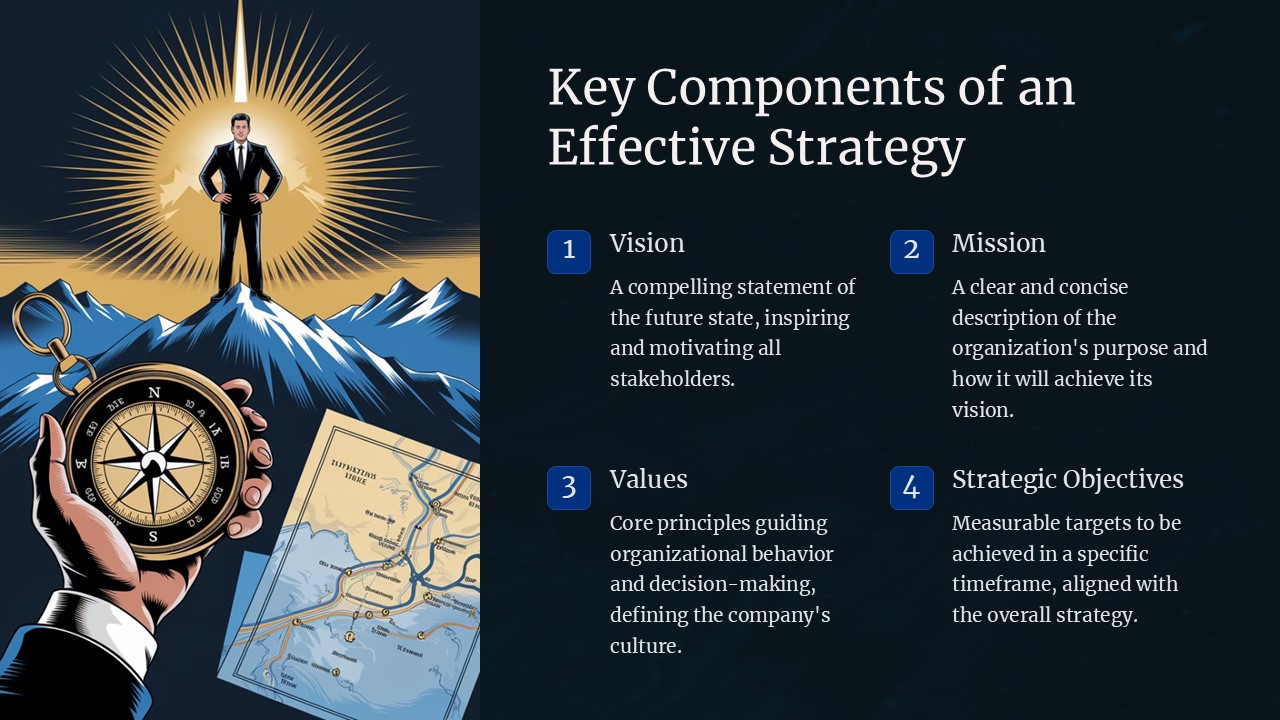
Description
Effective strategy PowerPoint presentations are crucial for any business or organization looking to communicate their plans and goals effectively. A well-crafted presentation can help convey complex ideas in a clear and concise manner, driving better understanding and buy-in from stakeholders. To create a successful strategy presentation, it is essential to include key components that will engage your audience and deliver your message with impact.
One of the essential components of an effective strategy PowerPoint presentation is a clear and concise outline of your goals and objectives. Clearly defining your vision and outlining the steps needed to achieve it will help keep your audience focused and engaged throughout the presentation. Including a timeline or roadmap can also provide a visual representation of the steps involved in achieving your goals, making it easier for your audience to follow along.
Another important component of a successful strategy presentation is data and analysis. Presenting relevant data and insights can help support your arguments and provide credibility to your ideas. Including charts, graphs, and other visual aids can also make your presentation more engaging and easier to understand for your audience.
In addition to outlining goals and presenting data, it is also crucial to include a call to action in your strategy presentation. Clearly defining what you want your audience to do next, whether it’s implementing a new strategy or supporting a specific initiative, can help drive action and ensure that your presentation has a lasting impact.
In summary, an effective strategy PowerPoint presentation should include a clear outline of goals and objectives, data and analysis to support your ideas, and a compelling call to action. By including these key components in your presentation, you can create a powerful tool for communicating your strategy and driving results.
Features of fully editable templates:
– Customizable design elements: Change colors, fonts, and layout to suit your brand and preferences.
– Editable charts and graphs: Easily update data points and information to reflect the latest insights.
– Drag-and-drop functionality: Quickly add images, text, and other elements to create a polished and professional presentation.
– Multiple slides layouts: Choose from a variety of slide designs to create a visually appealing and engaging presentation.
– Easy to use: No design experience required – simply download the template and start editing to create a stunning strategy presentation.


There are no reviews yet.