


Description
DevOps is a set of practices that combines software development (Dev) and IT operations (Ops) with the goal of shortening the systems development life cycle and providing continuous delivery of high-quality software. A DevOps PowerPoint presentation can be an invaluable tool for organizations looking to understand and implement DevOps practices effectively.
One of the key benefits of a DevOps PowerPoint presentation is that it provides a comprehensive overview of DevOps principles and practices in a visually engaging format. It can help organizations communicate the importance of DevOps collaboration, automation, and feedback loops to all team members, from developers to operations to management.
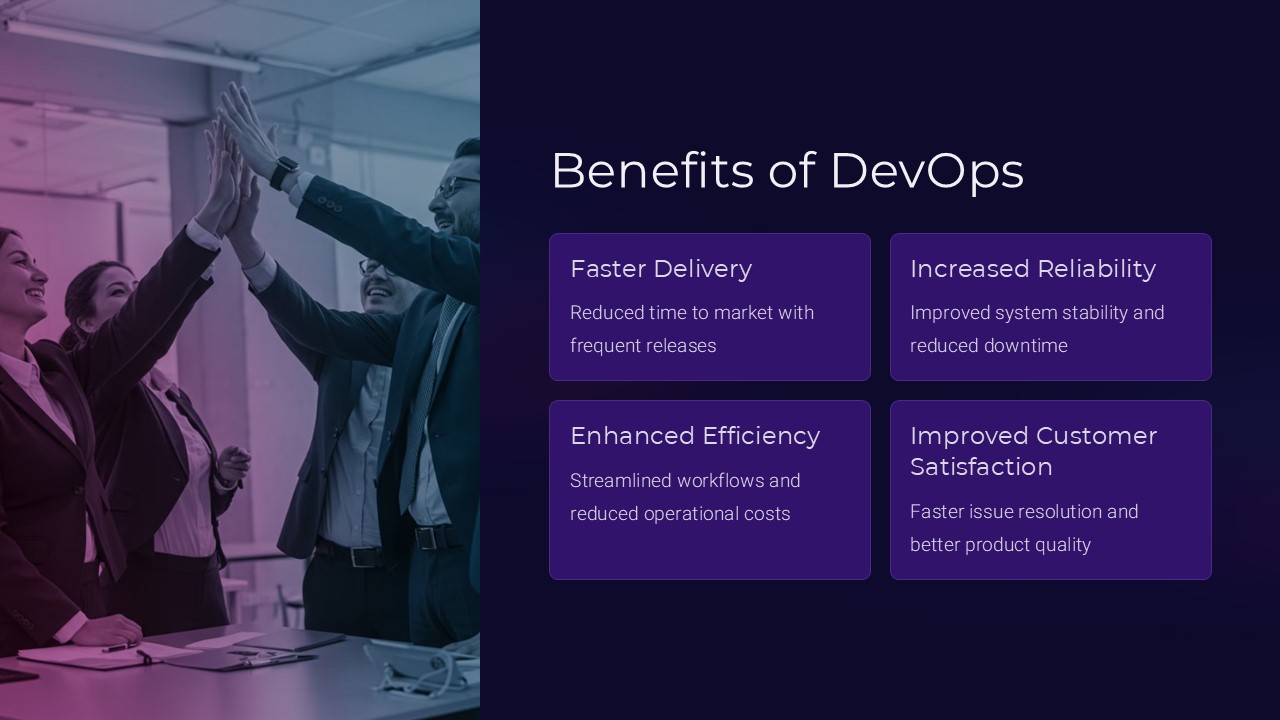
Moreover, a DevOps PowerPoint presentation can showcase case studies and success stories of organizations that have successfully implemented DevOps, highlighting the tangible benefits such as faster deployment times, increased product quality, and improved team collaboration. This can help build buy-in and support for DevOps initiatives within an organization.
In addition, a DevOps PowerPoint presentation can serve as a training tool for new team members or as a refresher for existing team members. By providing a structured overview of DevOps concepts and best practices, it can help ensure that all team members have a common understanding of DevOps principles and how they can be applied in practice.
Overall, a DevOps PowerPoint presentation is a valuable resource for organizations looking to embrace DevOps practices and transform their software development and IT operations processes for the better.
Features related to fully editable templates:
– Fully customizable: The DevOps PowerPoint presentation templates are fully editable, allowing users to easily customize the content, colors, and layouts to suit their specific needs and preferences.
– Professional design: The templates are designed by professional graphic designers, ensuring a high-quality and visually appealing presentation that will engage and impress audiences.
– Easy to use: The templates are user-friendly and easy to navigate, making it simple for users to edit the content and create a polished presentation in a matter of minutes.
– Versatile: The templates can be used for a variety of purposes, whether it’s for training sessions, team meetings, or executive presentations. They are adaptable to different contexts and audiences.
– Time-saving: Using ready-made templates can save users time and effort in creating a presentation from scratch. With pre-designed slides and layouts, users can focus on developing the content rather than the design.


There are no reviews yet.